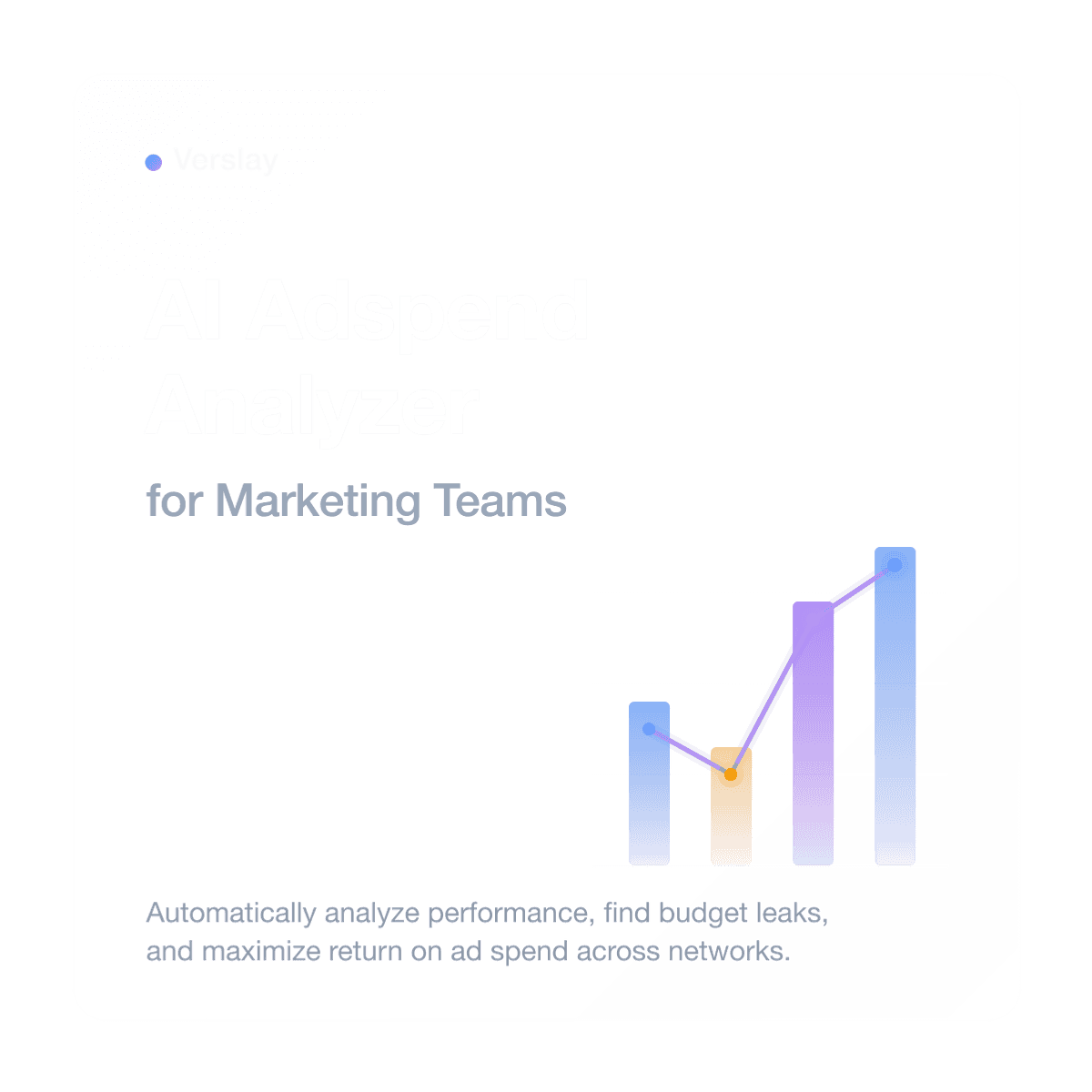
AI Adspend Analyzer for Marketing Teams
An AI adspend analyzer for marketing teams is an automated system designed to aggregate, parse, and analyze advertising spend and performance metrics across multiple platforms to optimize return on investment. By centralizing campaign data and automatically flagging budget waste, marketing teams can continuously optimize their ad performance and improve overall efficiency.
In modern digital marketing, managing campaigns across Google Ads, Meta Ads, LinkedIn, and TikTok is a significant operational challenge. Budget and performance data are scattered across multiple dashboards, each with its own interface and reporting structure. Because of this fragmentation, marketers often miss early signs of inefficient spend, such as creative fatigue, high cost-per-click (CPC) spikes, or dropping conversion rates. By the time a manual review is conducted at the end of the week or month, thousands of dollars in budget may have already been wasted on underperforming ads.
An automated adspend analyzer changes this process from a periodic manual audit into a continuous, real-time feedback loop, allowing marketing teams to protect their budgets and scale high-performing campaigns dynamically.
What This Use Case Does
An AI adspend analyzer workflow automates the collection, normalization, and evaluation of advertising campaign data across networks.
At a high level, the workflow:
- retrieves daily ad spend and performance metrics from multiple ad platforms using APIs or an adspend analyzer extension
- normalizes metrics such as click-through rates (CTR), conversion rates, cost per acquisition (CPA), and overall return on ad spend (ROAS)
- flags campaigns exhibiting performance drift, high spend with low conversion, or sudden CPA spikes
- sends real-time optimization alerts to campaign managers via chat or email
- drafts a daily or weekly performance brief summarizing budget allocation and top-performing creatives
For marketing teams, this eliminates the daily routine of logging into multiple ad managers and compiling custom reports.
Why Ad Spend Analysis Breaks Down
Traditional ad tracking and budget optimization processes suffer from several persistent bottlenecks:
- Lagging Visibility: Marketing teams often wait for weekly or bi-weekly syncs to review ad performance, allowing underperforming campaigns to run unchecked.
- Reporting Silos: When campaign data lives in separate, unconnected dashboards, it is difficult to build a unified view of total ad spend and relative channel performance.
- Manual Data Extraction: Manually exporting CSV files and pasting data into spreadsheets is slow, repetitive, and highly prone to formatting errors.
- Alert Fatigue: Built-in ad manager alerts are often noisy and generic, leading marketers to ignore them or turn them off.
Implementing an automated, intelligent analysis pipeline solves these issues by providing a single source of truth and highlighting only the anomalies that require immediate action.
A Practical AI Adspend Analyzer Workflow
Here is a structured framework for building an automated ad spend analysis and optimization loop.
Step 1: Connect Ad Platforms
The workflow begins by establishing secure connections to the platforms where your ad budget is actively deployed:
- Google Ads API
- Meta Graph API
- LinkedIn Campaign Manager API
- TikTok Marketing API
- Local browser databases (via an adspend analyzer extension for manual dashboard tracking)
By using secure connections, the workflow can pull the latest campaign statistics on a scheduled cadence (e.g., every morning at 6:00 AM) without requiring human intervention.
Step 2: Extract and Normalize Performance Metrics
Once connected, the system extracts key metrics for the last 24 hours, 7 days, and 30 days:
- Ad Spend: The exact budget consumed by each campaign, ad set, and creative.
- Impressions and Clicks: Basic traffic volume metrics to evaluate reach.
- Click-Through Rate (CTR): An indicator of creative relevance and audience interest.
- Conversion Rate: The percentage of clicks that result in desired actions (e.g., signups, purchases).
- Cost Per Acquisition (CPA) and ROAS: The ultimate measures of campaign efficiency.
The workflow normalizes this data into a unified schema, ensuring that a "conversion" or "lead" is measured consistently across different platforms.
Step 3: Identify Spend Inefficiencies
The AI analysis layer evaluates the normalized data against predefined performance benchmarks and historical baselines:
- CPA Spikes: Flags campaigns where the cost per acquisition has increased by more than 20% compared to the 7-day average.
- Low-Conversion Spend: Identifies ads that have spent more than twice the target CPA without generating a single conversion.
- Creative Fatigue: Detects ads with declining CTRs and rising frequencies, suggesting it is time to rotate creatives.
- Budget Allocation: Highlights channels with high ROAS that are capped by budget, suggesting reallocation opportunities.
This analysis helps identify good ads to analyze further, separating routine fluctuations from major inefficiencies.
Step 4: Generate Actionable Recommendations
Rather than just listing data points, the workflow uses natural language generation to draft a concise, actionable summary of the findings:
- “Campaign A (Meta) has spent $500 in the last 48 hours with 0 conversions. Recommend pausing ad set B-3.”
- “Creative C-1 (Google Search) has a CTR that is 50% higher than average. Recommend allocating 15% more budget to this campaign.”
- “Creative D-2 (LinkedIn) is showing signs of creative fatigue. Recommend uploading a fresh image asset.”
This converts raw dashboard numbers into direct next steps for the marketing team.
Step 5: Route Alerts and Log Reports
The final step is to dispatch the alerts and log the historical records:
- Urgent waste alerts (e.g., zero-conversion spend) are routed to a dedicated Slack channel or directly to the campaign manager via email.
- The consolidated performance brief is saved to the team's shared workspace (e.g., Notion or Google Sheets) for weekly review.
- High-performing campaign structures and creative styles are logged to build a historical library of successful patterns.
Where Verslay Fits
Verslay is designed to coordinate multi-system workflows like ad spend analysis because it acts as an orchestration layer between your ad networks, databases, and communication tools.
Rather than relying on manual exports or rigid third-party dashboards, Verslay allows you to build custom tracking loops:
- integrates with ad platform APIs to read daily statistics
- runs context-aware AI agents to classify performance anomalies and creative fatigue
- drafts structured summaries and optimization recommendations
- updates performance dashboards and routes Slack or email alerts
This ensures that your team always has an objective, automated view of campaign efficiency. To see how adjacent workflows are organized, browse our use-case library, or visit our pricing page to select the workspace tier that fits your team's scale.
What a Good First Version Looks Like
When launching an automated ad spend analyzer, it is best to start simple to ensure accuracy and build team trust:
- Single Input: Start by connecting just one primary ad network (e.g., Google Ads or Meta Ads).
- Core Metrics: Focus on tracking three key parameters: daily spend, CPA, and ROAS.
- Clear Threshold: Set simple, unambiguous alert rules (e.g., alert when daily CPA exceeds target by 30%).
- Direct Output: Route alerts to a single email address or Slack channel before integrating with broader task management systems.
Once the team is comfortable acting on these initial alerts, you can connect additional networks, track creative fatigue metrics, and automate budget reallocation suggestions.
What to Watch Out For
Avoid these common pitfalls when setting up automated ad tracking:
- Premature Alerts: Advertising platforms often have conversion delay or attribution lag. Avoid sending alerts for campaign performance that is less than 48 hours old.
- Ignoring Creative Context: High CPAs can sometimes be driven by seasonal bids or platform changes rather than bad creative. Ensure your analysis blends spend metrics with audience details.
- Over-Optimization: Making frequent, micro-adjustments can prevent ad platform algorithms from exiting their learning phase. Set reasonable analysis cadences (e.g., weekly or bi-weekly for minor tweaks).
The Payoff
Deploying an automated adspend analyzer provides immediate operational advantages:
- Reduced Budget Waste: Spotting inefficient campaigns early prevents budget leaks, directly improving overall ROAS.
- Time Savings: Eliminates hours spent logging into individual dashboards and compiling manual spreadsheets.
- Data-Driven Strategy: Replaces guesswork with clear, structured performance history to guide future campaign planning.
- Proactive Budget Scaling: Automatically identifies top-performing campaigns, making it easier to scale budgets with confidence.
By automating the tedious work of campaign data aggregation and performance monitoring, marketing teams can focus their energy where it matters most: crafting compelling creatives, refining offers, and building long-term growth.