Winning the deal is only part of the work. The handoff that follows is where many service teams lose momentum.
Sales notes sit in one place, kickoff details arrive in another, and the delivery team still has to chase missing context before real work can begin. That gap slows onboarding, creates a messy first impression, and increases the risk of scope confusion early in the relationship.
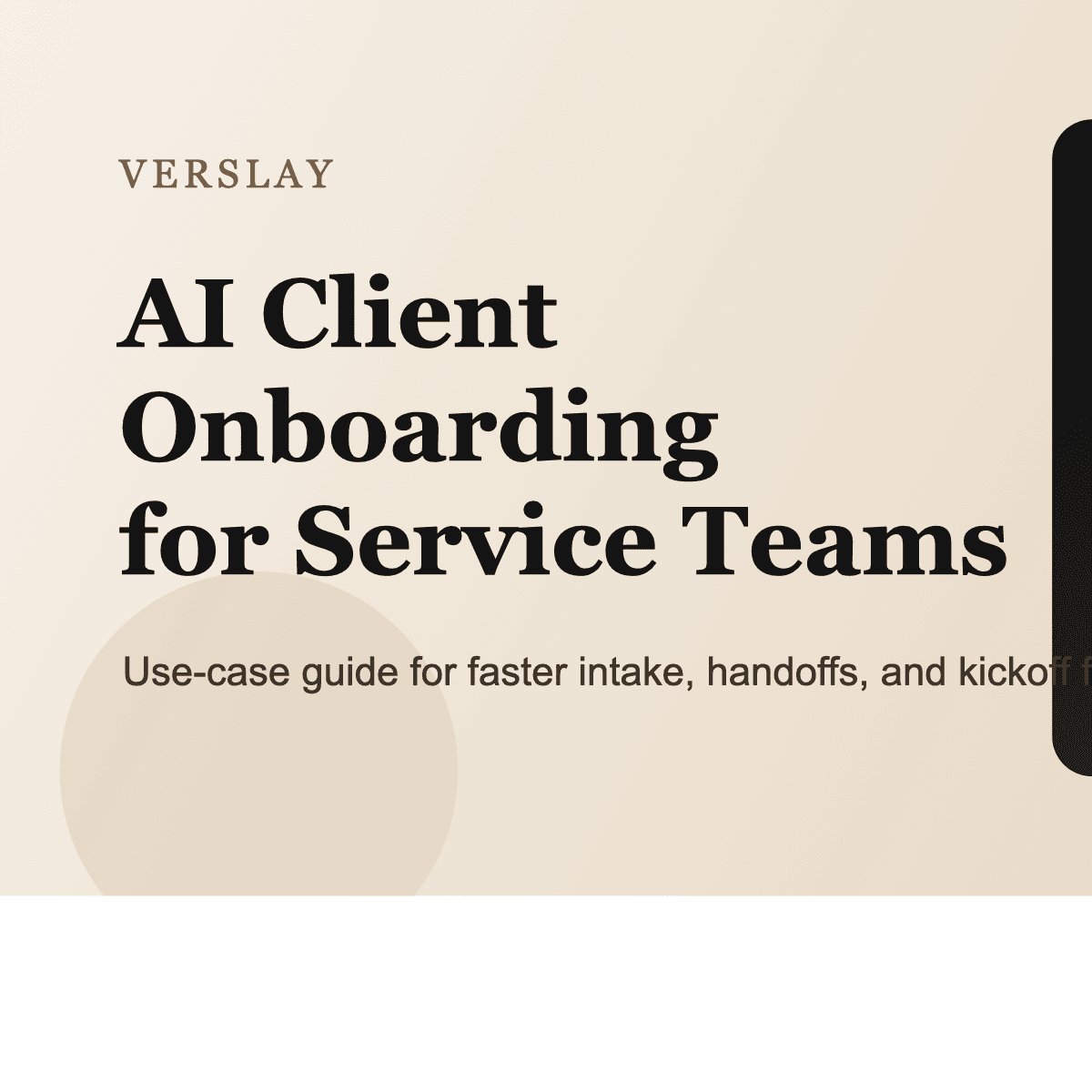
An AI client onboarding workflow helps by turning scattered inputs into one structured process. Instead of asking humans to manually collect, summarize, route, and follow up on every detail, the workflow handles the repetitive coordination so the team can focus on the actual client relationship.
What This Use Case Does
An AI client onboarding workflow helps service businesses move from closed deal to active delivery with less friction.
At a high level, the workflow:
- captures onboarding inputs from forms, emails, call notes, and internal handoff documents
- extracts key project details such as goals, stakeholders, timeline, scope, and required access
- routes action items to the right owner across sales, operations, and delivery
- drafts kickoff messages, reminders, and checklists
- keeps the onboarding path consistent across every new account
For service teams, this usually reduces delay at the exact moment when the client expects speed and clarity.
Why Onboarding Breaks Down
Client onboarding often looks simple on paper and chaotic in practice.
The common problems are operational:
- account context is split across inboxes, calls, and CRM records
- teams rely on memory instead of one repeatable checklist
- required details arrive late or in the wrong format
- internal handoffs depend on whoever happens to be available
- follow-up messages are delayed when no one owns the next step clearly
These are coordination problems, not strategy problems. That is why onboarding is a strong automation category for service businesses.
A Practical AI Client Onboarding Workflow
Here is a structure that works well for agencies, consultancies, implementation teams, and other service operators.
Step 1: Collect Inputs from Every Handoff Source
Start with the places onboarding information already exists:
- closed-won CRM record
- sales call summary
- signed scope or proposal
- kickoff intake form
- email thread with client stakeholders
The first goal is simply to make sure onboarding starts from one workflow instead of several disconnected tools.
Step 2: Extract the Details That Matter
The AI layer reads the source inputs and pulls forward the details the delivery team normally has to assemble manually:
- primary business goal
- requested deliverables
- stakeholders and roles
- timeline expectations
- required logins or system access
- dependencies, risks, or missing inputs
This step is valuable because it standardizes what a "complete handoff" actually means.
Step 3: Turn the Intake into Actionable Tasks
Once the inputs are structured, the workflow can create the first operational layer automatically:
- kickoff checklist items
- owner-by-owner task routing
- access requests
- internal project brief
- missing-information follow-ups
That reduces the common problem where the delivery team receives a vague note instead of an actionable starting point.
Step 4: Draft the Client-Facing Communication
Onboarding usually depends on fast, clear communication. The workflow can draft:
- welcome email
- kickoff agenda
- request for missing assets
- timeline confirmation
- next-step reminder
That does not mean every message should be sent without review. It means the team no longer starts each onboarding thread from a blank page.
Step 5: Keep the Process Moving
Once the workflow is live, it can continue to monitor the onboarding stage:
- flag missing client responses
- remind owners about pending setup tasks
- detect blocked dependencies
- update the status in the system of record
This is where the workflow becomes operationally useful rather than just informative.
Where Verslay Fits
Verslay is designed for workflows like this because onboarding is rarely one isolated action.
It usually requires several connected steps:
- read the handoff context
- interpret the onboarding requirements
- coordinate owners and next actions
- draft internal and client-facing communication
- update the connected systems
That is why it works best as a repeatable use case instead of a one-time AI prompt. The value comes from consistent execution, not just a smart summary.
If you want to explore adjacent workflow patterns, the use-case library shows how onboarding can sit alongside routing, reporting, and service operations. If the workflow depends on your existing tools, the integrations overview gives the clearest view of how the system connects.
What a Good First Version Looks Like
The best onboarding automations start narrow.
Begin with:
- one service line or team
- one intake structure
- one checklist pattern
- one client communication sequence
For example, a strong first version might capture a closed-won handoff, extract the project essentials, assign kickoff tasks, and draft the welcome email. That alone can remove a large amount of coordination friction from the first week of delivery.
What to Watch Out For
Teams usually run into the same mistakes early:
- automating before the onboarding checklist is clear
- treating partial notes as confirmed facts
- skipping human review on sensitive client messages
- trying to cover every edge case before the basic workflow is stable
A better approach is to use automation for the repeatable structure while keeping human judgment on scope, tone, and exceptions.
The Payoff
When this use case is working well, the benefits are practical:
- faster kickoff readiness
- fewer missing details at handoff
- clearer owner accountability
- more consistent client communication
- a smoother first impression after the deal closes
That is what makes AI client onboarding valuable for service teams. It is not about adding novelty to project delivery. It is about reducing the operational drag that slows down new work before it even starts.
If you want to expand from onboarding into broader delivery operations, the next step is usually routing, follow-up management, and internal reporting. For teams evaluating rollout structure, the pricing page gives a useful overview of how these workflows are packaged.