Integrations are where AI agent platforms live or die. A language model that can only read your data is a research tool. One that can act on your data — send the email, create the deal, post the campaign, update the inventory — is a business tool.
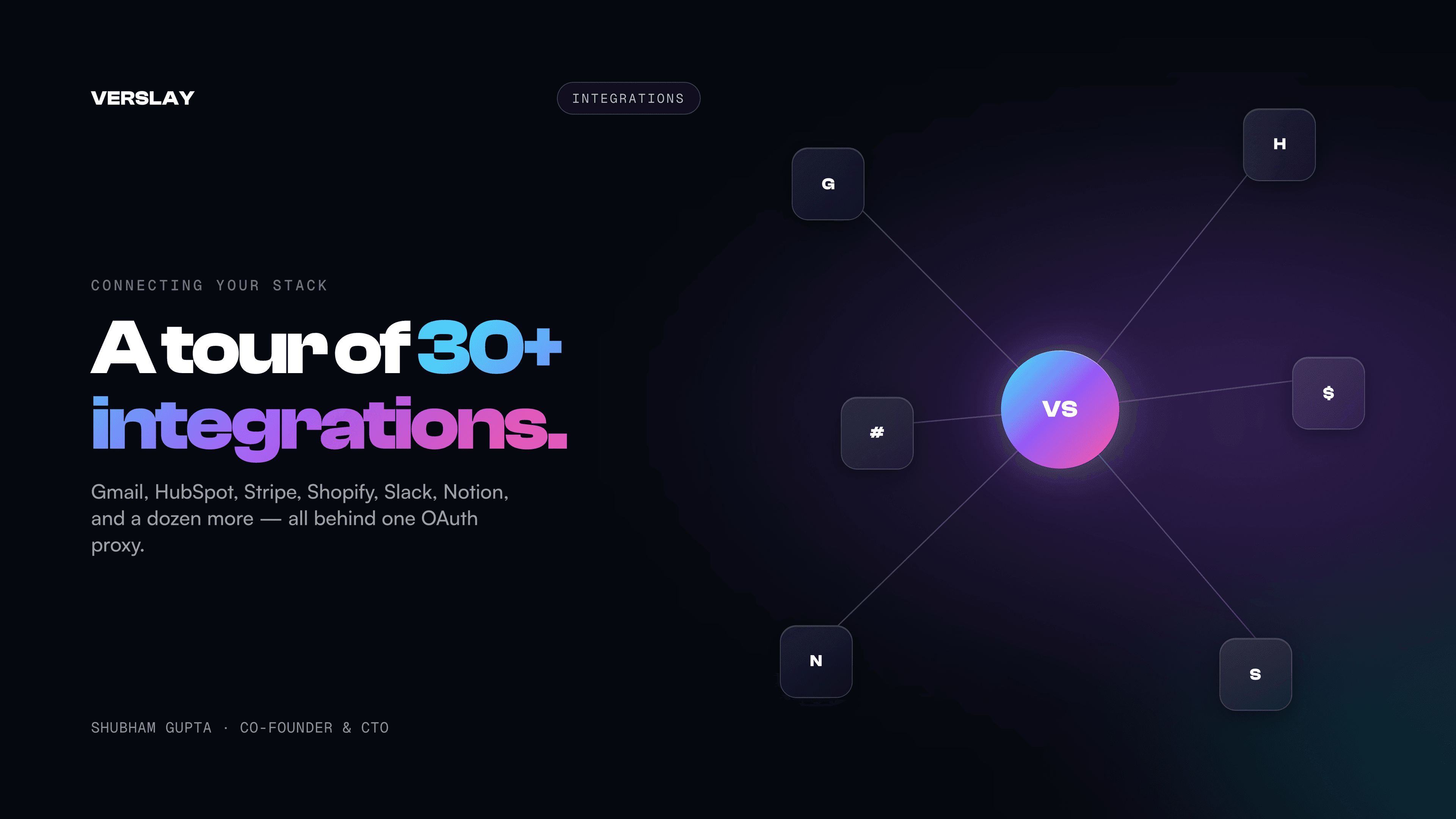
Verslay connects to 1,500+ tools across two layers: OAuth and API-key services that agents can act through, and intelligence packages that agents use for ambient data. Here's a complete breakdown of both, plus the engineering decisions behind how we secure them.
Layer 1: OAuth Providers
These are the integrations where Verslay needs a live connection to your account to read and write on your behalf. We support official OAuth 2.0 sign-in for the core stack:
CRM & Sales
- HubSpot — Contact search, deal creation, note creation, pipeline stage management, company search. Used by Lead-to-Close Pipeline, Revenue Dashboard, and Morning Brief.
- Salesforce — Contact and opportunity management.
- Zoho CRM — Full CRM workflow support.
Email & Calendar
- Gmail — Read, search, send, draft. All 5 Gmail actions available:
list_messages,read_message,send_message,search,create_draft. - Google Calendar — 5 calendar actions: list events, create event, get event, update event, delete event.
- Microsoft (Outlook + Teams) — Microsoft 365 email and calendar via OAuth with the Microsoft Identity Platform.
Social & Advertising
- Meta — Ad campaign creation and management via the Marketing API. Also Facebook page posting.
- LinkedIn — Company page posting, lead gen form management.
- Twitter/X — Tweet creation and thread management (uses PKCE flow for enhanced security).
E-Commerce
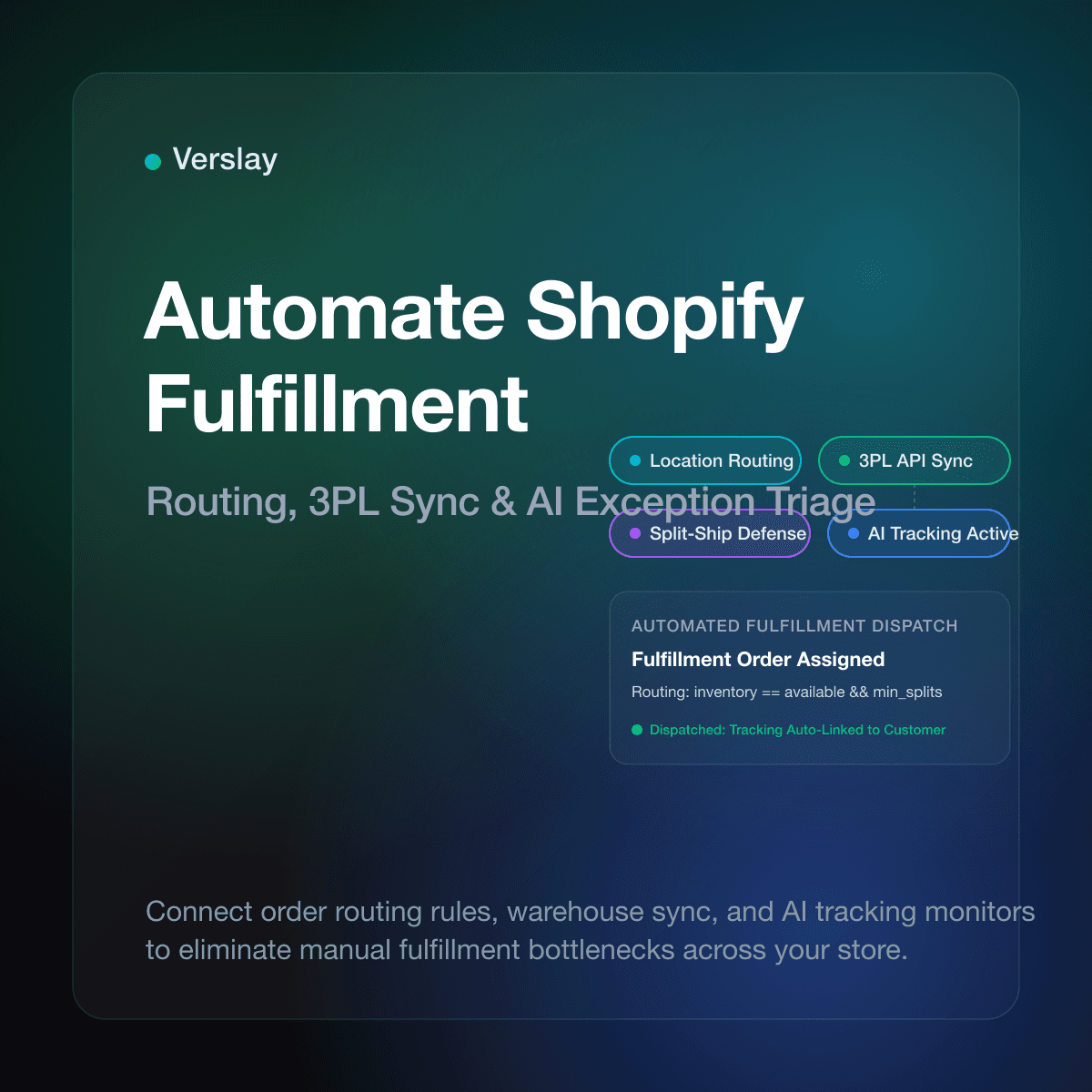
- Shopify — 12 tools covering products, orders, and customers. Multi-shop support: if you manage multiple stores, each gets its own OAuth token keyed by
shop_domain. REST Admin API 2025-01.
Productivity & Finance
- Asana — Task creation, project management, assignment.
- QuickBooks — Invoice creation, expense tracking, financial summary.
- Calendly — Event type management and scheduling link generation.
Each connection takes 15-30 seconds to complete. The OAuth dance happens entirely server-side — the authorization URL is generated by Verslay's API, you complete the provider's consent screen, and the callback exchanges the code for tokens before you ever see a result.
Layer 2: Intelligence Packages (7 always-on)
These packages don't require any connection setup. They're always available to agents that need ambient intelligence:
- Web Intelligence — Real-time web search via Brave Search + Tavily fallback. Every agent that needs "current information" uses this.
- Market Intelligence — Stock prices, company financials, earnings data via Alpha Vantage + FRED + free fallbacks.
- Weather Intelligence — Current conditions and forecasts via OpenWeather + free API fallback.
- Location Intelligence — Geocoding, local business search, mapping via Mapbox + free fallback.
- Translation Intelligence — 100+ language pairs via DeepL + free fallback.
- Knowledge Intelligence — Wikipedia + structured knowledge base search.
- Image Intelligence — Unsplash search + image analysis for visual research tasks.
All 7 packages have free-tier fallbacks. If you provide API keys (optional) for the premium sources, you get higher rate limits and more accurate data — but the packages work without them.
The Token Security Model
Here's where the engineering gets interesting.
When you connect an OAuth provider, Verslay stores the access token and refresh token in an oauth_tokens table in our Supabase database. The critical detail: they're never stored in plaintext.
We use AES-256-GCM encryption with a per-encryption initialization vector. The stored format is:
iv:authTag:encryptedData
Each segment is base64-encoded. The encryption key is a 64-character hex string (TOKEN_ENCRYPTION_KEY) that lives only in our server-side environment — never exposed to the browser, never logged.
When an agent executes and needs to call, say, the Gmail API, the flow is:
- The MCP server receives the tool call (
send_message) - It decrypts the stored token using the
TOKEN_ENCRYPTION_KEY - It makes the API call to Gmail on your behalf
- It returns the result to the agent session
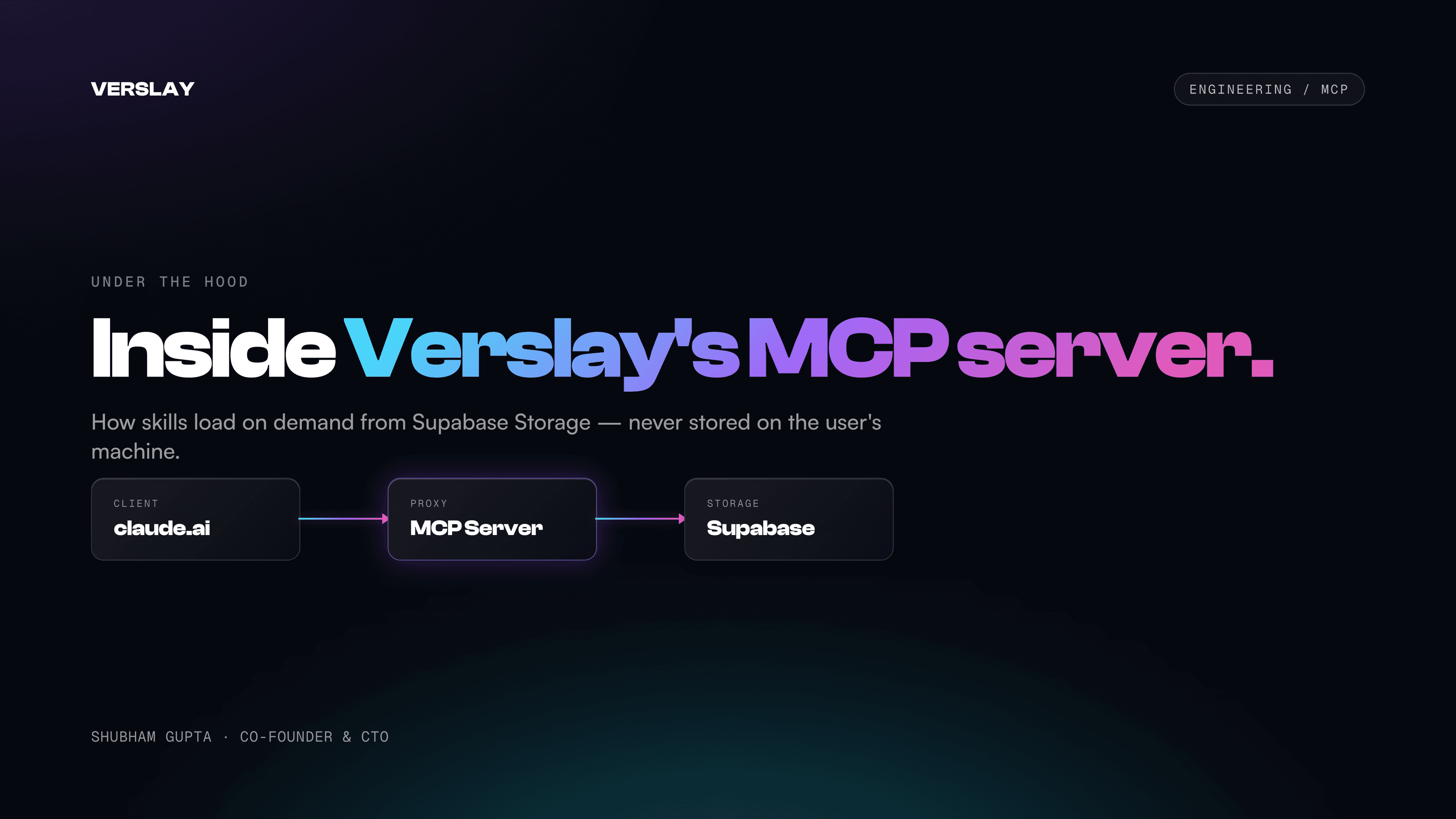
Your credentials never leave the Verslay MCP server. The agent session on your claude.ai instance sees only the tool result, not the raw token.
Why this matters for multi-tenant setups: The same encryption model applies to Shopify multi-shop scenarios. If you manage 3 Shopify stores, you have 3 distinct encrypted token records, each with a unique shop_domain. The Shopify tools in your agent session take an optional shop_domain parameter to target the right store.
Token Refresh
OAuth tokens expire. We handle refresh automatically:
- When a token is expired or rejected (401 from the provider API), the MCP server attempts a token refresh using the stored
refresh_token - If the refresh succeeds, the new tokens are encrypted and stored, and the original request is retried
- If the refresh fails (revoked consent, provider error), the agent returns a descriptive error explaining which connection needs to be re-authorized
This means most users never have to think about token expiry. The hub connections page shows token status — green for active, amber for expired — so you can proactively reconnect if needed.
The OAuth Proxy Architecture
We spent significant time on what we call the "generic handler" pattern.
Rather than writing a bespoke OAuth flow for each of the 13 providers, we built a single handler in apps/web/src/lib/oauth/oauth-handler.ts that reads from a provider configuration file. Each provider's config specifies:
- Authorization URL and token endpoint
- Required scopes
- Whether PKCE is required (Twitter/X uses it)
- Token response parsing rules
- Refresh token behavior
Adding a new OAuth provider is a config entry, not a code change. The CSRF protection (timing-safe token comparison), the state parameter, and the callback validation are all centralized in the handler.
The same pattern applies on the MCP server side — a config-driven token manager that knows how to decrypt and use tokens for each provider type.
What's Coming: API Key Integrations
Beyond OAuth, hundreds of providers connect via API key — Stripe, Razorpay, Notion, ClickUp, Zendesk, and 1,200+ more. Paste the key from your provider dashboard, and it's encrypted on save and never re-displayed. Every tool's exact method — OAuth, API key, or no auth at all — is documented in the connection-guide library.
Connecting Right Now
The fastest way to see the integration value is to connect Gmail and run the Morning Brief or Email Campaign Manager use-cases. Gmail is the integration with the highest cross-use-case leverage — it's used across dozens of use-cases.
See the full integration catalog, including provider-by-provider capability breakdowns and which use-cases each integration unlocks.