Automate Shopify Draft Orders: Complete Store Guide
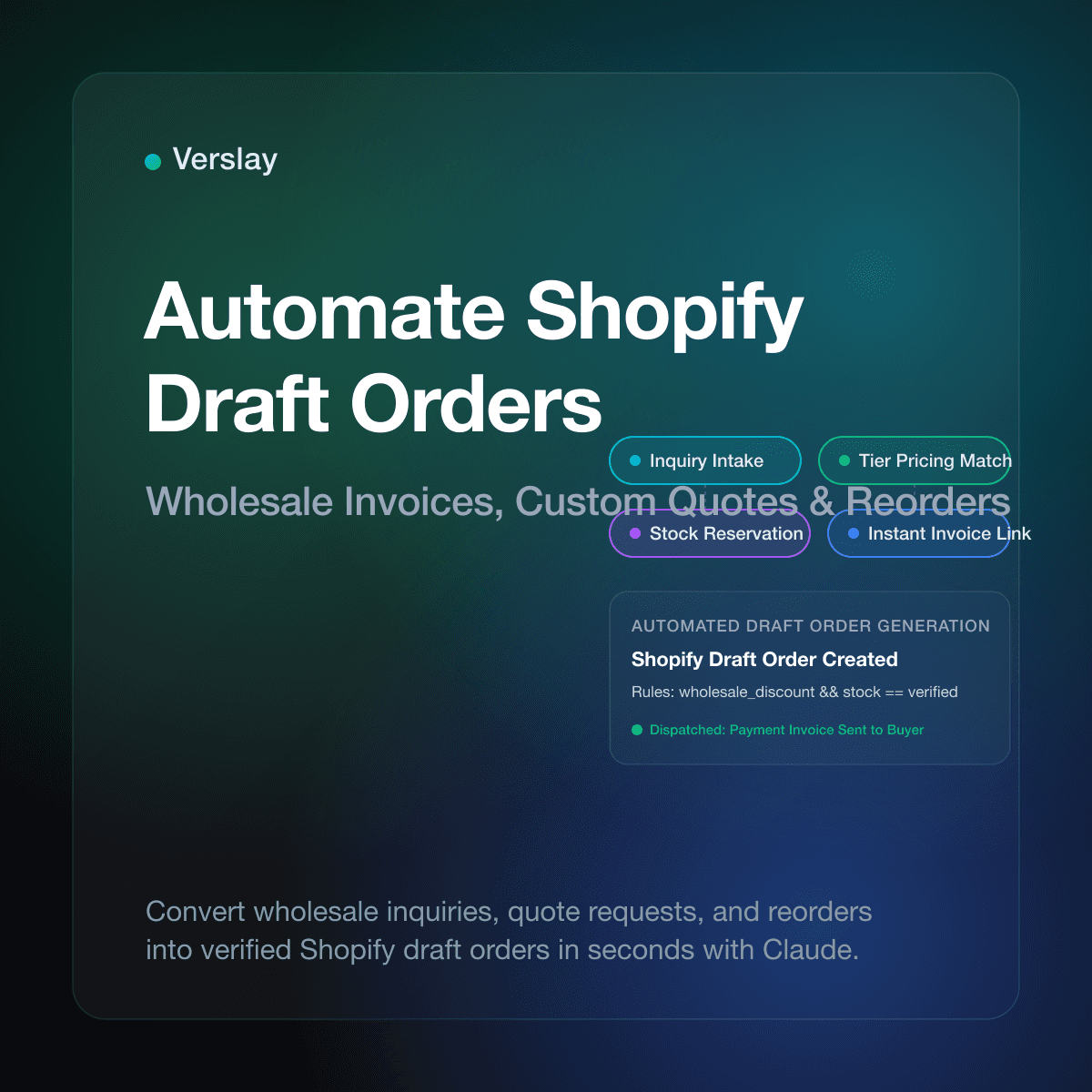
Automate Shopify draft orders by integrating Claude through the Verslay Model Context Protocol (MCP) server to convert quote requests, wholesale spreadsheets, and custom inquiries into verified store orders in seconds. Connecting intelligent agent workflows directly to your store admin removes repetitive line-item entry, applies accurate customer pricing rules, and delivers payment invoices without manual intervention. As transaction complexity grows, automated draft orders preserve operational bandwidth while giving buyers a rapid, accurate checkout experience.
At a glance:
- Instant quote creation: Convert incoming email quotes, phone requests, and wholesale inquiries into fully formatted Shopify draft orders.
- Custom pricing application: Automatically match tier discounts, negotiated contract rates, and custom bundle pricing without manual margin math.
- Automated invoice dispatch: Trigger official Shopify checkout links and payment invoices immediately after draft verification.
- Inventory reservation control: Reserve stock intentionally for high-value draft orders to prevent stockouts while quotes await buyer payment.
- Zero custom code: Run production-ready agent workflows through your existing Claude setup via the Verslay MCP server.
What are draft orders in Shopify and when should you automate them?
Draft orders in Shopify represent merchant-initiated purchases created directly within the store admin rather than through the online storefront cart. They provide store operators with complete control over order parameters: custom line-item pricing, manual discounts, variable shipping costs, and flexible payment terms.
According to official Shopify draft orders documentation, merchants rely on draft orders whenever standard storefront checkouts cannot capture customer requirements. Common scenarios include handling negotiated B2B transactions, issuing replacement orders for customer support escalations, processing phone sales, and sending customized quote packages to direct clients.
When an online business processes only one or two custom requests each week, manual administrative entry is manageable. However, as brand volume expands, manually searching inventory SKUs, calculating tiered quantity price breaks, and copying customer postal information becomes an operational bottleneck. Automating draft order creation frees your staff from tedious data entry while eliminating costly clerical errors.
Which draft order workflows consume the most administrative time?
Most growing ecommerce merchants experience administrative drag across four recurring operational scenarios. Identifying where your operations team spends repetitive hours helps prioritize draft automation effectively.
- B2B and Wholesale Purchase Orders: Wholesale buyers rarely place orders through standard retail storefront checkouts. They send purchase orders as PDF documents or spreadsheets over email. Staff spend 20 minutes per order copying item codes, validating minimum order quantities, and applying volume discounts.
- Custom Quotes and Consultative Sales: Stores selling custom goods, bespoke bundles, or high-ticket configurations exchange multiple emails to finalize product specifications. Manually translating final quote agreements into draft orders creates friction and delays payments.
- Customer Support Replacements and Exchanges: When support teams issue warranty replacements or swap sizes, generating an exchange draft order manually delays resolution. Automating draft creation directly from ticket details speeds up customer turnaround.
- Reorders and Recurring Supply Requests: Long-term clients often request identical restocks via chat or email. Repetitive manual assembly of previously purchased items wastes valuable administrative hours.
To discover how modern online brands automate similar operational tasks, explore our comprehensive catalog of use cases and see how teams connect repetitive store actions to automated routines.
How do AI agents automate Shopify draft order creation?
Traditional automation tools struggle with draft orders because customer inquiries arrive in messy, unstructured formats: paragraphs in emails, attached invoice PDFs, or conversational message threads. Rigid form scripts fail when a customer requests "five units of the blue model and two extra filters" without providing explicit product IDs.
AI agents solve this problem by combining natural language understanding with authenticated store operations through the Model Context Protocol (MCP). When connected to your Shopify store via Verslay, Claude reads inbound order requests, identifies the exact catalog items from your product database, checks live stock levels, and structures a complete draft order.
The operational workflow follows four systematic stages:
- Inquiry Parsing: Claude ingests the raw request from an email or support ticket, extracting customer contact details, desired item quantities, and special pricing requests.
- Catalog and Inventory Verification: The AI agent queries your live Shopify product catalog through Verslay to match natural-language item names to precise variant IDs and verify that sufficient stock exists.
- Pricing and Discount Application: The agent applies the appropriate wholesale discount rules, customer-specific pricing tags, or calculated shipping fees based on configured store guidelines.
- Draft Generation and Invoice Dispatch: Claude prepares the complete draft order inside Shopify, stages the order for supervisor review or automatically dispatches an official checkout link to the customer.
You maintain full oversight: agents draft and assemble the details, while store operators retain total authority over financial confirmation and final dispatch.
How does AI draft order automation compare to manual entry?
Evaluating traditional manual order creation alongside automated AI workflows highlights the speed, accuracy, and operational efficiency gains available to growing stores.
| Operational Stage | Manual Shopify Admin Entry | Basic Spreadsheet App | Claude + Verslay AI Agents | | :--- | :--- | :--- | :--- | | Request Intake | Manually reading emails and tickets | Exporting CSV forms | Direct natural-language extraction | | Variant Matching | Searching variant titles by hand | Exact SKU string matching | Contextual catalog search and SKU resolution | | Stock Validation | Manual check per item line | Periodic inventory sync | Real-time live inventory lookup | | Discount Calculation | Manual percentage calculation | Basic coupon rules | Customer-specific tiered pricing logic | | Draft Order Creation | 10–20 minutes of administrative clicking | Batch upload script | Complete draft generated in seconds | | Customer Invoicing | Manual email composition | Generic notification | Automatic payment link delivery |
Combining automated catalog matching with hands-off draft generation reduces order turnaround from hours to seconds, accelerating cash collection for custom transactions.
What sample prompt lets you generate draft orders in Claude?
Store operators using the Verslay MCP server can generate draft orders inside Claude using direct natural language. There is no need to write custom webhook code or maintain complex workflow builders.
Here is a production prompt an ecommerce operations lead uses to convert an inbound wholesale inquiry into a verified draft order:
A wholesale buyer submitted the following purchase request via email:
"Hello, we need 24 units of your Matte Black Ceramic Tumbler (16oz) and 12 units of the White Ceramic Tumbler (16oz) shipped to Summit Cafe, 452 Pine Street, Seattle, WA 98101. Please apply our standard 20% wholesale tier discount and invoice us."

Please execute the following steps:
1. Search our Shopify catalog for both tumbler variants and verify available inventory.
2. Retrieve or create the customer profile for Summit Cafe with the Seattle shipping address.
3. Create a Shopify draft order with the 24 Black and 12 White tumblers.
4. Apply a 20% wholesale discount across the line items.
5. Display a summary table showing item variants, stock availability, unit prices, applied discount, and total draft amount for my approval before sending the invoice.
Claude inspects the catalog using the Verslay MCP server, calculates the discounted line items, creates the draft order in Shopify, and presents a clear summary table in chat. Once verified, you give permission to send the official payment link directly to the buyer.
To learn more about connecting your store tools to Claude, consult our step-by-step integration guides and detailed connection guides.
What common draft order mistakes should store owners avoid?
While automating draft orders saves immense administrative effort, overlooking key Shopify configuration details can cause operational snags. Keep these practical guidelines in mind:
- Unchecked Inventory Reservation: In Shopify, draft orders do not automatically hold inventory unless you explicitly select "Reserve inventory" or set an expiration date. If your store experiences high sales velocity, unreserved drafts risk stockouts before the buyer pays.
- Missing Tax and Shipping Calculation Rules: Forgetting to calculate local taxes or specify shipping rates on draft orders can leave your business absorbing unexpected freight and sales tax costs.
- Neglecting Customer Profile Linking: Always ensure draft orders link to an existing customer record or create a clean profile. Unlinked guest drafts fragment customer lifetime value metrics and order histories.
- Ignoring Currency Settings for International Wholesale: If you sell internationally, ensure the draft order specifies the correct presentment currency to avoid foreign exchange discrepancies upon payment.
- Failing to Automate Follow-up Reminders: Unpaid draft invoices linger indefinitely without automated tracking. Combine draft generation with automated reminder prompts to keep receivables moving.
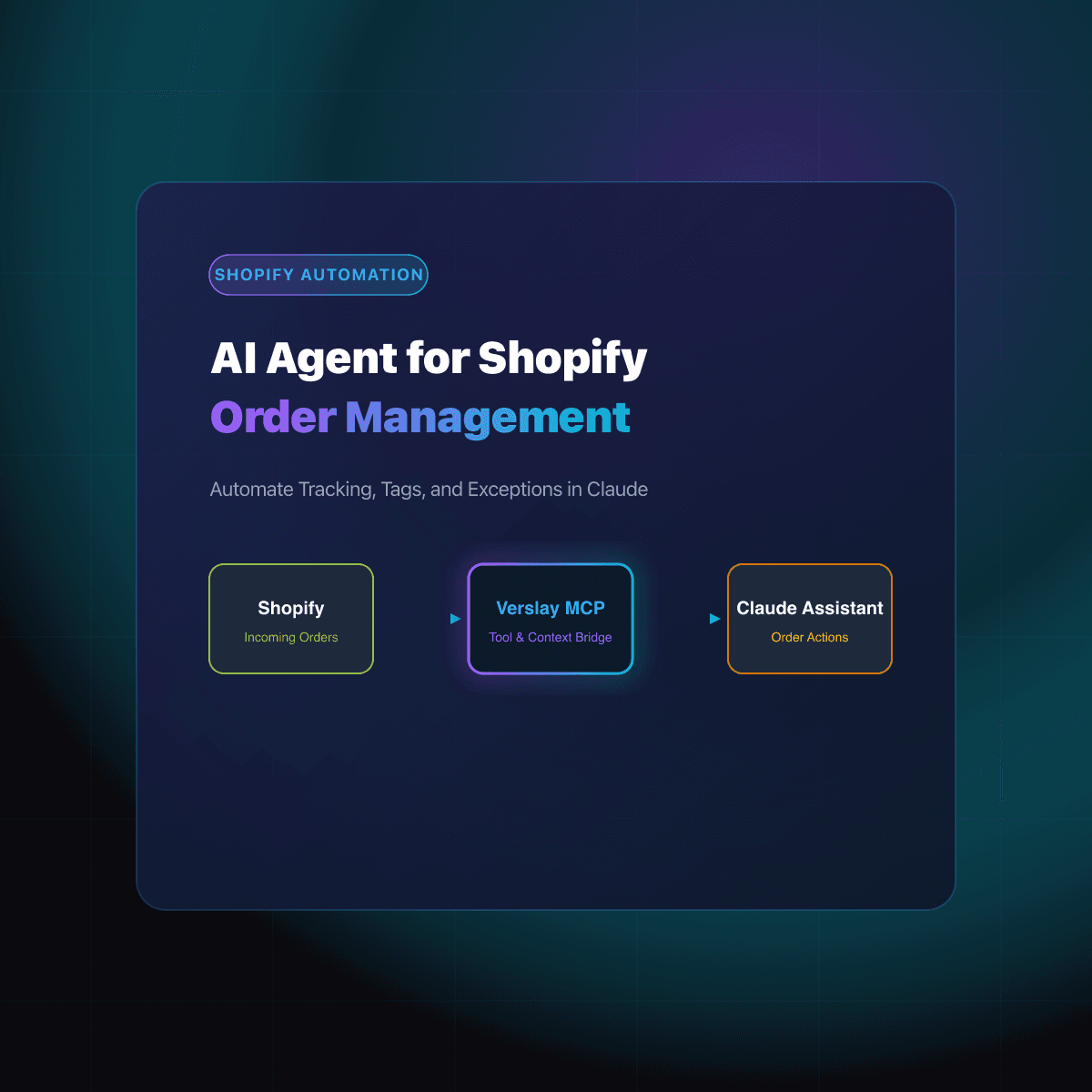
For additional order workflows, see our operational guides on AI agents for Shopify order management, automating wholesale orders from Instagram DMs, and how to automate Shopify fulfillment.
Frequently Asked Questions
What are draft orders in Shopify and when should you use them?
Draft orders allow merchants to manually create orders, apply custom item pricing, set bespoke shipping rates, and email payment invoices directly to buyers. They are ideal for wholesale accounts, customized quote requests, and orders taken over phone or email.
How do you convert a draft order to a completed order in Shopify?
A draft order converts into an official Shopify order once payment is received or when store administrators mark it as paid or set pending payment terms. Shopify automatically creates a standard order number, reserves inventory, and prepares fulfillment.
Can AI agents generate Shopify draft orders automatically?
Yes. By connecting Claude to Shopify using the Verslay MCP server, AI agents extract customer shipping details, items, quantities, and discount agreements from unstructured emails or messages to create complete draft orders in seconds.
Do automated draft orders automatically reserve stock in Shopify?
Shopify reserves inventory only when a merchant or automation explicitly toggles inventory reservation on the draft order or once payment terms are finalized. Managing stock thresholds prevents overselling while draft invoices remain open.
Elevate Your Store Operations
Automating Shopify draft orders eliminates repetitive administrative entry, speeds up invoice turnaround, and protects your team from manual pricing errors. Equipping your store with Claude and dedicated AI agents provides dependable operational execution without hiring additional administrative coordinators.
Discover our transparent pricing plans to find the ideal package for your operations, or book a quick strategy session directly at https://calendly.com/verslay/30mins to see automated ecommerce workflows running live.