Automate Shopify Fulfillment: Complete Store Owner Guide
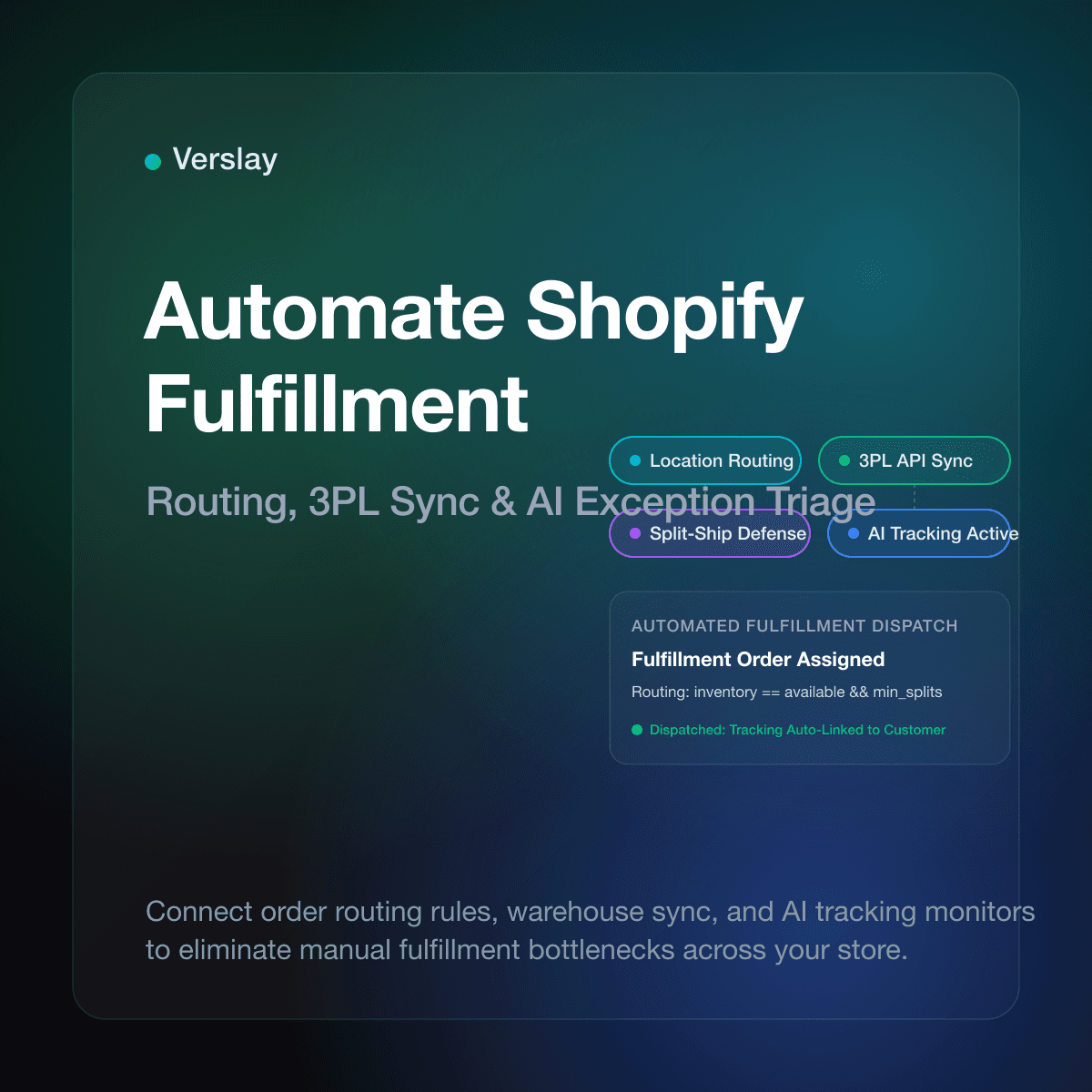
Automate Shopify fulfillment by connecting intelligent order routing, automated warehouse notifications, and proactive AI tracking monitors directly to your store admin. Combining built-in platform rules with Claude-connected AI agents enables growing ecommerce brands to dispatch orders instantly, resolve shipping holds, and eliminate repetitive manual fulfillment clicks. As order volume scales, an automated fulfillment workflow ensures customers receive rapid tracking numbers while warehouse teams avoid costly dispatch errors.
At a glance:
- Hands-free dispatch: Route customer purchases automatically to the optimal warehouse based on stock availability and destination postal codes.
- 3PL synchronization: Send digital fulfillment requests directly to third-party logistics partners without manual spreadsheet exports.
- Exception monitoring: Track stuck packages, unfulfilled orders, and delivery delays using proactive AI agent alerts in Claude.
- Split-shipment control: Configure location priority rules in Shopify to minimize parcel counts and protect shipping margins.
- Zero custom code: Deploy ready-to-run workflows through the Verslay MCP server with your existing Claude desktop setup.
How does automated fulfillment work in Shopify?
Fulfillment automation in Shopify moves a customer order from payment authorization to warehouse dispatch through software rules rather than manual administrative oversight. When a shopper completes checkout, Shopify evaluates the line items against your configured location priorities and inventory balances.
According to official Shopify order fulfillment documentation, fulfillment centers receive instructions through fulfillment orders. A fulfillment order represents a group of items within an order that a single location must pack and dispatch. When automated, the platform generates these fulfillment requests and submits them to connected warehouse applications immediately after payment capture.
Once the warehouse scans the shipping label, carrier tracking data flows back into Shopify via application programming interfaces (APIs). The store marks the order fulfilled and triggers an automated shipment confirmation email containing the tracking link directly to the customer. This closed-loop process removes human data entry at every transition point.
Which order fulfillment tasks should you automate first?
Transitioning an ecommerce store from manual packing slips to automated operations works best in progressive stages. Trying to automate every corner case on day one creates confusion when unexpected inventory shortages arise. Focus initially on repetitive, high-frequency actions that consume administrative time.
- Fulfillment Request Dispatch: Automatically assign paid orders to third-party logistics partners or internal packing stations immediately upon payment clearance.
- Digital and Gift Card Fulfillment: Set digital downloads, gift cards, and virtual service items to fulfill instantly without holding up physical products.
- Tracking Number Ingestion: Connect carrier shipping portals so tracking identifiers and carrier names update customer profiles without copy-paste work.
- Customer Status Notifications: Trigger real-time SMS and email dispatches when packages reach key transit milestones: picked up, out for delivery, and delivered.
- Unfulfilled Order Alerts: Flag orders lingering in unfulfilled status past standard service level agreements so operations leads can intervene quickly.
Automating these core tasks frees your warehouse leads to focus on physical packing quality, inventory accuracy, and special vendor handling.
How do you configure automatic order routing rules?
Modern Shopify stores manage multi-warehouse fulfillment through native order routing rules. These rules dictate which location fulfills each line item when multiple facilities hold available stock.
Per Shopify order routing specifications, merchants configure location rules inside store settings under Shipping and Delivery. You arrange rules in order of precedence to balance shipping speed against operational cost:
- Ranked Location Priority: Set a primary warehouse or 3PL hub to receive all orders first. Secondary regional fulfillment centers only trigger when the primary facility runs out of stock.
- Minimize Split Shipments: Direct orders exclusively to locations capable of fulfilling the entire cart. Splitting a two-item order into two distinct packages doubles label expenses and packaging waste.
- Closest Location to Destination: Route orders to the facility geographically closest to the customer delivery address, reducing transit zones and shipping transit days.
- Stay Within Destination Market: Restrict cross-border shipments by keeping domestic orders within domestic fulfillment facilities, avoiding surprise customs delays.
Balancing these four rules ensures your store automatically assigns each order to the most cost-effective warehouse facility without human intervention.
How can AI agents handle shipping exceptions and 3PL delays?
Native Shopify settings handle the straightforward path: route the order, notify the warehouse, and ingest tracking numbers. However, real-world ecommerce encounters messy exceptions: supplier backorders, invalid shipping addresses, carrier scan stalls, and customs delays.
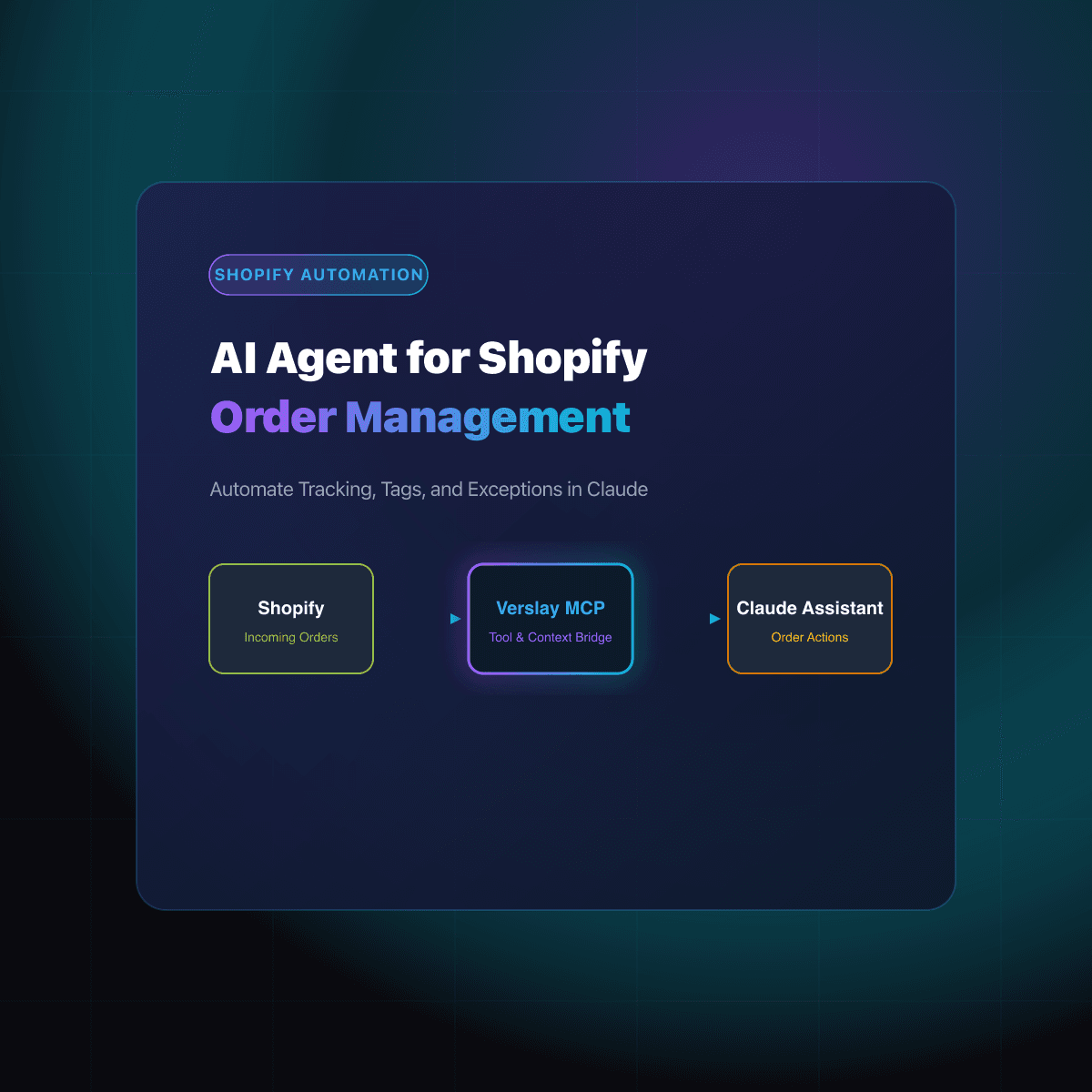
This is where autonomous AI agents provide essential operational support. By connecting your store to Claude using the Verslay Model Context Protocol (MCP) server, AI agents monitor fulfillment queues around the clock. The AI agent inspects order details, checks carrier tracking status across major delivery services, and identifies stalled shipments before customers open angry support tickets.
When an exception occurs—such as a package showing zero tracking updates 72 hours after label creation—the AI agent can draft proactive customer updates, apply an investigation tag to the Shopify order, and post an alert to your internal operations channel. This intelligent oversight catches delivery bottlenecks early and preserves customer trust.
Review our catalog of use cases and explore how dedicated AI agents handle fulfillment exceptions, inventory notifications, and post-purchase customer workflows.
How does AI fulfillment triage compare to native Shopify settings?
Understanding what native Shopify settings accomplish compared to advanced AI automation helps store owners design an efficient operating model. The table below illustrates the division of responsibilities.
| Capability | Native Shopify Admin | Third-Party 3PL App | Claude + Verslay AI Agents | | :--- | :--- | :--- | :--- | | Order Routing | Rule-based location matching | Basic warehouse sync | Multi-condition inventory and priority evaluation | | Fulfillment Dispatch | Manual or basic instant trigger | Automated API push | Automated push with address validation checks | | Carrier Tracking Sync | Standard webhook ingestion | Label generation | Ingestion plus proactive scan anomaly detection | | Shipping Delays | Static unfulfilled filter list | Portal status log | Proactive stalled shipment alerts and draft updates | | Address Correction | Manual merchant editing | Error notification email | Autonomous buyer address verification suggestions | | Customer Outreach | Generic transactional template | None | Personalized, context-aware transit delay notices |
Combining native platform routing with AI-assisted exception handling gives growing online stores reliable, hands-off logistics without bloated software overhead.
What practical prompt helps you audit fulfillment holds in Claude?
Store managers connected to the Verslay MCP server can inspect fulfillment health directly from their Claude workspace using natural language. Instead of navigating multiple administrative menus, you run conversational audits to identify bottlenecks.
Here is a sample prompt an ecommerce operations lead uses during morning standup:
Review all unfulfilled Shopify orders placed over the last 48 hours.
Identify any orders currently on fulfillment hold or missing warehouse routing tags.
For orders waiting on carrier tracking, check whether the label was generated more than 2 days ago without an initial carrier acceptance scan.
Provide a summary table grouping items by warehouse location, and highlight any orders requiring immediate manual review.
Claude executes the necessary read operations through your store connection, analyzes the order metadata, and outputs a concise table of fulfillment holds. You spot warehouse delays in seconds and resolve issues before they escalate.
To see how easily store connections install, check our step-by-step integration guides and detailed connection guides.
What common fulfillment mistakes should store owners avoid?
Automating fulfillment yields massive efficiency dividends, but overlooking foundational configuration details can create costly logistics headaches.
- Enabling instant auto-fulfillment for physical goods: Never select "Automatically fulfill the order line items" in checkout settings if you ship physical products. This setting marks orders fulfilled before warehouse staff ever pack the box, preventing proper tracking number attachment.
- Neglecting inventory threshold buffers: If your 3PL synchronizes inventory balances hourly rather than in real time, high-velocity sales days can cause overselling. Maintain a small inventory safety buffer to prevent backorders.
- Ignoring unmapped shipping rate names: When you create new custom shipping rates in Shopify, ensure your 3PL software maps each rate name to a valid carrier service code. Unmapped rate names cause orders to sit unfulfilled in warehouse staging queues.
- Failing to validate postal address formats: Incomplete apartment numbers and mismatched zip codes halt automated label printers. Deploying an address verification check before dispatch eliminates unnecessary carrier return fees.
- Overlooking return workflows: Automated outbound fulfillment must pair with clear return handling. As fulfillment speed increases, establish clear reverse logistics rules to protect your inventory count.
For guidance on reverse logistics, see our companion breakdown on how to automate Shopify refund and return workflows.
Frequently Asked Questions
Does Shopify automatically fulfill orders out of the box?
Shopify allows stores to automatically mark digital goods or gift cards as fulfilled immediately after payment, but physical merchandise requires configured order routing rules or third-party logistics integrations to process fulfillment requests without manual clicks.
Can you route orders to multiple fulfillment locations automatically?
Yes. Shopify order routing rules let merchants prioritize inventory locations based on proximity to the customer shipping address, complete inventory availability, or ranked warehouse preference to assign fulfillments automatically.
How do AI agents improve Shopify fulfillment operations?
AI agents running through Claude via the Verslay MCP server continuously monitor fulfillment orders, identify shipments stuck without carrier scans, and notify operations teams before delayed deliveries lead to customer complaints.
How do you prevent split shipments when automating fulfillment?
Within Shopify order routing settings, store operators prioritize the rule to ship from locations with complete inventory over geographical proximity, ensuring single orders do not divide into multiple expensive package deliveries.
Elevate Your Ecommerce Operations
Automating your Shopify fulfillment process eliminates hours of repetitive administrative overhead while accelerating package delivery for your customers. Connecting AI agents to your store through Claude provides continuous operational monitoring and fast exception triage without custom software development.
Explore our transparent pricing plans to find the right operational package for your store, or book a quick strategy session directly at https://calendly.com/verslay/30mins to see automated ecommerce workflows running live.