
To automate Shopify order tracking, store owners synchronize carrier tracking numbers with fulfillment records so customers receive automatic status updates at every shipping milestone. Instead of manually copying tracking codes or fielding repetitive "Where is my order?" (WISMO) support inquiries, automated workflows detect fulfillment events, update order statuses, and trigger proactive notifications when delivery exceptions arise. This operational setup frees support teams from routine status checks while giving online buyers dependable visibility into package transit.
At a glance
- Direct Support Relief: Automated order tracking resolves WISMO inquiries that represent 40% to 60% of daily post-purchase support volume for online brands.
- Shopify Native Capabilities: Shopify includes built-in tools to attach tracking numbers, but managing multi-carrier exceptions and cross-channel updates requires connected workflows.
- Proactive Exception Detection: Automated tracking workflows flag stalled packages, customs holds, or missed delivery windows before shoppers reach out to your support desk.
- Claude and MCP Integration: Connecting your store to Claude via the Verslay MCP server allows teams to research shipment statuses, parse carrier milestones, and draft context-aware customer updates without custom software development.
Why Is Manual Order Tracking a Costly Bottleneck for Growing Shopify Stores?
When an ecommerce brand starts out, managing customer shipments is straightforward. A store owner prints shipping labels, packs boxes, copies tracking numbers into Shopify, and marks orders fulfilled. At ten orders per day, this routine is manageable.
As order volume scales to fifty, one hundred, or hundreds of orders daily, manual workflows break down. Support teams spend hours answering repetitive emails asking for tracking links. Industry data indicates post-purchase inquiries about order status account for roughly half of all inbound customer support conversations.
When support staff must open Shopify, search an order number, copy the tracking link, check the carrier portal, and draft a reply, operational costs escalate quickly. Delays in updating tracking details also create customer anxiety, leading to premature cancellation requests and disputed charges. Automating tracking entry ensures buyers receive immediate notifications while freeing support teams for complex inquiries.
How Does Shopify Handle Order Tracking Natively?
Shopify provides native mechanisms for recording tracking information and notifying customers. According to the official Shopify fulfillment documentation, merchants can attach tracking numbers directly to fulfillment records within the admin dashboard or via third-party carrier integrations.
When an order is fulfilled, Shopify generates a fulfillment record containing:
- Carrier Name: The shipping provider responsible for transit (such as USPS, UPS, FedEx, or DHL).
- Tracking Number: The unique code assigned by the carrier to identify the parcel.
- Tracking URL: A direct link directing the customer to the carrier delivery tracking page.
Once saved, Shopify sends an automated shipping confirmation email or SMS message containing the tracking URL and estimated delivery window. For orders shipping from separate warehouses, Shopify supports partial fulfillments, assigning distinct tracking links to each package.
However, native tracking has clear limits: standard notifications trigger only when an order is fulfilled or delivered. They do not alert customers to intermediate transit checkpoints or carrier delays. If a parcel sits in a distribution center for days without movement, Shopify does not notify the store manager or draft an update to the customer.
What Are the Operational Approaches to Automate Shopify Order Tracking?
Store owners typically choose between three operational strategies to automate tracking workflows, depending on order complexity:
| Operational Dimension | Manual Tracking Updates | Dedicated Tracking Apps | AI-Driven Tracking via Verslay MCP | | :--- | :--- | :--- | :--- | | Setup Complexity | None (native admin) | Medium (app configuration) | Low (connects via standard MCP protocol) | | Tracking Number Sync | Manual copy-paste | Automated API sync | Automated API & cross-system sync | | Delivery Exception Handling | Manual carrier checks | Basic alert rules | Intelligent triage & draft communications | | Channel Support | Email and SMS only | Web portal & email | Multi-channel (email, helpdesk, Slack) | | Operational Scalability | Low (caps at ~30 orders/day) | Moderate (fixed rule sets) | High (adapts to varied customer questions) | | Ongoing Maintenance | High labor overhead | Subscription fees & widget maintenance | Flexible Claude-driven workflows |
1. Direct Carrier API and Shipping App Sync
Connecting shipping software (such as ShipStation, Shippo, or EasyPost) to Shopify automates tracking entry. As shipping labels print, the software pushes tracking numbers and carrier URLs back to Shopify through the fulfillment API, eliminating manual entry.
2. Branded Tracking Portals
Dedicated tracking applications replace raw carrier links with a branded page on your domain. These tools pull carrier checkpoints and display delivery progress visually. While branded pages improve retention, they remain passive: customers must remember to visit the link to discover delays.
3. AI-Driven Tracking Orchestration with Claude
Connecting your Shopify store to Claude using the Verslay MCP server introduces an active operational layer. Instead of waiting for customer tickets, AI workflows monitor stalled orders, query carrier APIs, identify delivery exceptions, and draft empathetic status updates for store review.
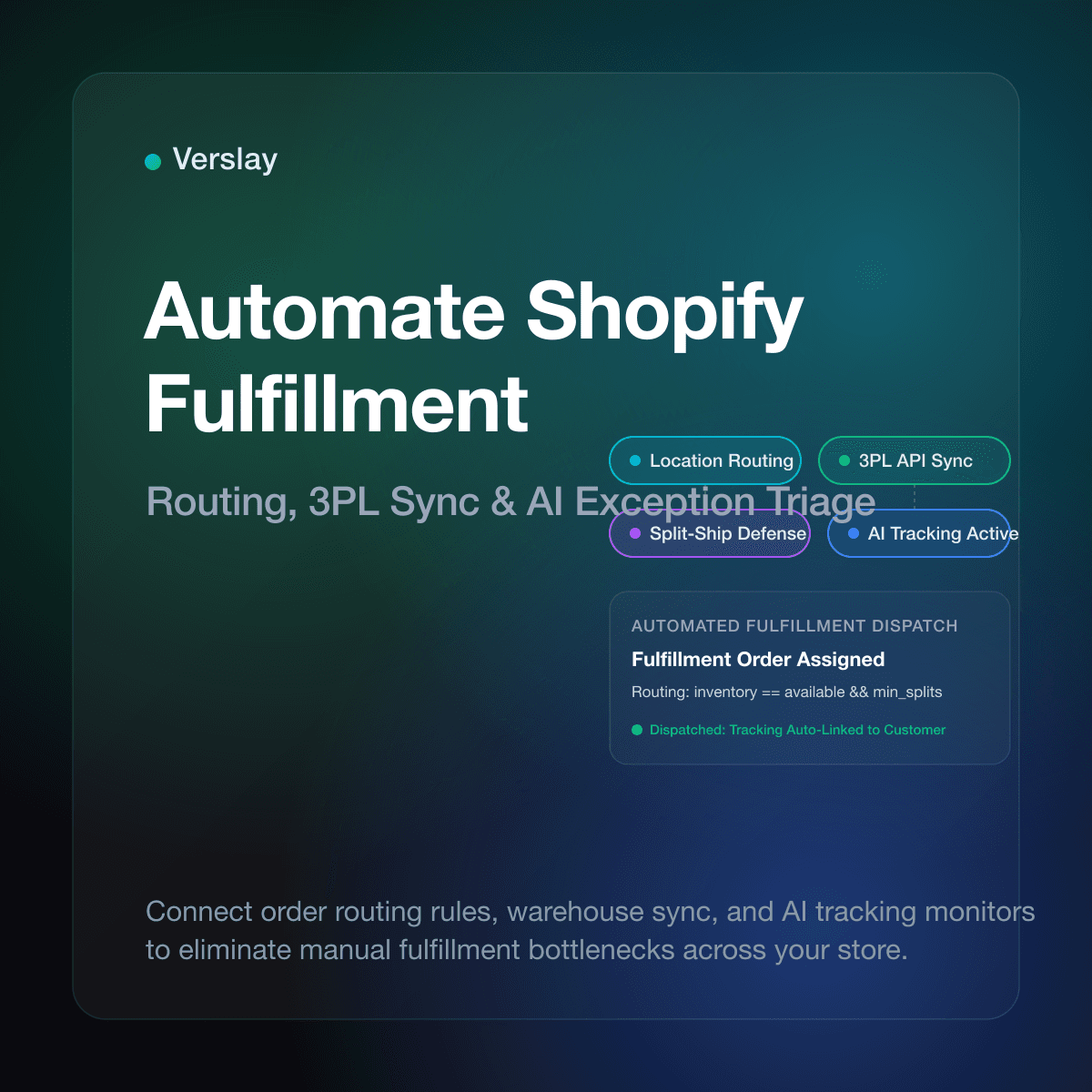
For teams managing orders across multiple channels, explore our guide on how to automate Shopify fulfillment and review our strategies for Shopify refund and return workflow automation.
How Do AI Agents Coordinate Order Tracking Through Claude and Verslay MCP?
Verslay gives online businesses AI agents and automations that run directly through the customer's own Claude (claude.ai) workspace via the Verslay MCP server. There is no code to maintain, and no sensitive models run on your company infrastructure.
Here is how an operations team coordinates order tracking automation using Claude:
- Connect Shopify to Your Claude Workspace: Store administrators link Shopify via the Verslay MCP server. Claude gains structured access to read fulfillment records and verify carrier tracking URLs.
- Ingest Inbound Tracking Inquiries: When a customer asks for shipment status, Claude parses the order number or customer email from the message.
- Verify Real-Time Transit Data: Claude inspects the Shopify order record to confirm fulfillment, retrieves the tracking number, and reviews the latest checkpoint status.
- Classify Shipment State and Flag Delays: The AI classifies the shipment into clear operational categories (Label Created, In Transit, Transit Exception, or Delivered).
- Draft Context-Aware Customer Communications: If the parcel is on schedule, Claude drafts a polite response confirming the tracking number. If an exception is detected, Claude drafts a proactive message explaining the carrier status and offering clear next steps for human review.
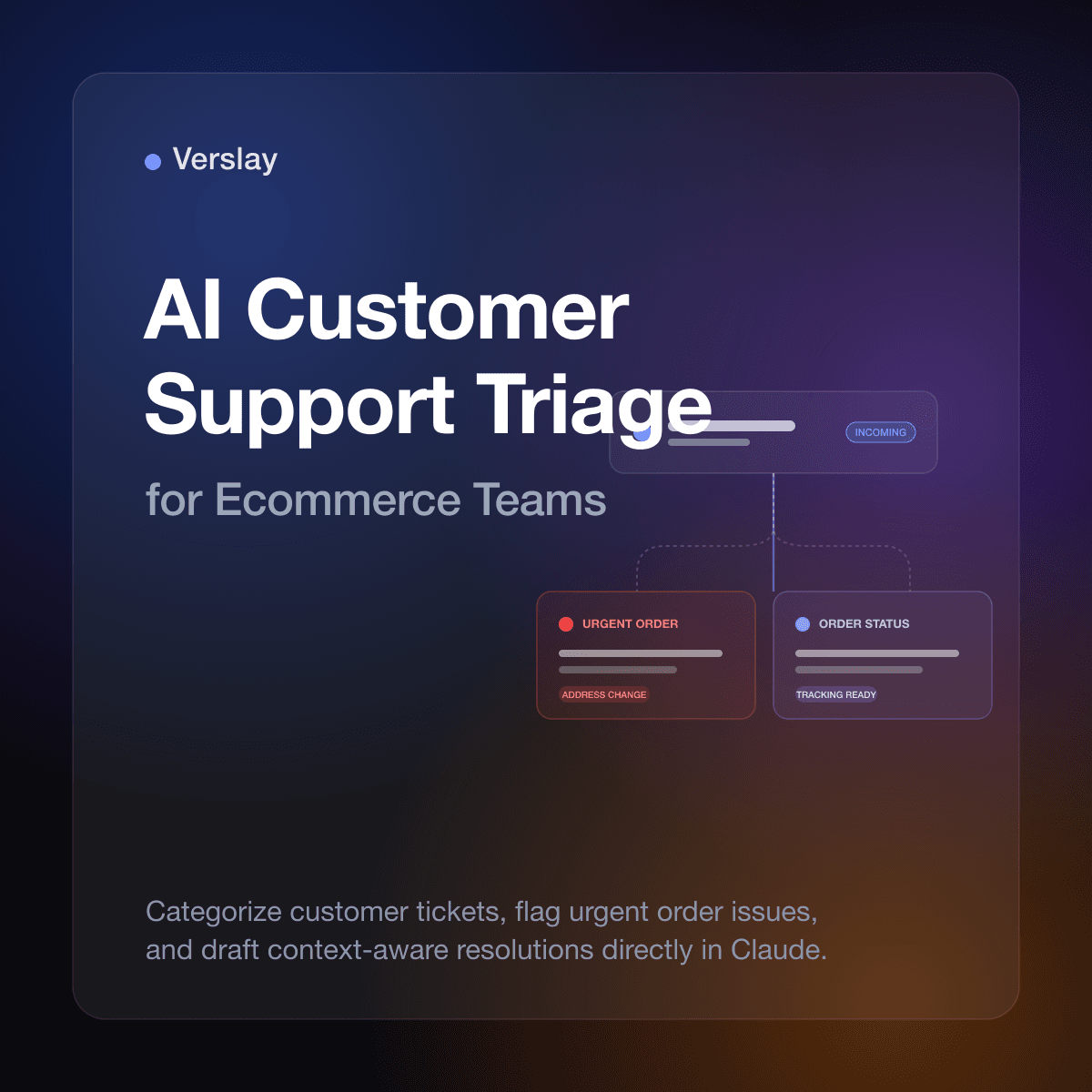
To see how AI agents assist support workflows across different departments, read our breakdown of AI for ecommerce customer support triage and explore available AI agents and use-case automations.
Sample Claude Prompt: Automated Order Tracking and WISMO Support Triage
Below is an operational prompt that store operators use inside Claude connected via Verslay MCP to triage tracking inquiries and draft customer replies:
You are an operations assistant managing customer order tracking for our Shopify store.

When analyzing order tracking status for an inquiry:
1. Locate the customer order in Shopify using the provided order number or buyer email.
2. Verify fulfillment status:
   - If "Unfulfilled": Check creation date. If within normal handling time (1-2 business days), explain that the packing team is preparing the items. If delayed past 48 hours, flag for warehouse review.
   - If "Fulfilled": Retrieve carrier name, tracking number, and tracking URL.
3. Evaluate carrier transit history:
   - Identify last recorded checkpoint and timestamp.
   - Check whether the parcel is moving normally or if a carrier exception exists.
4. Prepare a clear, polite customer update:
   - State current package location and carrier tracking link.
   - Provide carrier estimated delivery date if available.
   - If a transit delay exists, acknowledge it directly and explain next steps.
   - Maintain a helpful, reassuring tone without making unverified delivery promises.
5. Present the proposed email response and order summary table for human review before sending.
This prompt establishes clear operating boundaries. It prevents speculative delivery promises while ensuring every customer receives factual, timely tracking details.
To review platform compatibility and connection requirements for your tech stack, browse our platform integrations catalog and step-by-step connection guides.
What Are the Operational Guardrails for Automated Order Tracking?
Implementing automated tracking workflows requires thoughtful guardrails to protect customer relationships:
1. Display Branded Tracking Rather Than Raw Carrier Portals
When customers click a tracking link, sending them to a carrier site exposes them to confusing logistics codes. Directing buyers to a tracking page embedded on your own Shopify store domain reinforces brand trust and keeps shoppers engaged with your catalog.
2. Proactively Notify Customers of Transit Delays
Carriers occasionally misroute packages or face weather disruptions. Rather than waiting for an upset customer after a missed delivery date, configure workflows to detect stalled packages (such as four days without a scan) and send a brief, honest update. Proactive communication reduces chargebacks and builds customer loyalty.
3. Handle Split Shipments Accurately
If your store fulfills orders from multiple locations, single orders generate multiple tracking numbers. Ensure your notification workflow communicates partial fulfillments clearly so customers understand that remaining items are shipping separately.
4. Establish Human Escalation Paths
Automation resolves routine status lookups, but edge cases require human intervention. If a carrier reports a parcel "Lost in Transit" or "Returned to Sender," the system should alert an operations specialist to initiate a replacement or refund rather than sending an automated loop response.
Frequently Asked Questions
How do you automate order tracking updates on Shopify?
You automate order tracking updates by linking fulfillment software and carriers directly to Shopify, which attaches tracking numbers and triggers automatic customer delivery notices.
How can Shopify stores reduce WISMO customer support tickets?
Stores reduce WISMO inquiries by embedding live delivery status pages into order updates and deploying AI agents to proactively email customers whenever carrier delays occur.
How does Shopify handle tracking numbers for split fulfillments?
Shopify supports partial fulfillment by assigning distinct tracking numbers and carrier URLs to individual line items, sending separate tracking notifications as each package ships.
How do AI agents coordinate order tracking through Claude?
AI agents connected via the Verslay MCP server query Shopify order data, check real-time carrier checkpoints, summarize delivery timelines, and draft clear customer responses directly within Claude.
Automating Shopify order tracking transforms routine shipping updates into a dependable customer retention asset while removing hours of repetitive inquiries from your support team. To learn how your store can integrate AI agents and automated workflows into Claude without custom software engineering, review our transparent pricing options or book a short introductory walkthrough with our team.