Automate Shopify Refund and Return Workflows: A Guide
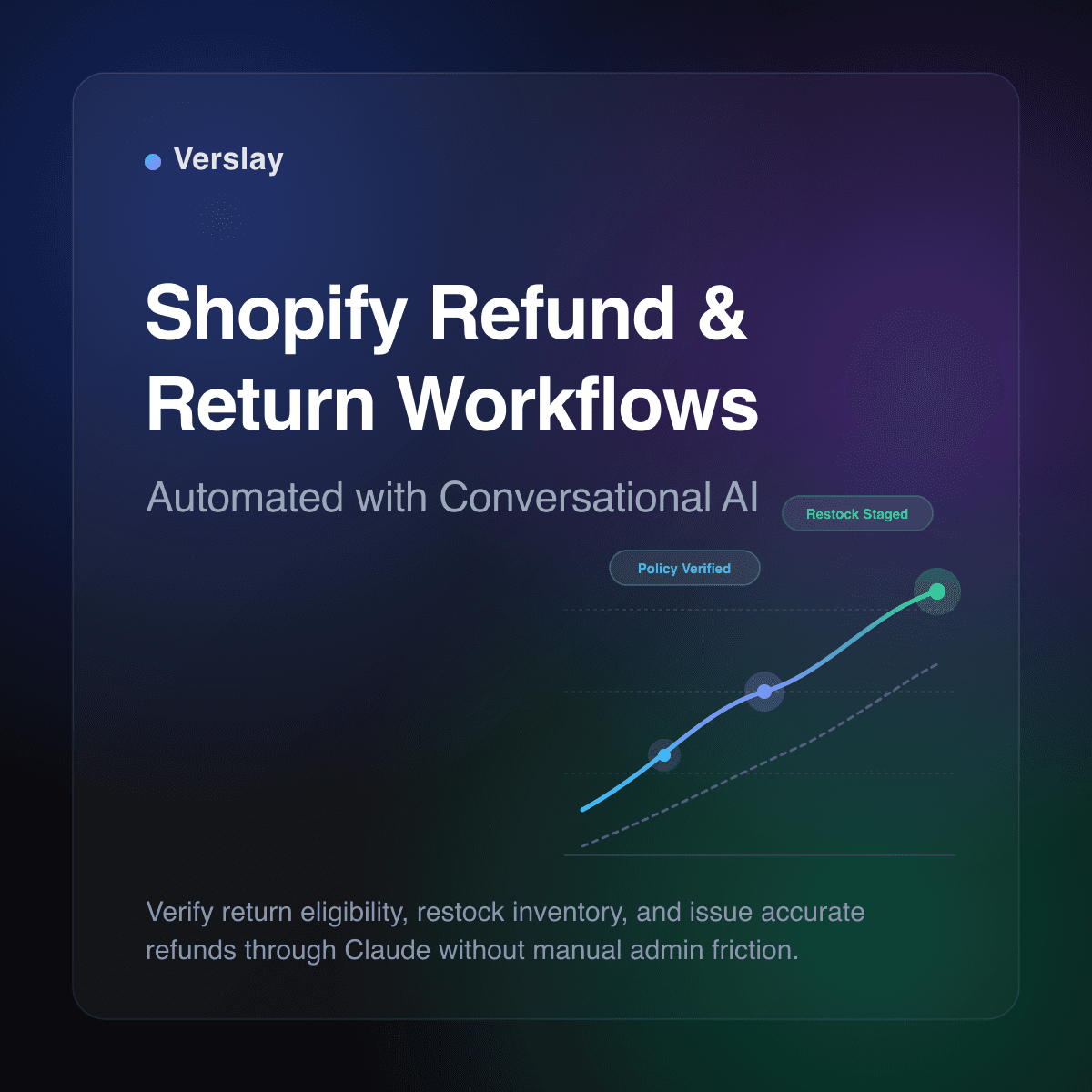
Automating Shopify refund and return workflows enables online merchants to inspect return requests, verify policy eligibility, and stage inventory adjustments using conversational AI in Claude. Rather than manually copying order numbers across support desks and warehouse sheets, store operators coordinate return inspections and refund calculations through plain-language commands. This structured automation eliminates repetitive administrative delays while keeping every financial disbursement under strict human verification.
At a glance
- Core function: Inspects return eligibility, calculates partial or full refunds, and stages inventory restocking via Claude.
- How it runs: Connects directly to your Shopify store using the Verslay Model Context Protocol (MCP) server inside your team Claude workspace.
- Operational benefit: Reduces customer turnaround time for returns while preventing unauthorized payouts and restocking mismatches.
- Target merchant: Growing DTC brands and multichannel retailers processing 30 to 1,000 return requests every month.
What does automating Shopify refund and return workflows involve?
Automating refund and return workflows involves connecting your store order records and customer support requests to an intelligent assistant capable of executing structured operations. Instead of relying on rigid rule builders that break when edge cases arise, merchants interact with Claude to evaluate customer return submissions against established store guidelines.
When a shopper requests a return, the workflow evaluates multiple operational data points:
- Order Validation: The system checks the original purchase date and fulfillment confirmation in Shopify records.
- Policy Window Verification: It measures whether the request falls within your standard 14-day, 30-day, or extended holiday return window.
- Item Eligibility: The assistant confirms whether specific items, such as final-sale clearance products or intimate apparel, are excluded from returns.
- Restock and Condition Tracking: It logs whether the physical package has arrived back at your facility and whether inventory counts should update.
- Refund Staging: It drafts the exact refund amount, factoring in original shipping costs, restocking fees, and promotional discounts.
Store owners can review our AI Agents catalog to see how conversational assistants manage specialized workflows across ecommerce operations, customer communication, and catalog maintenance.
Why do manual return and refund processes burden ecommerce stores?
Handling returns manually is manageable when a boutique store receives two return packages per week. As order volume expands into hundreds of daily shipments, return processing quickly becomes an operational drag on customer support and fulfillment teams.
Manual return handling introduces distinct operational risks:
- Slow Customer Resolution: Shoppers wait days for customer service representatives to find order details, review email attachments, and verify purchase dates.
- Restocking Disconnects: Warehouses receive returned packages but fail to notify support staff promptly, leaving items sitting uninspected while customers repeatedly demand updates.
- Incorrect Refund Calculations: Applying multi-item discount codes or deducting return shipping labels by hand frequently leads to over-refunding or under-refunding customers.
- Policy Drift: Different support agents interpret store return rules inconsistently, granting exceptions to some shoppers while rejecting others for identical circumstances.
- Inventory Count Errors: Staff issue store credits or card refunds but forget to check the restock box in the Shopify admin, causing inventory discrepancies that lead to stockouts or false backorders.
According to the official Shopify Returns and Refunds Documentation, accurate order management requires careful coordination between refund issuance, restocking quantities, and customer notifications. When staff perform these steps across fragmented tabs, administrative errors multiply.
How does Claude interact with Shopify return records through Verslay?
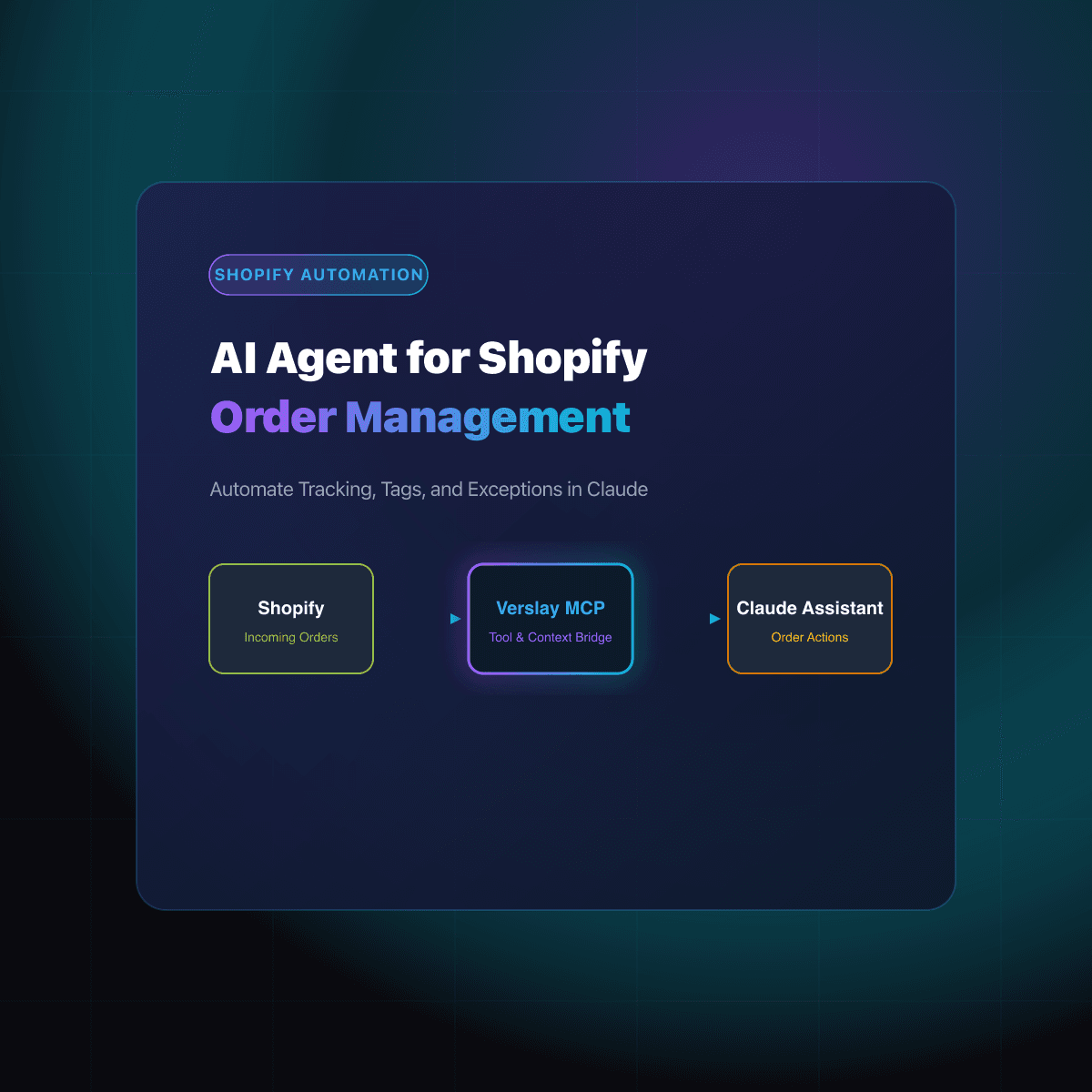
The connection between Claude and your online storefront runs through the Model Context Protocol (MCP). Verslay provides a secure MCP server that gives your Claude workspace structured, read-and-write access to Shopify APIs without exposing your private server infrastructure.
During a typical business morning, a store manager can review all pending return requests directly inside a Claude conversation:
- Context Retrieval: You ask Claude to retrieve return inquiries submitted over the past 24 hours. The assistant uses Verslay tools to query Shopify order histories, fulfillment tags, and delivery confirmations.
- Eligibility Analysis: Claude compares each order against your configured return criteria. It flags orders that are past the allowable return window or contain non-refundable items.
- Action Preparation: Claude drafts customer response messages containing return instructions or prepaid label details. For completed returns, it prepares item restocking tags and exact refund balance sheets.
- Supervised Execution: You review the summary table and approve the batch. Claude applies the tags, notifies the customer, and creates the refund draft inside Shopify.
Because the system runs through the customer's own Claude account, no proprietary models sit on your local servers, and no unvetted background scripts execute unsupervised changes. You can explore complementary workflow patterns across our ecommerce use cases.
What refund and return tasks can you automate with AI?
Growing online businesses can offload repetitive administrative verification to conversational AI while maintaining full oversight of store finances.
| Operational Return Task | Manual Merchant Process | Automated Claude Workflow | | :--- | :--- | :--- | | Return Window Audit | Checking order dates against calendar rules manually | Automatically calculates delivery elapsed days and verifies eligibility | | Non-Returnable SKU Check | Scanning product line items against exclusion lists | Flags final-sale items and gift cards immediately upon inquiry | | Restocking Fee Calculation | Calculating percentage deductions on a desk calculator | Applies consistent restocking fees and adjusts gross payout amounts | | Inventory Re-entry | Remembering to manually increment item stock in admin | Stages accurate inventory restocking updates matching received SKUs | | Customer Status Updates | Writing repetitive emails explaining return instructions | Drafts clear, personalized return messages with order-specific steps | | Exchange Drafting | Creating replacement draft orders from scratch | Matches desired replacement variants and calculates balance differences |
By shifting routine data verification to an AI assistant, customer support representatives spend their time handling complex inquiries and building shopper loyalty. Store managers can inspect how these tools connect across popular applications in our integrations directory.
How do you set up an automated refund workflow without custom code?
Configuring Claude to assist with Shopify returns takes only a few minutes. Because Verslay provides standard MCP integrations, you do not need custom software development or complex cloud configurations.
Step 1: Connect your Shopify store to Verslay
Log in to your Verslay account and connect your Shopify store using standard OAuth permissions. The platform provides a private MCP endpoint link configured specifically for your store workspace.
Step 2: Register the Verslay MCP server in Claude
Open your Claude desktop application or workspace settings. Add the Verslay MCP configuration details. Once connected, Claude instantly displays available Shopify capabilities, including order lookups, customer profiles, product tags, and refund tools.
Step 3: Run your daily return triage prompt
Open a conversation in Claude and run an operational prompt to audit pending return inquiries. Here is a practical prompt template designed for daily operations:
Please audit all return requests and refund inquiries from the last 48 hours in our Shopify store:

1. Query all orders tagged with 'return-requested' or customer emails containing return inquiries.
2. For each order, extract:
   - Order Number, Customer Name, and Purchase Date
   - Delivered Timestamp from carrier fulfillment records
   - Line items requested for return
3. Evaluate return eligibility against our store policy:
   - Must be within 30 days of confirmed delivery.
   - Items tagged as 'final-sale' or 'hygiene-sealed' are non-refundable.
4. For eligible returns:
   - Calculate the exact refund total, deducting original shipping fees if applicable.
   - Check if physical items have been received at our warehouse for restocking.
5. Provide a summary table with:
   - Order Number
   - Eligibility Status (Eligible, Expired Window, or Excluded SKU)
   - Calculated Refund Amount
   - Restock Status (Pending Receipt or Ready to Restock)
   - Recommended Next Action
6. Draft customer notification emails for each case, but do not execute any refunds until I review and approve.
Step 4: Confirm actions and apply updates
Claude generates an organized breakdown of every request. You review the eligibility assessments and suggested payouts. Once you confirm the details, prompt Claude to send the customer draft responses and stage the restocking updates in Shopify.
How do human approval gates protect store finances and inventory accuracy?
Granting autonomous systems unmonitored access to company financial accounts introduces significant operational vulnerability. In ecommerce, automated financial actions can lead to costly mistakes if return policies are bypassed or fraudulent claims slip through.
Verslay enforces strict human-in-the-loop controls to safeguard store finances:
- Customer-Owned AI Interface: All evaluations, calculations, and prompt interactions happen directly within your authenticated Claude workspace.
- Zero Local Infrastructure: Store owners never manage local codebases, private cloud servers, or custom API webhook listeners.
- Mandatory Approval Gates: Claude acts as an analytical copilot that prepares calculations and drafts. The assistant never distributes customer card refunds without explicit merchant confirmation.
- Auditable Transaction Records: Every order query, customer lookup, and tag application executed by Claude appears in your chat transcript, creating an auditable operational trail.
As your online business scales, maintaining clear financial guardrails ensures that return automation enhances efficiency without increasing chargeback risks or inventory write-offs. To review pricing options suited for growing brands and high-volume stores, visit our pricing page.
Frequently asked questions
How does an AI agent verify return eligibility in Shopify?
The agent inspects order delivery timestamps, original product purchase conditions, and return policy windows through the Verslay MCP server to confirm whether a customer request qualifies for a refund.
Can Claude automatically process refunds without human approval?
While Claude can calculate refund amounts and stage actions, store policies maintain human approval gates so operators explicitly confirm financial disbursements before payouts execute.
How does return automation prevent restocking errors?
The agent correlates customer return tracking data with warehouse receipt status, ensuring returned items are verified and restocked in inventory before refund credits are finalized.
Does automating Shopify returns require custom coding or private hosting?
No custom code or server maintenance is needed. The workflow runs directly within your Claude workspace connected to your Shopify store via Verslay pre-built MCP connectors.
Take the next step with Verslay
Automating repetitive Shopify return reviews allows your support team to resolve customer requests faster while maintaining rigorous control over store finances. Schedule a consultation at https://calendly.com/verslay/30mins to see how our AI agents support your store operations.