Ecommerce Inventory Reorder Alerts with AI: A Store Guide
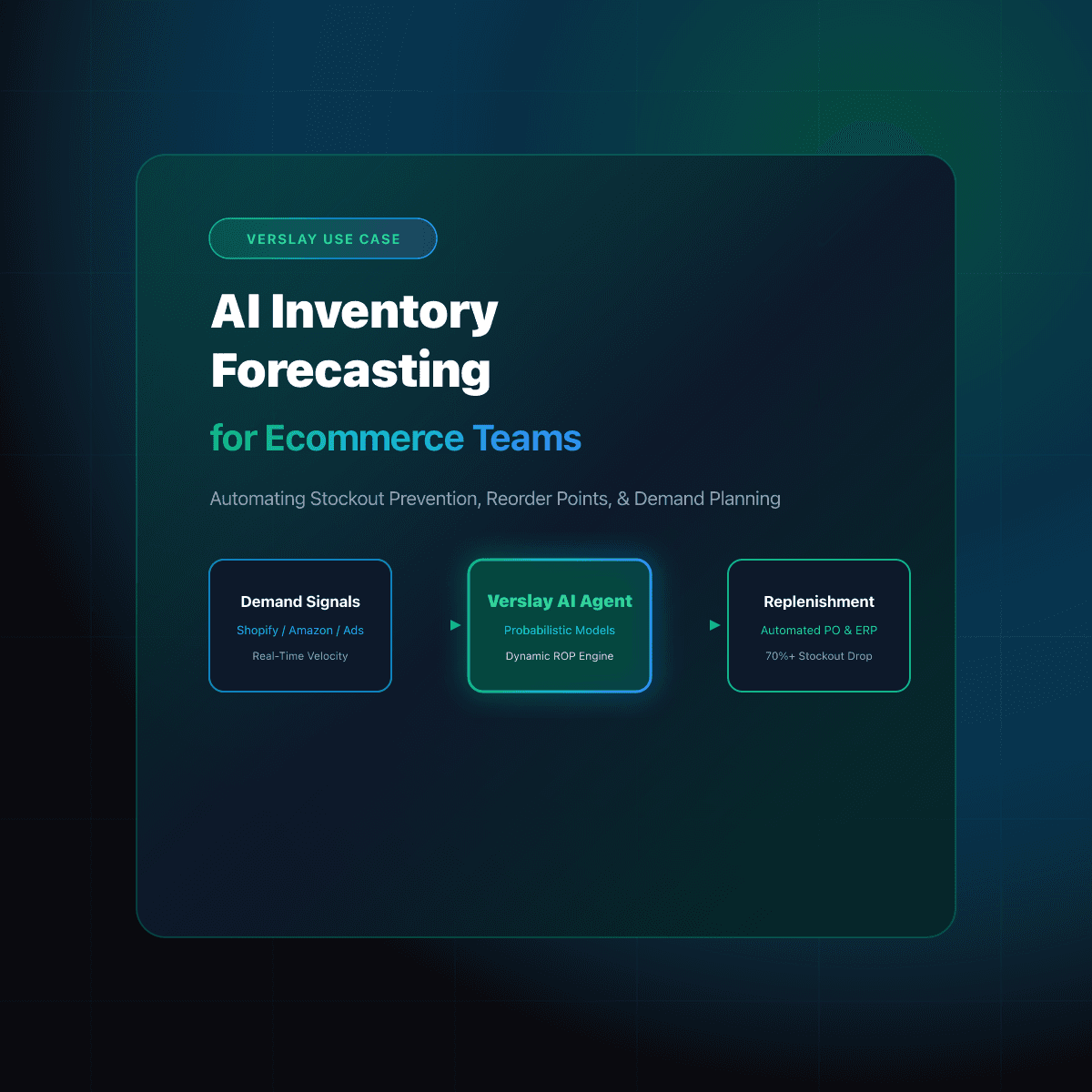
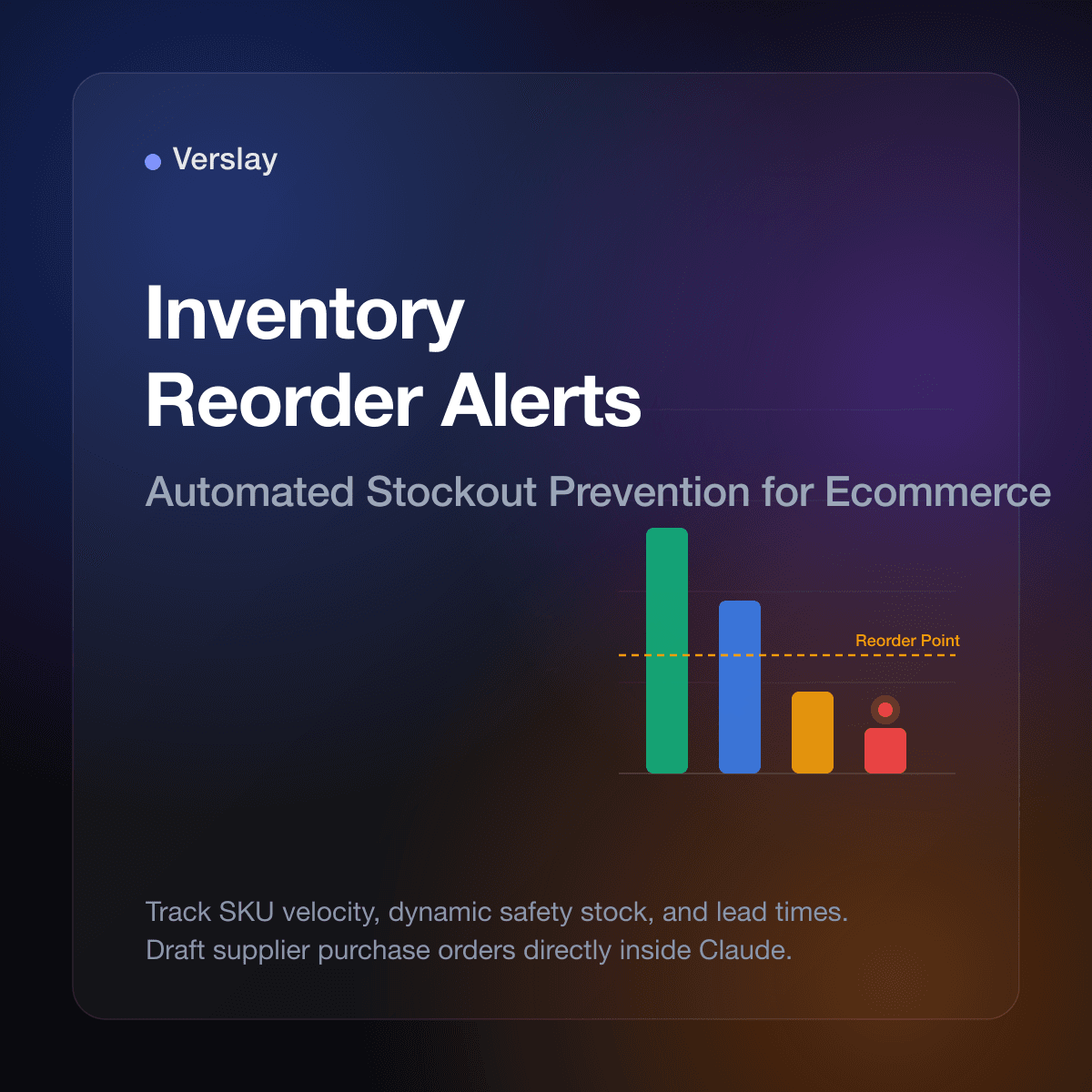
Ecommerce inventory reorder alerts with AI track SKU sales velocity, supplier lead times, and current stock levels to notify store teams before items sell out. Instead of manually inspecting inventory spreadsheets or waiting for out-of-stock complaints, online retailers use conversational AI agents in Claude to calculate dynamic reorder points and prepare draft purchase orders. This operational workflow helps merchants protect revenue during peak shopping spikes while preventing dead stock in fulfillment warehouses.
At a glance
- Core function: Monitors SKU stock levels against sales velocity and supplier lead times to flag restocking deadlines.
- How it runs: Connects directly to Claude via the Verslay Model Context Protocol (MCP) server without custom code.
- Key advantage: Prevents stockouts and avoids dead stock with dynamic forecasting instead of rigid static thresholds.
- Ideal for: Growing Shopify brands, DTC merchants, and retail businesses managing 50 to 5,000 active SKUs.
Why do static reorder thresholds fail for growing online stores?
Most ecommerce platforms allow merchants to set a fixed minimum inventory alert number, such as notifying staff when an item drops below 20 units. While fixed thresholds function reasonably well for stores with low order volumes, they quickly break down as retail catalogs expand across multiple product variations and sales channels:
- Velocity Blindness: A static threshold of 20 units might represent six weeks of buffer stock for a slow-moving accessory, but less than twelve hours of inventory for a trending bestseller. When order volume surges following an ad campaign, static alerts trigger too late to reorder before stock hits zero.
- Variable Supplier Lead Times: Domestic suppliers can often restock inventory within 5 to 7 business days, whereas overseas manufacturers may require 30 to 60 days including freight transit. A single fixed threshold cannot accommodate different supplier delivery schedules across diverse catalog categories.
- Holding Capital and Storage Costs: When store managers increase static alert levels across the board to prevent stockouts, they frequently end up over-ordering slow-moving items. Excess inventory ties up working capital and inflates third-party fulfillment storage fees.
- Spreadsheet Triage Fatigue: Operations managers spend hours every Monday exporting CSV reports from Shopify, calculating daily run rates in Excel, and cross-referencing supplier minimum order quantities. This manual process is prone to formula errors and delays purchase orders by days.
According to official Shopify Inventory Management documentation, tracking inventory across locations and setting accurate reorder points are vital for maintaining cash flow and fulfilling customer commitments. When store teams rely on static thresholds, stockout risks multiply whenever sales volume fluctuates.
Explore our AI Agents catalog to see how specialized assistants handle inventory monitoring, order management, and customer support workflows across modern storefronts.
How do dynamic AI inventory reorder alerts work in Claude?
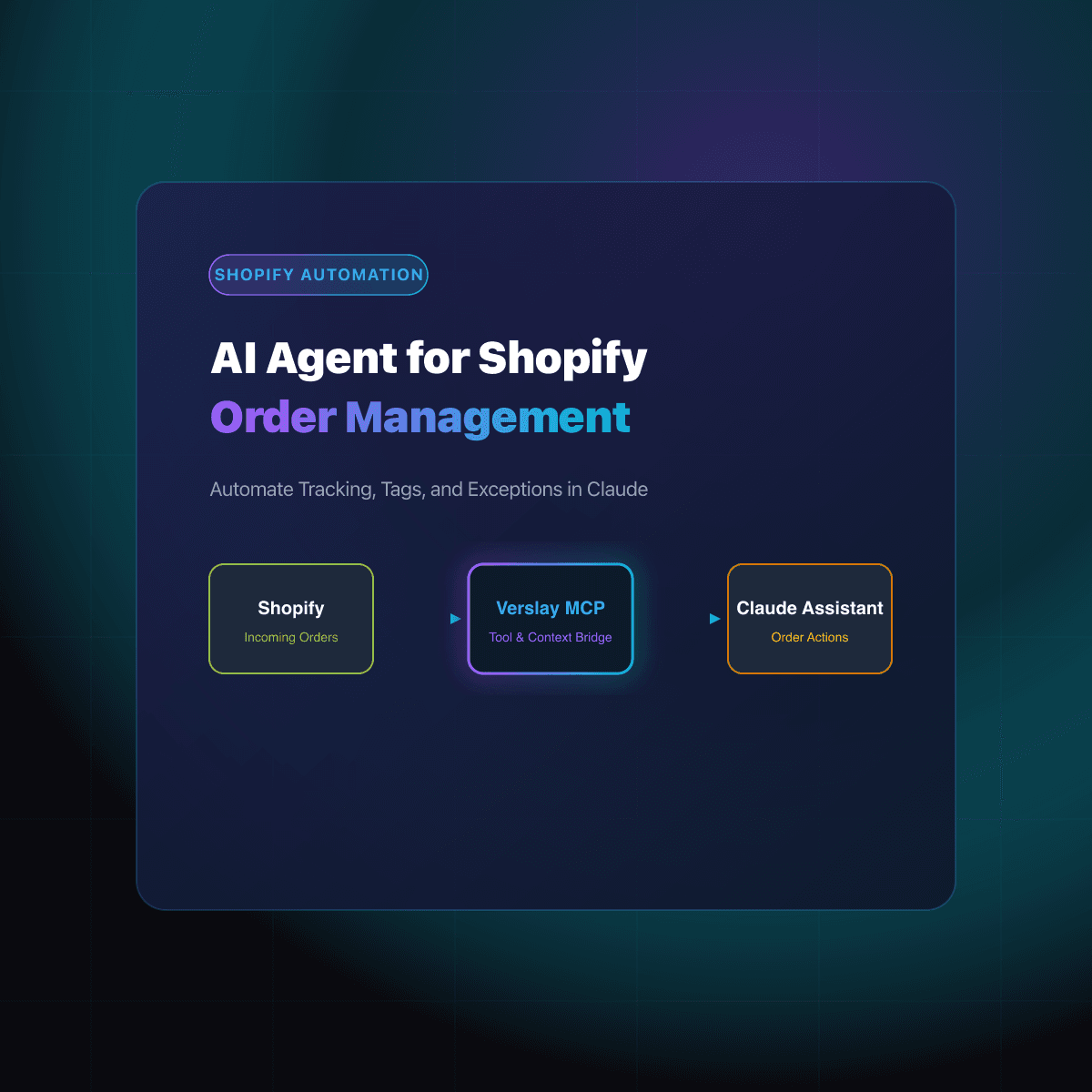
The foundation of dynamic reorder monitoring is the Model Context Protocol (MCP). Verslay connects your ecommerce store directly to your team's Claude workspace. Rather than requiring external dashboard logins or proprietary analytics engines, Claude acts as an operational copilot that queries catalog data in real time.
An AI inventory reorder workflow executes in four distinct phases:
- Sales Velocity Calculation: Claude reviews order history over trailing 7-day, 14-day, and 30-day windows. This analysis determines the average daily sales rate for every active SKU while factoring in recent momentum shifts.
- Lead Time and Safety Stock Synthesis: The agent incorporates specific supplier lead times and historical delivery variance. It calculates a dynamic safety stock buffer that reflects supplier reliability and shipping transit times.
- Threshold Evaluation and Priority Ranking: Claude compares current warehouse quantities against the dynamic reorder point formula:
Reorder Point = (Daily Sales Velocity × Supplier Lead Time in Days) + Safety Buffer Stock. SKUs approaching the threshold are categorized by urgency: Critical (under 7 days remaining), Approaching (under 14 days remaining), and Stable. - Actionable Restock Recommendations: When an alert fires, Claude drafts a purchase order proposal. The recommendation includes the recommended order quantity, supplier contact details, estimated reorder cost, and anticipated delivery date.
Discover our MCP integrations directory to explore how Claude interfaces with ecommerce stores, logistics hubs, and communication channels.
How do static reorder rules compare to AI inventory alerts?
To understand why growing retailers transition to conversational AI agents, consider the differences between conventional spreadsheet alerts and dynamic AI workflows:
| Operational Dimension | Static Spreadsheet Thresholds | Conversational AI Reorder Alerts | | :--- | :--- | :--- | | Reorder Calculation | Fixed unit count (e.g., alert at 15 units) | Dynamic formula based on live velocity and lead time | | Sales Fluctuations | Ignores weekend spikes, ad surges, and seasonal demand | Adapts immediately to shifting 7-day order run rates | | Supplier Context | Disconnected from supplier lead times and minimum order sizes | Automatically incorporates vendor transit days and minimum quantities | | Restock Action | Sends a basic low-stock notification email | Drafts a complete supplier purchase order for review | | Human Interface | Manual CSV exports and formula maintenance | Conversational queries and direct audit prompts in Claude | | Capital Protection | High risk of over-ordering slow SKUs or under-ordering bestsellers | Balances stockout protection with capital efficiency |
For additional ecommerce automation playbooks, visit our ecommerce use cases library.
How can store managers set up inventory reorder workflows with Claude?
Implementing dynamic inventory reorder alerts requires no custom code or software development. Store managers can execute the workflow through four straightforward steps:
Step 1: Connect your store through Verslay MCP
Configure your Shopify store connection in the Verslay management hub. This establishes a secure connection allowing Claude to read catalog counts, variant IDs, and recent sales transactions on demand.
Step 2: Establish supplier lead time parameters
Provide Claude with a basic reference list of your suppliers, standard lead times in days, and minimum order quantities. Claude stores this context during your review session to calculate accurate safety buffers.
Step 3: Run your inventory audit prompt
When running your weekly or daily inventory review, paste an operational prompt into Claude. Here is a practical prompt template designed for ecommerce operations:
Please perform an inventory reorder audit for our Shopify store:

1. Query current inventory levels for all active product variants.
2. Calculate the average daily sales velocity over the past 14 days for each SKU.
3. Compare remaining stock against supplier lead times (assume 10 business days for apparel, 21 days for imported accessories).
4. Identify any SKU with fewer than 14 days of remaining inventory based on current run rate.
5. For each flagged SKU, provide:
   - SKU and Variant Name
   - Current Stock on Hand
   - Daily Sales Velocity
   - Estimated Days Until Stockout
   - Recommended Reorder Quantity (including a 5-day safety buffer)
6. Draft a concise purchase order summary table that I can review before contacting suppliers.
Step 4: Review and approve draft purchase orders
Claude presents an organized summary table ranking items by stockout urgency. Review the quantities, adjust any seasonal buffers if a marketing campaign is planned, and confirm the draft. Claude then formats the purchase order for supplier communication.
How does Verslay protect catalog data and prevent unwanted supplier orders?
Maintaining operational control and data privacy is essential when managing store inventory and supplier relationships. Verslay adheres to strict operational boundaries:
- Customer-Owned AI Interface: All data analysis occurs within your team's existing Claude workspace. Verslay does not inspect private customer data or retain store catalogs.
- Zero Local Infrastructure: Your business does not need to deploy cloud servers, maintain custom databases, or configure API middleware.
- Mandatory Human Approval: AI agents prepare restock recommendations and draft purchase orders; they never issue financial commitments or email suppliers without explicit human authorization.
- Auditable Tool Calls: Store managers observe every catalog query and data retrieval step Claude executes, providing full operational visibility.
To review plans and features suited for growing ecommerce merchants, visit our transparent pricing page.
Frequently asked questions
What is an inventory reorder alert in ecommerce?
An inventory reorder alert in ecommerce is an automated notification triggered when SKU stock drops to a designated threshold, warning merchants to order new stock before depletion.
How does AI calculate dynamic reorder points for online stores?
AI calculates reorder points dynamically by evaluating 30-day sales velocity, seasonal trends, and supplier lead times, adjusting safety buffers rather than relying on static numbers.
Can inventory reorder alerts trigger automated purchase orders?
Yes. An AI agent can prepare a formatted purchase order with recommended unit quantities and supplier details for a store manager to review and confirm.
How does Claude connect to Shopify to track inventory thresholds?
Claude connects directly to Shopify through the Verslay MCP server, querying current catalog inventory levels and sales data securely without storing store credentials.
Take the next step with Verslay
Automating inventory reorder alerts helps online retailers prevent costly stockouts without locking cash in surplus warehouse stock. Schedule a consultation at https://calendly.com/verslay/30mins to see how our AI agents support your store operations.