MCP Server Integration: Connecting Business Data to AI Agents
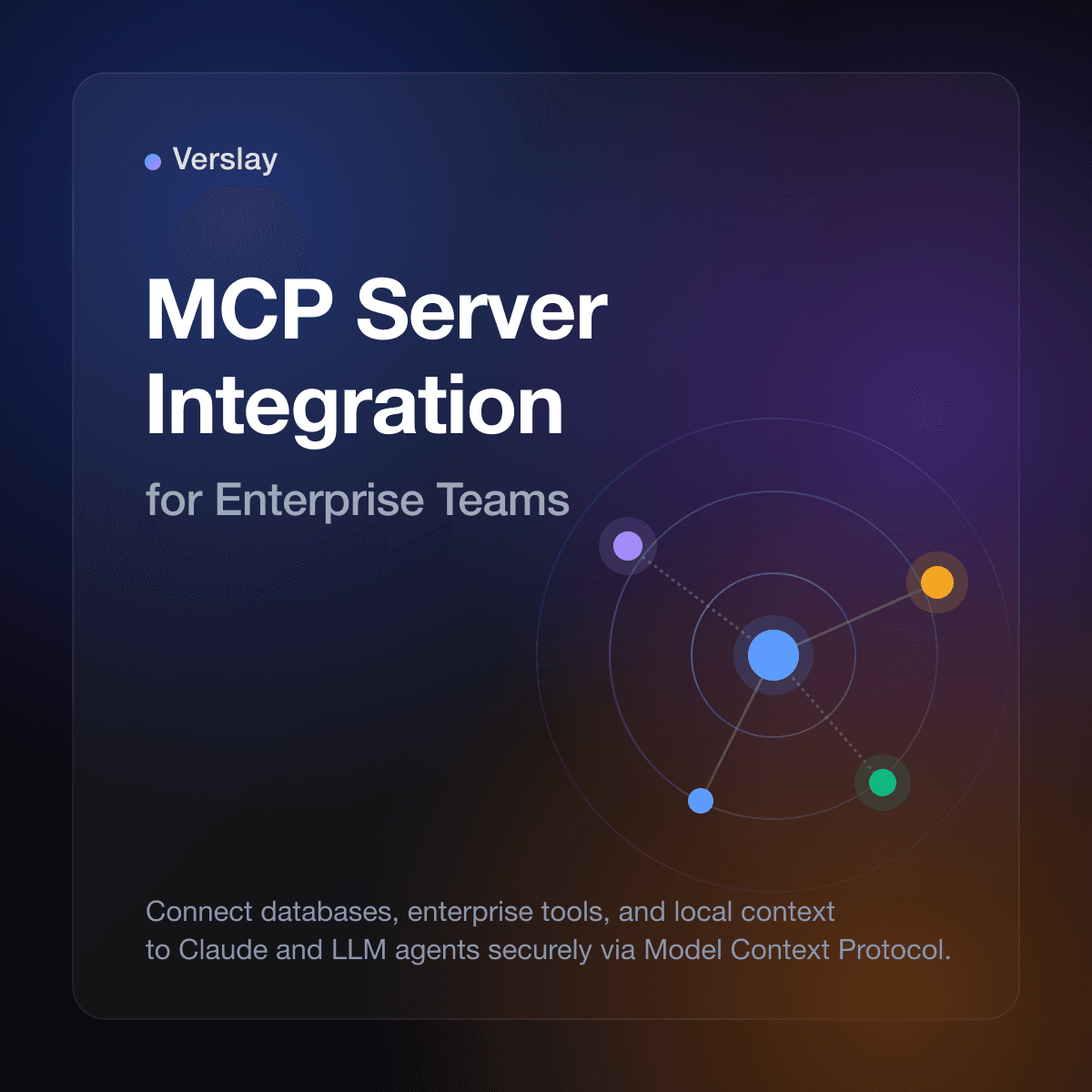
MCP server integration is a standardized framework for connecting local and remote data sources, tools, and APIs to large language models (LLMs) like Claude. By implementing a Model Context Protocol (MCP) architecture, organizations can securely expose databases, file systems, and business applications to AI agents, providing them with the real-time context needed for complex task automation.
Business adoption of AI is frequently bottlenecked by the challenge of data access. Traditional LLMs operate in isolation, lacking visibility into internal systems such as databases, internal wikis, or project management software. Building ad-hoc integrations for each AI agent is slow, difficult to maintain, and presents severe security risks if the model is given direct, unmonitored access to raw data.
Using the Model Context Protocol solves this integration bottleneck by decoupling data storage from model execution.
What is MCP Server Integration?
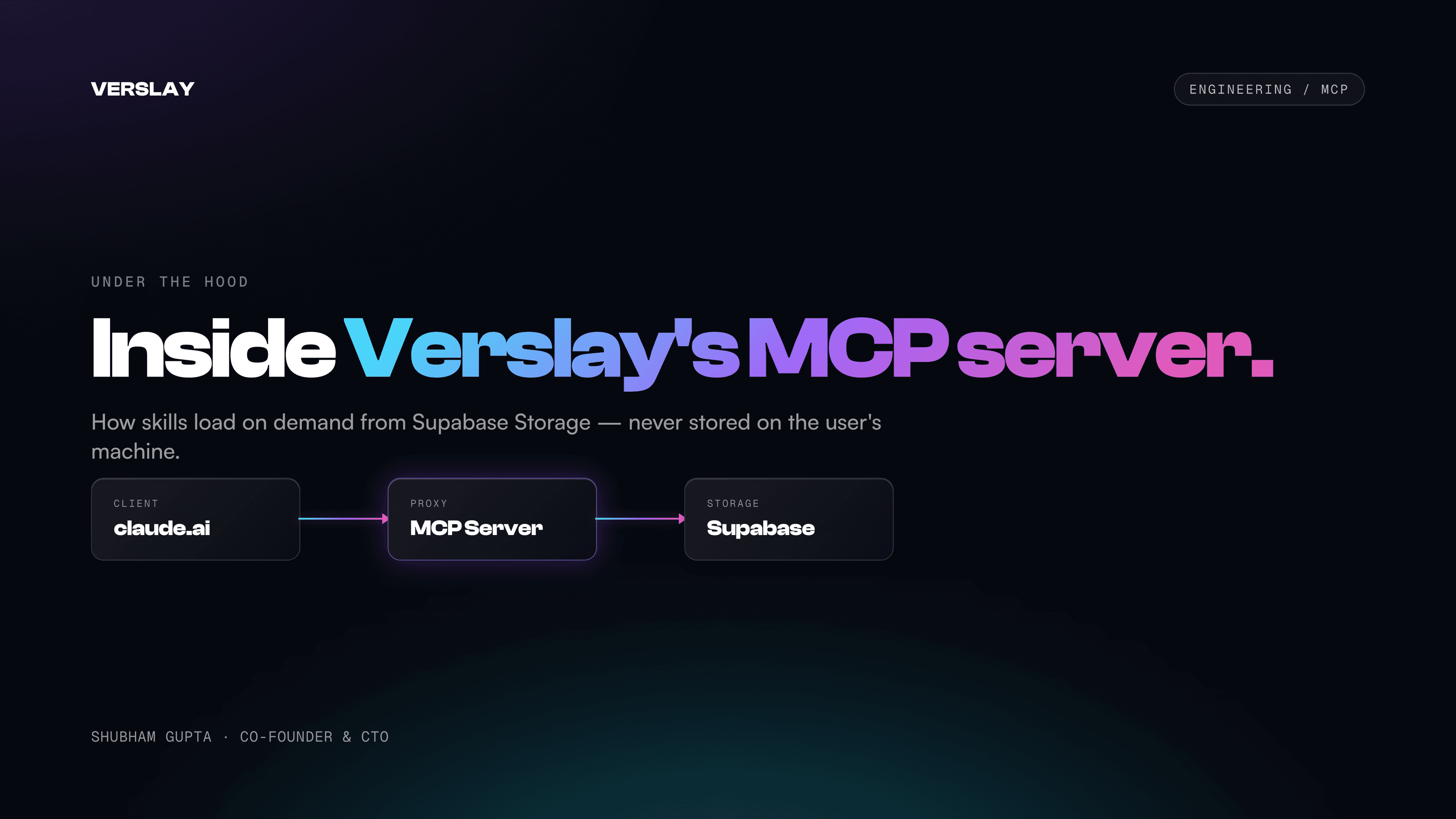
Model Context Protocol (MCP) server integration acts as a secure, standardized middleware layer between an AI model client and external data. Instead of building custom API wrappers for every database and tool, developers implement a lightweight server that speaks the standard MCP protocol:
- Standardized API Interface: Exposes databases, SaaS platforms, and developer tools using a uniform set of JSON-RPC protocol methods.
- Granular Context Control: Allows administrators to define precisely which resources (databases, tables, or directories) are visible to the LLM.
- Dynamic Tool Execution: Equips AI agents with specific executable tools, enabling them to query databases or trigger workflows on demand.
- Client-Server Architecture: Decouples the client application (like Cursor, VSCode, or ChatGPT) from the server hosting the actual data connections.
- Secure Local Execution: Runs database queries and file access locally behind the company's firewall, preventing sensitive data exposure.
This protocol ensures that any compatible client can instantly consume data and tools from any MCP server, speeding up time-to-value for AI agent rollouts.
Key Scenarios for MCP Server Integration
To build a high-performance, secure AI agent ecosystem, engineering teams typically focus on automating integration across these major data frontiers:
1. Database and Analytics Queries
Rather than exporting CSVs or writing raw SQL by hand, an AI agent with an MCP connection to PostgreSQL, Snowflake, or BigQuery can execute safe, parameterized read queries. This enables real-time business intelligence questions to be answered directly by the LLM without human intervention.
2. SaaS and Tool Syncing
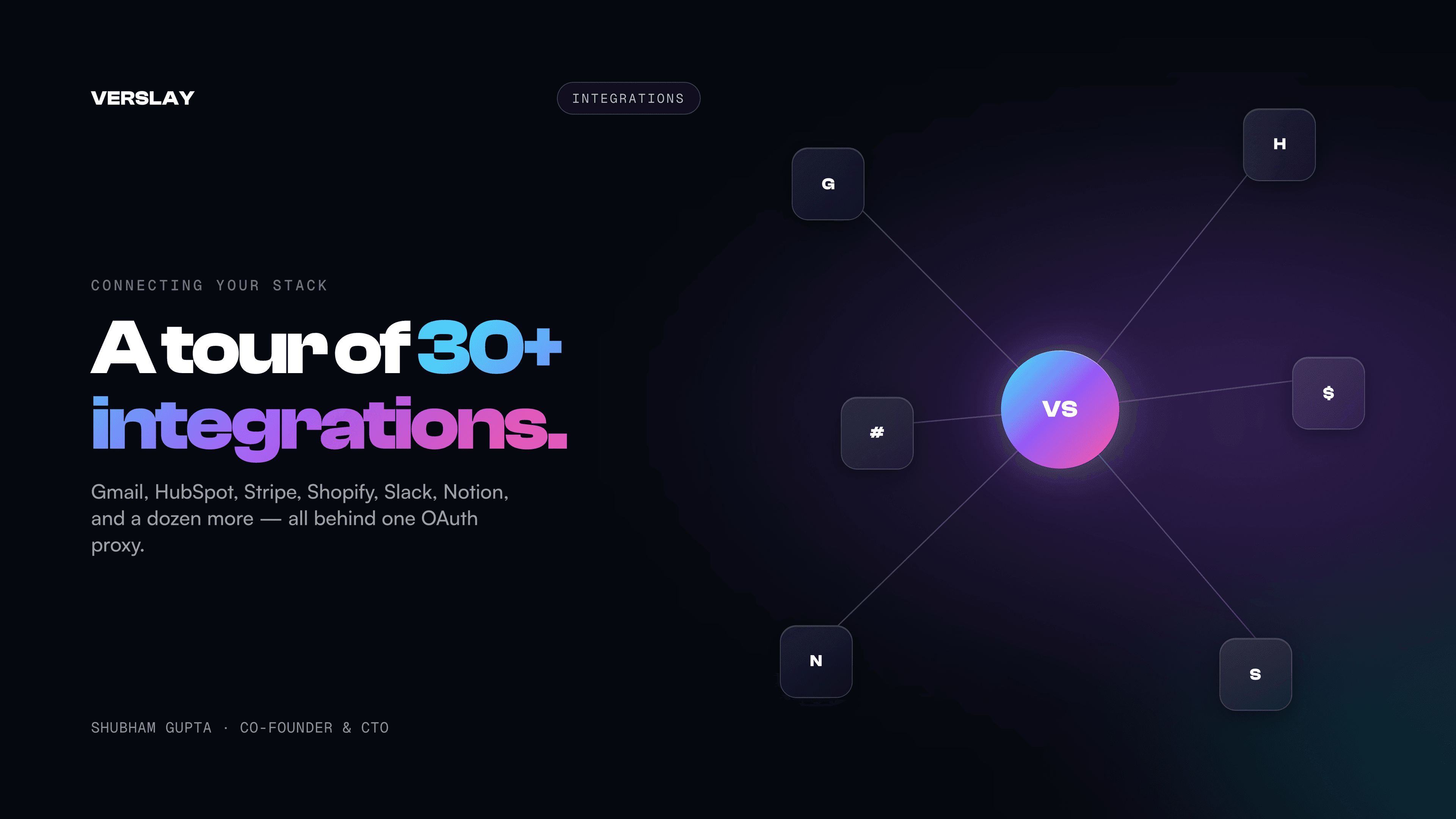
MCP servers can wrap standard SaaS platforms like HubSpot, GitHub, and Jira. By connecting these systems to the AI's loop, agents can autonomously update customer records, summarize PR reviews, or assign issues to the appropriate team members based on conversation context.
3. File System and Documentation Access
Large organizations store vast amounts of knowledge across local markdown directories, Google Drive, and Notion. An MCP server indexing these directories allows agents to search and pull specific reference documents to answer user queries with precise context.
Where Verslay Fits
Verslay provides the central orchestration and management hub required to run MCP server integrations at scale. Instead of managing dozens of isolated local MCP processes across developer laptops, engineering teams use Verslay to centralize, secure, and monitor their connection substrate:
- deploys and hosts secure, managed MCP servers for databases, filesystems, and custom internal tools
- provides a single control plane to configure API connections and manage auth tokens across the workspace
- monitors tool execution safety, enforcing limits on LLM actions to prevent accidental data modification
- connects seamlessly with unified messaging flows to alert team members via email or Slack when critical events occur
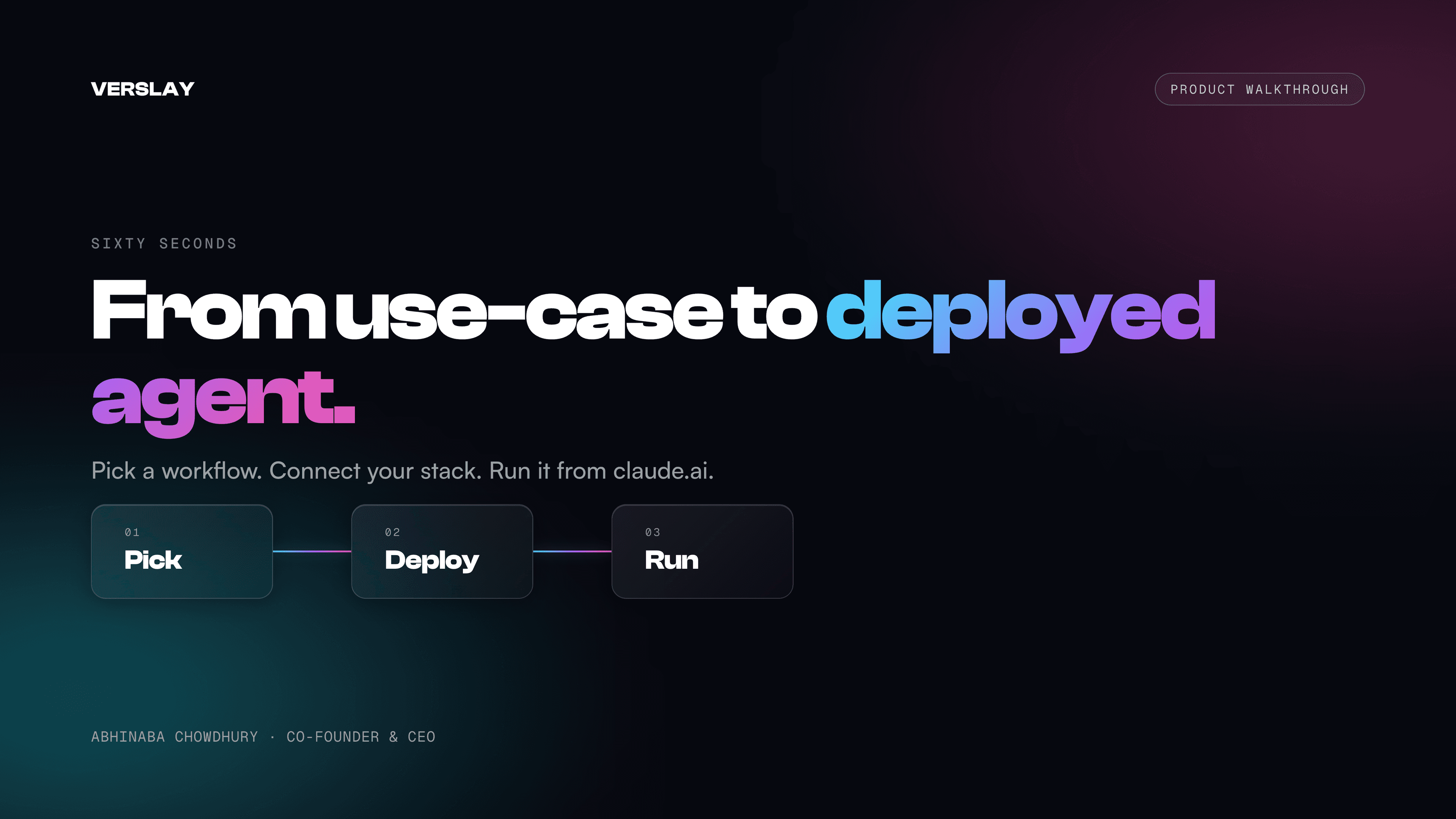
This centralized management makes it easy to go from a local prototype to a production-grade AI agent deployment. To explore how to configure your first integration, browse our use-case library or view our pricing page to select the right tier for your organization.
Steps to Integrate an MCP Server
Setting up an MCP server integration involves four straightforward steps:
- Build or Select a Server: Choose a pre-built server from the open-source registry (e.g., PostgreSQL or GitHub MCP) or write a custom server in TypeScript/Python.
- Configure Client Routing: Update your LLM client configuration file (e.g.,
mcp-substrate.json) to register the server's command-line path or WebSocket URL. - Set Permissions and Scopes: Define the precise directory paths, database tables, or API scopes the server is permitted to access.
- Test and Verify: Run automated integration tests to verify the LLM can discover the tools, request context, and receive accurate responses.
By adopting this standardized protocol, teams can rapidly scale their internal AI capabilities without incurring the technical debt of custom point-to-point integration code.