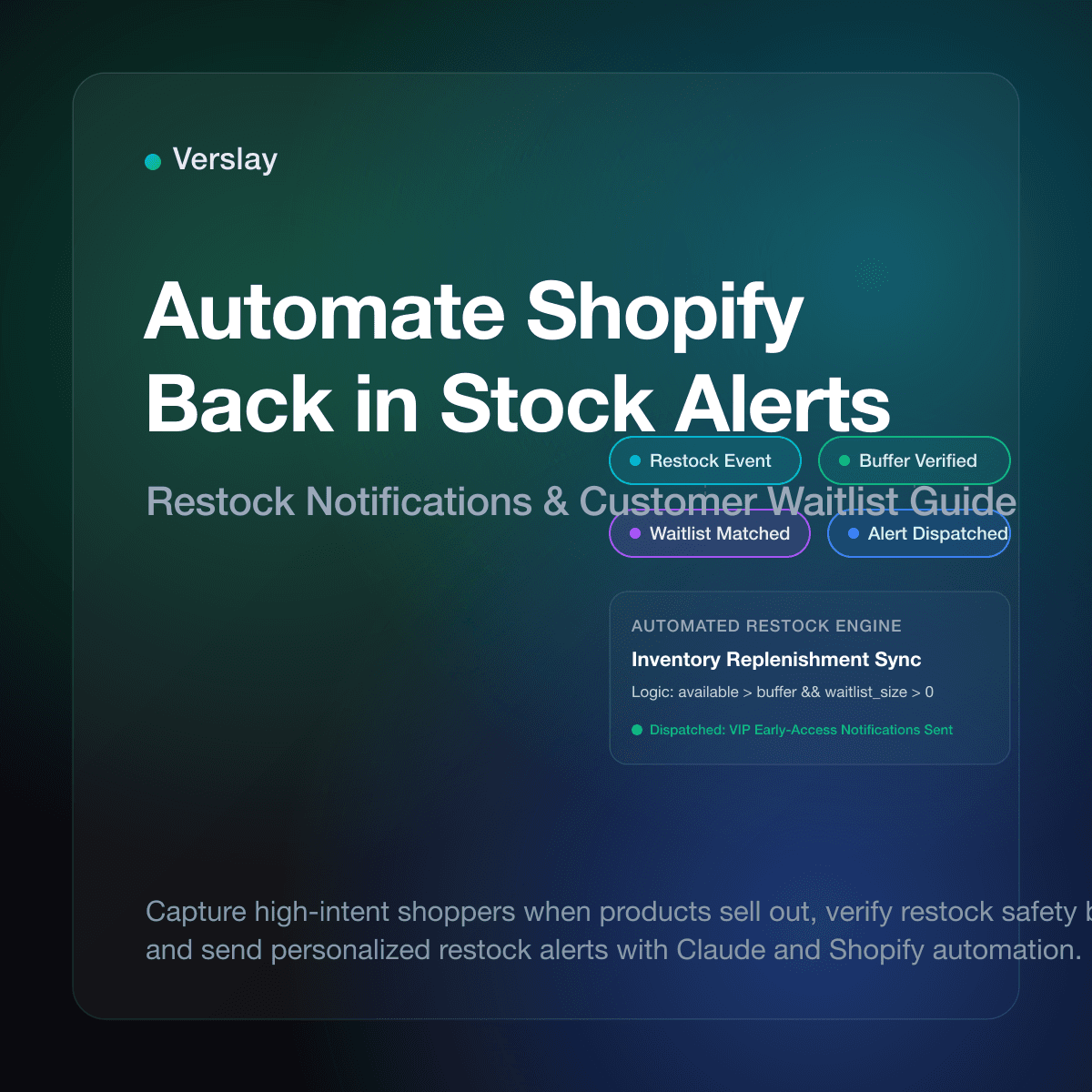
To automate Shopify back in stock alerts, you connect inventory restock events directly to your customer communication channels through automated workflows. When inventory levels for a sold-out variant update in your store, an automated system checks the customer waitlist for that SKU, verifies stock safety buffers, and dispatches targeted email or SMS notifications immediately. Setting up this automation recovers motivated shoppers who would otherwise buy elsewhere, turning stockouts into predictable revenue spikes.
At a glance
- Revenue Recovery: Back-in-stock notifications average conversion rates between 15% and 25%, outperforming standard promotional marketing campaigns.
- Native Shopify Limits: Shopify tracks stock counts natively, but it does not send customer restock emails without external integrations or workflow tools.
- Safety Buffers: Automated alerts must reserve units for returns and exchanges, releasing notifications in batches to prevent overselling scarce inventory.
- AI-Driven Restocks: Connecting store data to Claude through the Verslay MCP server allows teams to prioritize high-value buyers, personalize copy, and coordinate alerts without custom code.
Why Do Out of Stock Products Cost Shopify Stores More Than Just Immediate Sales?
When a customer encounters a "Sold Out" button, the direct loss is obvious: an immediate transaction disappears. What is less visible is the compounding loss across acquisition channels. You have already paid for the ad click, search traffic, or influencer referral that brought that shopper to your store. Hitting a dead end forfeits that customer acquisition cost entirely.
Beyond conversion loss, stockouts damage retention. Motivated shoppers rarely wait weeks for an unannounced restock. Instead, they search for the product title or SKU and buy from a competitor. Once a buyer creates an account elsewhere and experiences reliable fulfillment, winning them back becomes significantly more difficult.
Unmanaged stockouts also distort your purchasing data. When a sold-out product lacks a waitlist form, you have zero visibility into unmet demand. Store managers often reorder based purely on historical velocity rather than real-time interest. A clean waitlist captures verifiable demand data that informs supplier order volumes.
Does Shopify Have Native Back in Stock Customer Notifications?
A common question among store operators is whether Shopify handles customer restock alerts natively. It does not. While Shopify provides reliable tools for Shopify inventory tracking, its core notifications system focuses exclusively on transactional updates like order confirmations, shipping updates, and account invites.
When a variant hits zero inventory and tracking is active, Shopify marks the item as sold out and prevents checkout. It does not display a "Notify Me" form by default, nor does it collect customer restock requests in Shopify Admin.
Merchants traditionally solve this through one of three routes:
- Third-Party Waitlist Apps: Standalone apps embed scripts into product templates to collect email addresses. While easy to set up, they add monthly fees and third-party script weight to theme load times.
- Shopify Flow Routines: Stores on eligible plans use Shopify Flow documentation to build logic triggered by inventory quantity changes. While flexible, Flow requires external marketing connectors and custom tag logic.
- AI Agents via Model Context Protocol (MCP): Teams connect Shopify directly to Claude using the Verslay MCP server. The agent monitors inventory updates, cross-references waitlists, checks safety buffers, drafts contextual messaging, and triggers alerts without app clutter.
How Does an Automated Back in Stock Notification Workflow Function?
A dependable back in stock system operates on a four-stage event loop that ensures timely, accurate customer communication:
[Inventory Update] ──> [Buffer Validation] ──> [Waitlist Retrieval] ──> [Personalized Alert]
1. The Inventory Update Trigger
The process begins when new stock arrives. Whether your warehouse scans incoming cartons, an inbound transfer completes in Shopify Admin, or a 3PL pushes updated counts, Shopify fires an inventory update webhook.
2. Safety Buffer Validation
Before any alert sends, the system confirms replenishment size. If you receive only two units of a popular item, alerting hundreds of subscribers causes frustration. The automation verifies available units against a set reserve threshold.
3. Waitlist Segmentation
The system matches the restocked variant ID against active requests and segments waiting shoppers:
- VIP Repeat Buyers: High-lifetime-value customers receive priority notifications.
- Cart Abandoners: Shoppers who previously abandoned the item receive tailored reminders.
- First-Time Visitors: New prospects receive standard restock announcements with store trust signals.
4. Multi-Channel Dispatch
The automation delivers personalized alerts via email or SMS while logging dispatch status in your CRM to prevent duplicate sends.
How Do AI Agents Connect to Shopify to Manage Waitlists and Restock Alerts?
Traditional automations rely on rigid if-then rules that struggle with complex retail conditions, such as partial supplier shipments or tiered customer access. By contrast, deploying AI agents through the Verslay MCP server connects store data directly to Claude, allowing the model to act as an operations assistant.
Through Verslay, the agent reads current stock levels across locations, inspects customer tags, and drafts brand-aligned copy tailored to each recipient. Store operators can explore these skills in the Verslay agent library and review pre-built workflows in our Verslay use cases index. Because all actions execute through the customer's own Claude account via the Verslay MCP server, no custom code runs on store infrastructure, and customer data remains secure within existing credentials.
| Feature | Standard Shopify Admin | Third-Party Apps | AI Agents via Verslay MCP | | :--- | :--- | :--- | :--- | | Setup | Native settings only | Theme scripts & embed | MCP connection to Claude | | Waitlist Capture | None | Popups & button forms | Unified form / CRM sync | | Safety Buffers | None | Fixed number only | Dynamic SKU-level rules | | Prioritization | None | First-in, first-out | RFM & LTV tier sorting | | Personalization | Static template | Limited merge fields | Contextual, brand copy | | Theme Speed Impact | Zero | 15–40 KB script load | Zero frontend script impact |
How Should You Structure a Back in Stock Alert Workflow in Claude?
To run restock monitoring using Claude, provide structured instructions that guide data validation, recipient selection, and copy generation.
Here is a practical prompt template for store managers using Claude with the Verslay MCP server:
You are an operations assistant managing customer restock alerts for our Shopify store.

When inventory increases for a variant:
1. Verify available quantity across our primary warehouse location.
2. Confirm safety buffer: if stock is 3 units or fewer, halt alerts and reserve for buffer.
3. If stock exceeds 3 units, retrieve unnotified waitlist subscribers for this variant.
4. Set batch limit: do not notify more than 3x the restocked quantity in the first wave.
5. Prioritize subscribers:
   - Cohort 1: Customers with >$250 lifetime spend (VIP tier).
   - Cohort 2: Earliest subscribers by join date.
6. Draft a clear notification email:
   - Subject: Direct announcement that [Product Name - Variant] is back in stock.
   - Tone: Friendly and concise, without artificial countdown timers.
   - Body: State item arrival, cite variant details, and provide a direct product link.
   - Recommendation: Mention one complementary item based on past order patterns.
7. Present recipient roster and drafted copy for review before dispatch.
This prompt ensures disciplined execution. The agent respects inventory buffers, avoids over-notifying limited stock, and produces clear messages aligned with brand guidelines.
To review setup steps for Shopify and communication channels, see our platform integrations catalog and connection guides.
What Are the Best Practices to Prevent Overselling and Protect Margin?
Restock alerts drive sudden traffic surges. Without proper guardrails, they can cause overselling and customer support strain. Follow these practices to maintain a smooth restock process:
1. Implement Staggered Releases
If you receive 25 units and have 300 customers waiting, sending 300 emails at once ensures that most shoppers reach a sold-out page within minutes. Instead, release notifications in cohorts. Send an initial wave to 35 customers (1.4x available stock). If units remain after three hours, notify the next cohort.
2. Verify Return and Exchange Buffers
Never allocate 100% of newly arrived inventory to alerts. In apparel and consumer goods, a predictable percentage of orders require size exchanges or replacements. Always reserve a 5% to 10% buffer before triggering outward notifications.
3. Provide One-Click Opt-Outs
Customer needs change while waiting for a restock. Every alert must include an explicit, one-click mechanism to opt out of future notifications for that SKU, protecting your email sender reputation.
4. Coordinate with Inbound Purchase Orders
Connecting customer restock alerts with supplier delivery schedules keeps your notifications synchronized with warehouse arrivals. When your team coordinates purchase orders alongside fulfillment, you can provide realistic delivery expectations.
To learn more about connecting your operational workflows, read our guides on how to automate Shopify fulfillment, setting up Shopify purchase order automation, and improving Shopify customer retention workflows.
Frequently Asked Questions
Does Shopify automatically notify customers when an item is back in stock?
Standard Shopify does not include automated customer restock alerts out of the box. Merchants must install dedicated waitlist apps, build custom Shopify Flow routines, or connect AI agents to dispatch notifications when inventory updates.
How do automated back in stock alerts work with Shopify inventory?
When inventory levels increase in Shopify Admin, webhooks trigger an automated workflow that matches the SKU against customer waitlist requests. The system verifies available units against safety buffers and sends alert emails or SMS to waiting buyers.
How can AI agents improve restock alert conversions?
AI agents analyze customer purchase history to prioritize VIP buyers, craft personalized restock messages, and recommend complementary items in the alert email. They also pace message delivery to prevent sudden inventory runs on high-demand items.
How do you prevent overselling when sending restock alerts?
Store owners set safety buffer thresholds and batch notification releases. By sending alerts in cohorts rather than blasting the entire waitlist at once, merchants avoid overselling limited inventory.
Automating your Shopify back in stock alerts stops revenue leakage and delivers a better experience to your most motivated buyers. To explore how your team can deploy AI agents to handle inventory monitoring, customer notifications, and store operations through Claude, review our pricing plans or book a short introductory walkthrough with our team.