Automate Shopify Purchase Orders: Complete Store Guide
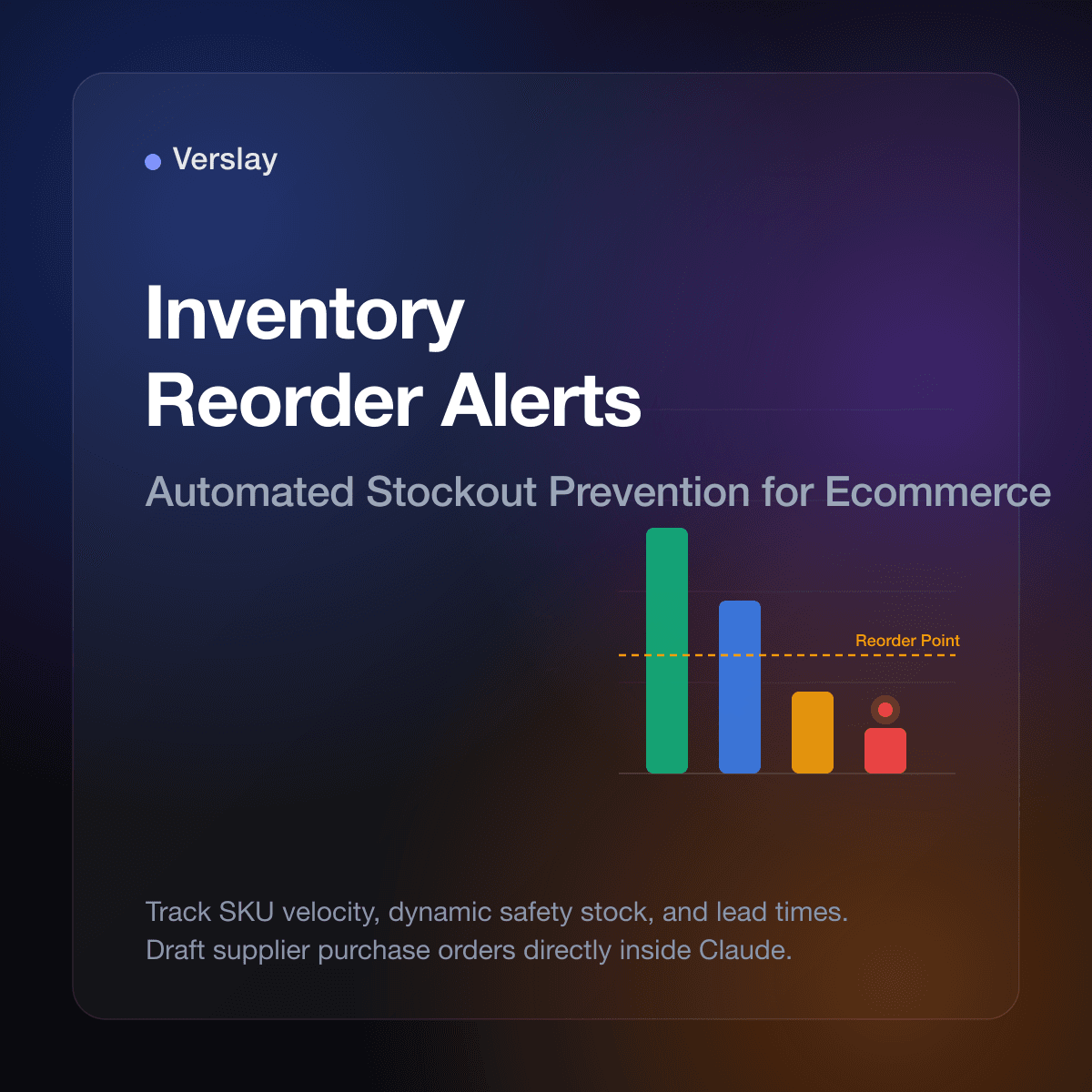
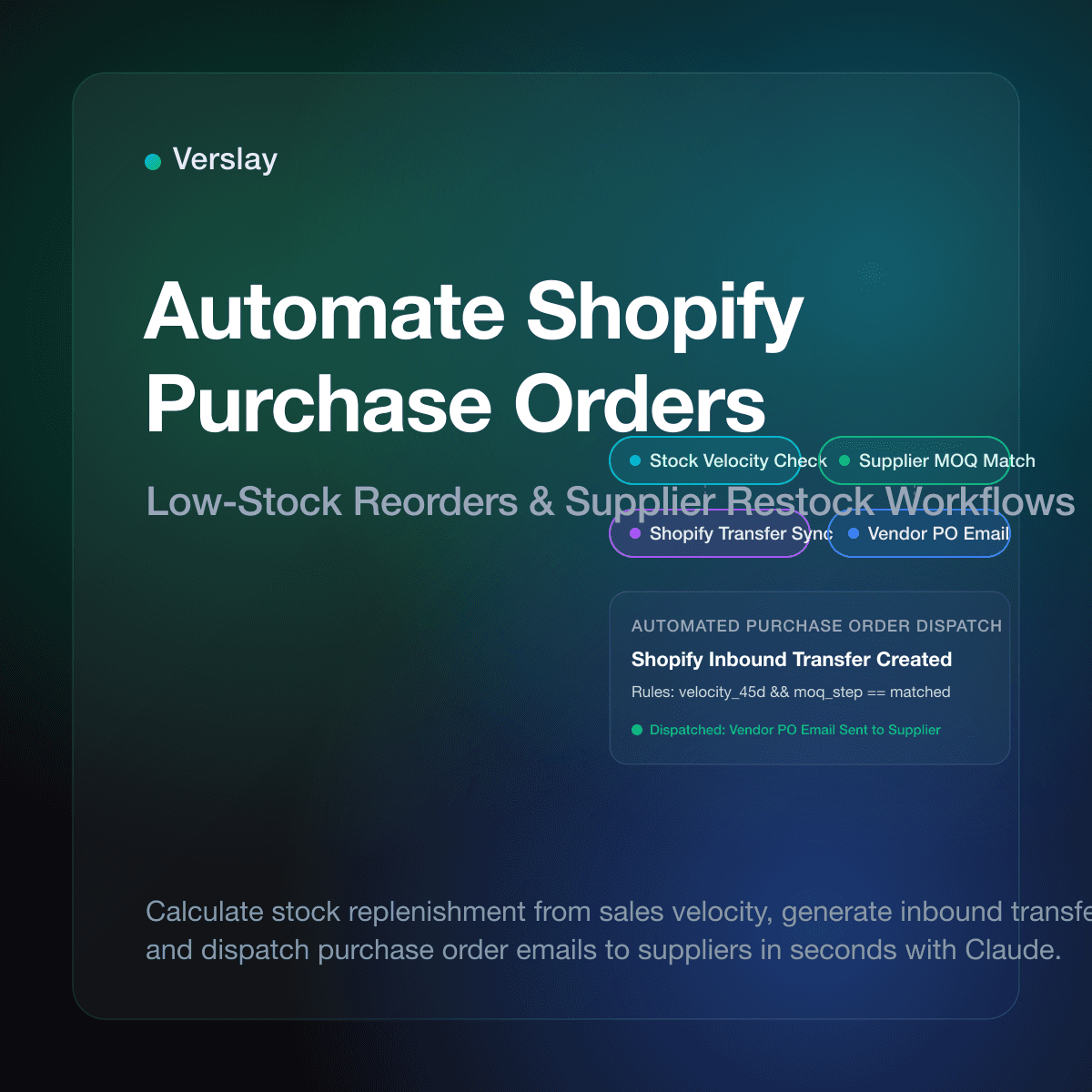
Automate Shopify purchase orders by integrating Claude through the Verslay Model Context Protocol (MCP) server to monitor inventory thresholds, calculate supplier restock quantities, and generate vendor purchase orders in seconds. Connecting intelligent agent workflows directly to your store catalog eliminates manual spreadsheet math, avoids stockouts during sales surges, and sends purchase confirmations without administrative delays. As product volume expands, automated purchase ordering protects cash flow while maintaining dependable product availability.
At a glance:
- Automated reorder triggers: Detect when SKU inventory falls below minimum safety thresholds and initiate supplier reorders automatically.
- Supplier-specific logic: Match supplier minimum order quantities (MOQs), pack sizes, and unit costs without manual lookup.
- Shopify transfer syncing: Create official Shopify inventory transfers and draft purchase orders directly inside your store admin.
- Hands-off vendor emails: Draft and dispatch formatted purchase orders to supplier contacts with zero manual copy-pasting.
- Zero custom code: Run production-ready agent workflows through your existing Claude setup via the Verslay MCP server.
What are purchase orders in Shopify and when should you automate them?
A purchase order (PO) is an official commercial document sent by a merchant to a vendor or manufacturer outlining product quantities, agreed pricing, payment terms, and delivery expectations. Within Shopify, merchants manage incoming goods through inventory transfers, recording expected arrivals from external suppliers to keep warehouse stock accurate.
According to official Shopify purchase orders documentation, tracking incoming supplier shipments directly in your store administration ensures inventory numbers update automatically when shipments arrive. When managing a small catalog, calculating restock needs on a notepad is feasible. However, once an online business expands across multiple collections and supplier partners, manual reordering quickly becomes an operational bottleneck.
Merchants often balance supplier lead times ranging from three days to several weeks. Missing a reorder window leads to stockouts, disappointed shoppers, and lost revenue. Conversely, ordering excess inventory ties up critical operating cash in idle cartons. Automating purchase orders transforms reactive reordering into a predictable, data-driven routine.
Which purchase order tasks consume the most administrative time?
Growing ecommerce teams spend hours each week managing supplier logistics manually. Identifying where administrative friction concentrates helps pinpoint where automation yields immediate returns.
- Sales Velocity and Safety Stock Math: Calculating replenishment needs requires exporting recent sales numbers, factoring in vendor lead time, and applying safety stock buffers. Running spreadsheet calculations for dozens of variants consumes valuable operational hours.
- Supplier Rule and MOQ Reconciliation: Suppliers frequently mandate minimum order quantities, master carton multiples, or free-shipping order values. Manually adjusting line items to satisfy vendor constraints without overordering requires constant attention.
- Vendor Email Drafting and PO Formatting: Compiling item SKU lists, descriptions, unit costs, and delivery instructions into clean purchase orders requires repetitive data entry across systems.
- Shopify Transfer Logging and Receiving: Creating inbound transfers inside Shopify ensures staff know what inventory is in transit. When done manually, transfers are often skipped, leaving warehouse teams unprepared when deliveries arrive.
To discover how modern online brands automate similar operational tasks, explore our comprehensive catalog of use cases and see how teams connect repetitive store actions to automated routines.
How do AI agents automate Shopify purchase order workflows?
Traditional inventory reorder apps rely on static threshold alerts that fail to adapt when sales velocity spikes or when suppliers adjust lead times. They can flag low inventory, but they cannot draft a nuanced email to your supplier requesting expedited freight or split shipments.
AI agents solve this problem by uniting contextual reasoning with authenticated store tools via the Model Context Protocol (MCP). When connected to Shopify through Verslay, Claude reads live catalog inventory, checks vendor lead times, calculates ideal order volumes, and stages purchase orders directly inside your workflow.
The operational cycle follows four systematic phases:
- Inventory Velocity Monitoring: The AI agent analyzes current stock levels against recent sales velocity and vendor transit times, determining the exact date a purchase order must be placed.
- Supplier Constraint Alignment: Claude matches required quantities against manufacturer rules, adjusting orders to meet minimum order quantities, case-pack sizes, and volume tiers.
- Draft PO and Transfer Generation: The agent creates an official Shopify inbound transfer with expected arrival dates, line-item costs, and tracking placeholders inside your store admin.
- Vendor Dispatch and Review: Claude drafts a professional purchase order email addressed to your supplier representative with line items formatted clearly for merchant review and one-click dispatch.
You retain complete control: Claude compiles the numbers, prepares the documents, and stages communication, while your team reviews and approves every financial commitment.
How does AI purchase order automation compare to manual spreadsheets?
Evaluating traditional manual reordering against modern AI agent automation illustrates the significant speed and accuracy advantages available to growing businesses.
| Operational Phase | Manual Spreadsheet Reordering | Basic Inventory Plugin | Claude + Verslay AI Agents | | :--- | :--- | :--- | :--- | | Stock Velocity Tracking | Manual CSV export and formula editing | Static minimum quantity alerts | Dynamic sales velocity and lead-time analysis | | Reorder Calculation | Calculator math prone to human error | Fixed restock number triggers | Adaptive demand forecasting and safety stock buffers | | Supplier Rule Matching | Hand-checking vendor contracts and MOQs | Basic minimum field flags | Automatic case-pack and MOQ adjustment logic | | Transfer Creation | 15–20 minutes of manual Shopify admin clicking | Automated basic transfer record | Instant inbound transfer staged with full item metadata | | Supplier Communication | Manual email drafting and PDF attachments | Generic system webhook | Contextual vendor email drafted for one-click approval |
Replacing manual spreadsheet calculations with intelligent agent routines cuts replenishment planning time from hours to minutes while preventing costly stockout gaps.
What sample prompt lets you generate purchase orders in Claude?
Store operators using the Verslay MCP server can execute complete purchase order workflows directly inside Claude using natural language without maintaining brittle webhook scripts.
Here is a production prompt an ecommerce operations manager uses to restock low-inventory catalog items:
Our store has several variants running low in the Home Decor collection.
Please check our Shopify inventory for the following two products:
- SKU: HD-CERAMIC-VASE-WHT (Nordic Ceramic Vase - White)
- SKU: HD-CERAMIC-VASE-BLK (Nordic Ceramic Vase - Black)

Execute the following operational steps:
1. Retrieve current stock levels and calculate 30-day sales velocity for both items.
2. If available inventory covers fewer than 18 days of sales at current velocity, trigger a reorder.
3. Cross-reference our supplier rules for Apex Ceramics: minimum order quantity is 50 units per SKU, packed in master cartons of 25.
4. Calculate the required order quantity to reach a 45-day inventory buffer.
5. Create an inbound Shopify transfer for Apex Ceramics with expected delivery in 14 business days.
6. Present a purchase order summary table displaying SKU, current stock, daily velocity, suggested order quantity, unit cost ($14.50), and total vendor cost for my approval.
7. Draft a supplier purchase order email addressed to orders@apexceramics.example.com referencing our vendor account number AC-8821.
Claude interacts with your store catalog via the Verslay MCP server, computes replenishment math, stages the inbound transfer in Shopify, and produces the complete vendor order email in your conversation window. Once you verify the numbers, a single confirmation instructs Claude to finalize the transfer and dispatch the email.
To learn more about connecting your store tools to Claude, consult our step-by-step integration guides and detailed connection guides.
What common purchase order mistakes should store owners avoid?
While automating purchase orders saves immense time, overlooking foundational inventory practices can lead to supplier miscommunications. Keep these practical considerations in mind:
- Ignoring Supplier Production Lead Times: Reordering strictly based on current warehouse depletion without accounting for factory manufacturing delays causes out-of-stock gaps. Always encode realistic supplier lead times into replenishment calculations.
- Neglecting Case-Pack Increments: Ordering odd quantities when a manufacturer ships exclusively in master cartons of 24 or 50 creates packing confusion. Ensure your automation rounds up to proper case multiples.
- Skipping Inbound Transfer Records: Failing to record expected shipments inside Shopify leaves warehouse staff unprepared and causes customer service teams to quote inaccurate restock dates to inquiring shoppers.
- Overlooking Vendor Minimum Spend Thresholds: Many suppliers offer freight allowances when orders reach specific monetary thresholds. Intelligent reordering aggregates nearby low-stock SKUs from the same vendor to maximize shipping efficiency.
- Omitting Explicit Payment and Freight Terms: Always verify that drafted purchase orders clearly state freight terms (such as FOB destination) and payment expectations (such as Net 30) to eliminate billing disputes.
For additional order management workflows, explore our operational guides on AI agents for Shopify order management, automating Shopify draft orders, and how to automate Shopify fulfillment.
Frequently Asked Questions
Does Shopify automatically create purchase orders when stock runs low?
No. Core Shopify provides inventory tracking and transfer logging, but does not autonomously calculate supplier reorder quantities or dispatch purchase orders without merchant action or automated agent workflows.
What is the difference between a purchase order and an inventory transfer in Shopify?
A purchase order is an external commercial document sent to a vendor to buy goods, whereas a Shopify transfer logs incoming stock between external suppliers or warehouse locations to update store inventory upon arrival.
Can AI agents create and send Shopify purchase orders automatically?
Yes. By connecting Claude to Shopify through the Verslay MCP server, AI agents analyze sales velocity, apply supplier order minimums, draft purchase orders, and format vendor reorder emails for one-click approval.
How does automated purchase ordering prevent stockouts and overstocking?
Automated workflows compare current stock against average daily sales velocity and supplier lead times, calculating exact reorder quantities so items restock precisely before safety buffers deplete.
Strengthen Your Store Inventory Operations
Automating Shopify purchase orders eliminates tedious inventory spreadsheets, prevents costly stockouts, and ensures suppliers receive accurate reorders on schedule. Equipping your store with Claude and dedicated AI agents provides reliable operational execution without adding administrative headcount.
Discover our transparent pricing plans to find the ideal package for your operations, or book a quick strategy session directly at https://calendly.com/verslay/30mins to see automated inventory workflows running live.