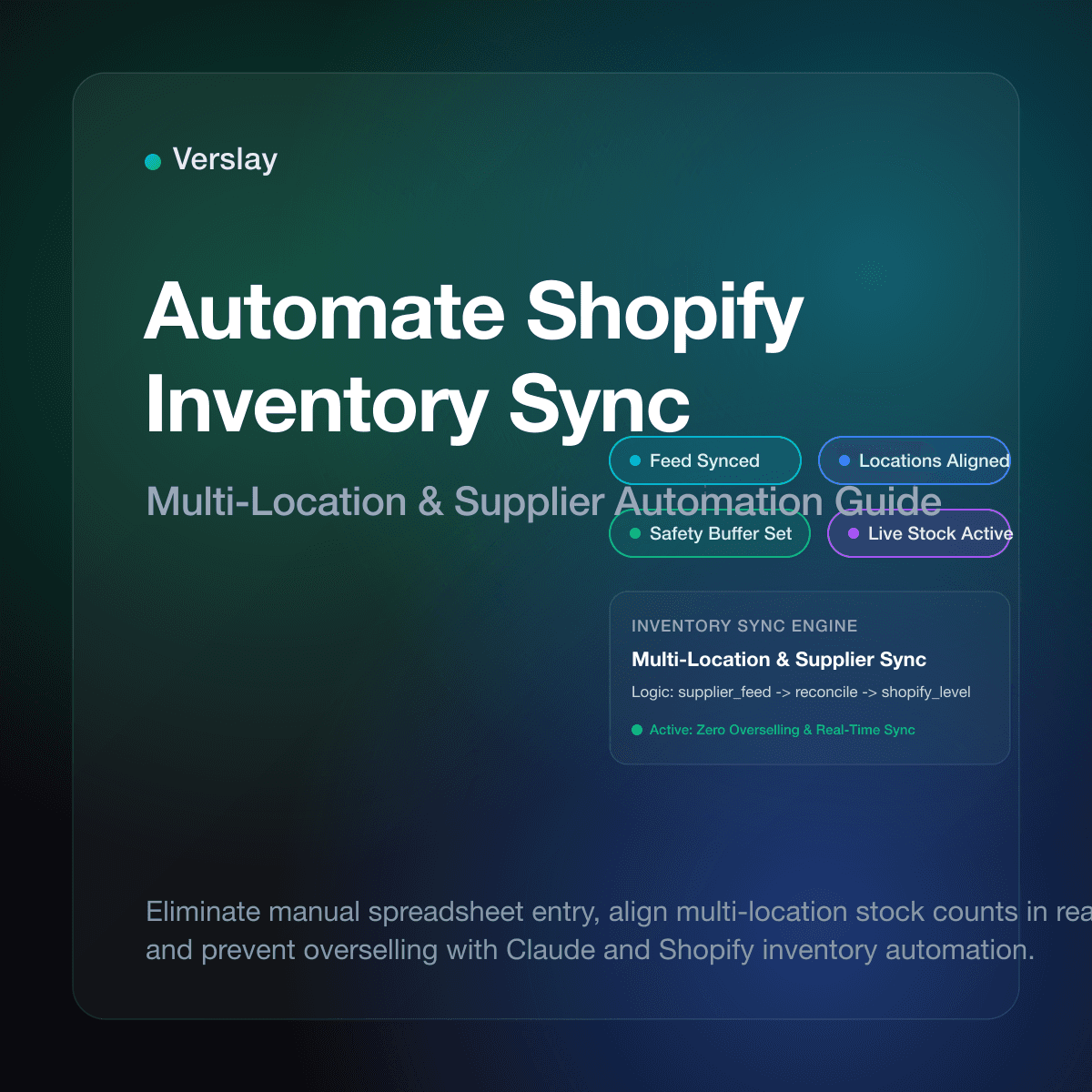
To automate Shopify inventory sync, store owners connect their product catalog to warehouse feeds, supplier files, and sales channels so stock counts update automatically across every location. Rather than exporting CSV spreadsheets or typing updated quantities after shipments arrive, automated synchronization monitors inventory adjustments, updates available quantities via the Shopify API, and flags discrepancies before stockouts happen. This setup prevents costly overselling while keeping available units accurate across every customer touchpoint.
At a glance
- Zero Overselling Risk: Automated inventory synchronization updates quantities across channels within minutes of an order, eliminating overselling penalties and cancelled customer orders.
- Multi-Location Coordination: Shopify native locations track distinct inventory counts, but syncing them with third-party logistics (3PL) partners and suppliers requires connected automated pipelines.
- Safety Buffers and Allocation Rules: Configurable buffer rules prevent stockouts by withholding a small percentage of stock from public display during high-velocity promotional periods.
- Claude and MCP Integration: Connecting Shopify to Claude through the Verslay MCP server lets store operators audit inventory discrepancies, inspect supplier feeds, and adjust variant quantities using natural language directives.
Why Do Manual Inventory Updates Create Dangerous Stockouts and Overselling?
When an online store operates a single sales channel with a small catalog, tracking inventory manually seems manageable. The merchant logs receiving slips from suppliers and adjusts stock counts in the Shopify admin.
As sales volume expands and products sell across multiple channels, manual inventory maintenance becomes a serious operational hazard. A burst of holiday orders on your website can sell units already committed to a wholesale partner. When warehouse inventory does not match digital quantities in Shopify, two damaging problems emerge:
- Overselling and Order Cancellations: Customers complete checkout for items physically out of stock. Support teams spend hours emailing disappointed buyers, issuing refunds, and trying to salvage customer trust.
- Hidden Stockouts and Lost Revenue: Out-of-sync spreadsheets cause products to show as out of stock in your store while actual inventory sits idle in the warehouse. These hidden stockouts drain daily revenue without triggering alerts.
Retail operational studies show inventory data inaccuracies average between 20% and 30% for ecommerce businesses relying on manual spreadsheets. Automating your inventory feeds removes human entry error and keeps counts reliable around the clock.
How Does Shopify Multi-Location Inventory Architecture Work?
To design an effective inventory sync workflow, store owners must understand how Shopify manages stock data behind the scenes.
In the Shopify data model, inventory is not tied directly to a product record. Instead, each product consists of variants, and each variant is represented by an InventoryItem. That item is tracked across specific physical facilities known as Shopify Locations.
When an automated system updates inventory on Shopify, it interacts with the InventoryLevel API. The update payload requires three critical pieces of data:
- Location ID: The unique identifier of the warehouse or fulfillment center where physical goods reside.
- Inventory Item ID: The identifier of the specific variant stock unit being adjusted.
- Available Quantity: The absolute quantity on hand or an adjustment delta reflecting recent receipts or shipments.
Your automated sync service maps each SKU in your supplier feed to the corresponding Shopify InventoryItem ID and Location ID, updating counts without overriding inventory held elsewhere.
What Are the Different Approaches to Synchronizing Shopify Inventory?
Ecommerce brands can choose between several architectural approaches to synchronize stock counts:
| Method | Update Latency | Setup Complexity | Handling of Edge Cases | Best Fit For | | :--- | :--- | :--- | :--- | :--- | | Manual CSV Uploads | 4 to 24 hours | Very Low | Manual error-prone checks | Testing new products with under 20 orders per week | | Scheduled FTP / CSV Scripts | 1 to 4 hours | Moderate | Script crashes on formatting changes | Basic single-supplier catalog updates | | Dedicated Inventory Middleware | 5 to 15 minutes | High | Fixed rules, rigid data schemas | Established multi-channel retail operations | | AI Agent Orchestration via MCP | Near real-time | Low to Moderate | Contextual anomaly detection and smart reconciliation | Growing brands needing flexible supplier parsing and prompt audits |
Dedicated inventory middleware suites often lock growing stores into rigid monthly software contracts. If a supplier changes a column name in their daily export, traditional scripts fail silently.
Modern AI workflows connected to store infrastructure parse varying file layouts, reconcile unmapped SKUs, and notify operations managers of unusual quantity fluctuations before data reaches the live catalog.
How to Set Up an Automated Inventory Sync Workflow Step-by-Step?
Setting up an automated inventory synchronization system requires methodical preparation to avoid data collisions:
Step 1: Establish a Standardized SKU Convention
Every inventory sync pipeline relies on accurate matching keys. Audit your catalog to ensure every variant in Shopify has a unique SKU matching the identifier used by your supplier. Remove duplicate SKUs, special character anomalies, and trailing spaces that cause lookups to fail.
Step 2: Configure Dedicated Fulfillment Locations
In your Shopify admin under Settings > Locations, create explicit locations for each physical facility or supplier drop-ship point. Avoid grouping separate supplier inventories into a single default location so you can isolate discrepancies during audits.
Step 3: Establish Data Extraction Pipelines
Determine how your supplier shares stock data. Common transfer mechanisms include SFTP servers hosting daily CSV and XML files, REST or GraphQL warehouse APIs, or cloud storage folders. Configure automated listeners or scheduled cron tasks to fetch these source files as soon as they become available.
Step 4: Implement Buffer Rules and Allocation Logic
To protect your brand against supplier delays, never expose 100% of supplier inventory to shoppers:
- Low-Stock Safety Buffer: If a supplier reports fewer than 5 units on hand, mark the item out of stock on Shopify to prevent selling damaged units.
- High-Velocity Throttling: For fast-selling items during promotions, reserve a designated percentage of inventory for replacement orders.
Step 5: Test in Staging with Controlled SKU Batches
Before running automated sync across your entire catalog, test the pipeline with a sample of ten SKUs. Verify that quantity changes reflect accurately in Shopify without altering pricing or descriptions. Once confirmed, expand the sync to your full catalog.
To explore how our platform integrates with diverse ecommerce data sources, review our platform integrations catalog and browse our step-by-step connection guides.
How Do AI Agents Coordinate Shopify Inventory Workflows Inside Claude?
Running inventory operations through conversational AI simplifies routine catalog maintenance. Linking your Shopify store to Claude using the Verslay MCP server lets your operations team run inventory reconciliations without writing custom Python scripts or managing database servers.
Because Verslay runs directly inside your own Claude setup (claude.ai) via the Verslay MCP server, all catalog queries and updates remain completely within your controlled workspace. No code is required, and no AI components run on your private infrastructure.
Here is an example of an operational workflow executed inside Claude:
You are an inventory operations assistant connected to our Shopify store via the Verslay MCP server.

Objective:
Reconcile today's supplier warehouse feed against our active Shopify inventory levels.

Instructions:
1. Parse the incoming warehouse inventory feed from our supplier partner.
2. Query Shopify inventory levels for all matching SKUs located at "Main Warehouse".
3. Identify any discrepancies where the supplier stock differs by more than 10 units from our Shopify count.
4. Flag any SKUs where supplier quantity is below 5 units so our safety buffer rule can be evaluated.
5. Format findings into a structured summary table showing: SKU, Product Title, Current Shopify Stock, Supplier Feed Stock, and Recommended Adjustment.
6. Await human confirmation before submitting quantity adjustments to the Shopify InventoryLevel API.
This structured workflow allows operations personnel to inspect discrepancies, review anomalies, and confirm adjustments before live data changes occur. Teams can quickly review modular agent capabilities and choose specific ready-to-run use cases that match their fulfillment model.
What Operational Guardrails Prevent Inventory Sync Errors and Stock Glitches?
Automated sync pipelines handle critical commercial data. Build these safeguards into your operational process:
1. Zero-Out Circuit Breakers
If an incoming supplier file contains zero inventory for more than 20% of your catalog simultaneously, do not execute the update. Sudden catalog-wide drops almost always signal an export error or corrupted file on the supplier end rather than genuine physical stock exhaustion. Halt the sync and alert a manager immediately.
2. Rate-Limit Awareness
The Shopify Admin API enforces request rate limits (typically 2 to 4 requests per second depending on your plan tier). If your store maintains thousands of variants, blasting individual API calls for each item triggers HTTP 429 rate limit errors. Use Shopify GraphQL bulk inventory adjustment mutations to update multiple items in structured batches.
3. Comprehensive Audit Logging
Every inventory adjustment should record a timestamp, the source feed filename, the prior quantity, the new quantity, and the specific location ID. When customer service investigates a shipping dispute, having an immutable audit trail makes it easy to verify exactly when and why a stock count shifted.
4. Human Approval for Large Adjustments
Establish threshold rules where adjustments exceeding 100 units or high-value items require explicit human confirmation. Allowing automated systems to stage updates while requiring an operator to confirm the batch combines speed with human oversight.
Frequently Asked Questions
Does Shopify have native inventory sync across channels?
Shopify tracks inventory across multiple store locations natively, but syncing inventory in real time with external marketplaces, wholesale channels, or supplier ERP systems requires automated workflows or connected apps.
How do you automate inventory syncing between Shopify and suppliers?
You automate inventory syncing by connecting supplier CSV feeds, FTP endpoints, or warehouse APIs to Shopify via scheduled sync agents, updating variant quantities and inventory item levels automatically.
What causes inventory sync delays and overselling on Shopify?
Sync delays typically stem from slow batch file processing, API rate limit throttling, or mismatched SKU identifiers between Shopify and external warehouse management systems.
How do AI agents automate Shopify inventory management through Claude?
AI agents connected through the Verslay MCP server query Shopify inventory levels, reconcile supplier stock feeds, calculate required safety buffers, and draft reorder notifications directly within Claude.
Automating Shopify inventory sync eliminates the frustration of manual spreadsheet data entry, prevents customer-facing overselling, and ensures your catalog accurately reflects physical stock. To see how your online business can integrate AI inventory agents and automated workflows into Claude without custom software development, review our transparent pricing options or book a short introductory walkthrough with our team.