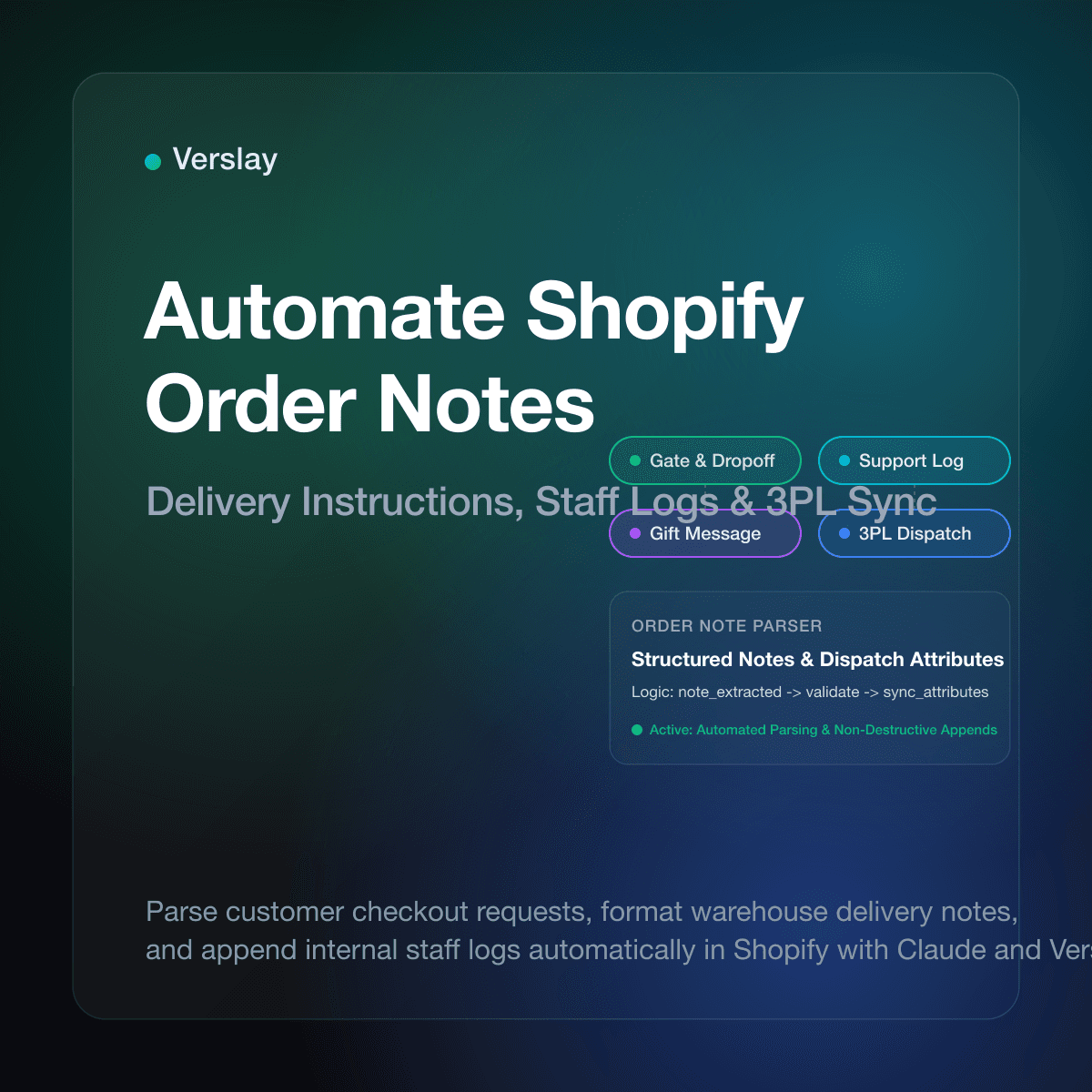
Store owners can automate Shopify order notes by using the Shopify Admin API, native workflow triggers, or an AI agent connected via MCP to evaluate checkout comments, append internal staff logs, and format delivery instructions for warehouse dispatch. Instead of having customer support or fulfillment coordinators manually copy and paste delivery gate codes, gift card messages, or packaging requests, automated rules process note attributes the moment an order arrives.
At a glance
- Automated text extraction: Freeform buyer comments convert into structured delivery instructions, gift messages, and fulfillment attributes.
- Accurate warehouse packing: Packing teams and 3PL software receive clean, highlighted notes on pick sheets without human transcription errors.
- Non-destructive updates: Automated workflows append operational updates and verification timestamps without overwriting buyer comments.
- Contextual coordination: Connected AI agents read complex customer requests and update order attributes across customer service and fulfillment desks.
Why Unstructured Order Notes Create Fulfillment Bottlenecks
Online shoppers frequently use the cart note field to communicate critical delivery constraints, packaging preferences, and timing requirements. Customers write instructions such as "Please leave at side door behind gate code 4821," "Do not include price invoice because this is a surprise birthday present," or "Deliver after Friday as our office is closed." When an online store processes dozens of orders daily, these unstructured notes create operational bottlenecks.
Standard third-party logistics (3PL) integrations pull line items and shipping addresses while burying the top-level order note in an unread field. Warehouse pickers scanning items quickly on packing benches cannot read long paragraphs to check for discreet packaging or item substitutions.
Manual review introduces persistent delays and human error. When support reps must read every incoming note, decide which department needs to take action, and edit shipping labels, fulfillment slows down.
Customer service teams also need to append internal updates—such as customer identity verification or address validation—without confusing warehouse staff. Without structured formatting, internal notes mix with buyer messages, leading to mistaken shipments and returns.
How Do Customer Cart Notes Differ from Internal Staff Notes?
Managing Shopify orders effectively requires understanding how Shopify handles buyer-facing notes versus internal staff communication, as outlined in the official Shopify Order Notes documentation.
Customer notes belong to the primary note string attribute of the order object. Buyers submit this text during checkout on the cart page. This field holds up to 5,000 characters and appears at the top right of the Shopify Admin order page. When automated rules modify this field, they must use appending logic rather than blind overwrites so the merchant preserves the exact words the customer wrote during checkout.
In addition to the primary note, Shopify provides note_attributes. These are structured key-value pairs stored on the order, such as {"name": "Gate_Code", "value": "4821"}. Structuring cart inputs as note attributes allows third-party shipping apps and warehouse platforms to map specific fields directly to shipping labels and custom packing slips without guessing.
Internal staff notes live in the Shopify Order Timeline as timeline comments. Timeline entries support internal team mentions, support ticket links, and automated event tracking. They remain strictly invisible to the buyer. Automated systems should write operational status checks—such as address validation and delivery logs—into order timeline comments or structured note attributes, keeping the customer's top-level note field clean for fulfillment instructions.
How to Update Order Notes Using the Shopify Admin API and Flow
Stores can automate note management through programmatic API updates or native rule-based tools, interacting with endpoints documented in the official Shopify Order resource API.
Programmatic Updates via the Shopify Admin API
The Shopify Admin REST and GraphQL APIs allow applications to read incoming orders and update the note and note_attributes properties. When an orders/create webhook fires, your automation service receives the full order payload. The handler inspects the incoming note property, executes formatting logic, and submits an update back to the store.
When constructing the mutation payload, the service fetches the current note string, appends the new operational note with a prefix like [STAFF UPDATE - 2026-11-11]:, and submits the combined text. This non-destructive append pattern protects customer input while providing warehouse dispatchers with clear, timestamped updates.
Workflow Automation with Shopify Flow
For stores with access to Shopify Flow, operators can build trigger-based workflows without custom backend code. A standard Flow recipe triggers on "Order created," evaluates whether the "Order note" field is not empty, and performs actions such as:
- Checking if the note text contains specific keywords such as "gift," "urgent," "gate code," or "allergies."
- Applying matching order tags like
has-gift-noteordelivery-instructionso warehouse teams filter orders quickly. - Sending an internal notification to customer support if a note contains phrases requesting order changes.
While Flow provides a fast starting point for keyword matching, it cannot interpret complex natural language or reformat messy customer text into clean warehouse instructions.
Comparing Manual Order Processing, Shopify Flow, and AI Agents
The table below compares the three primary methods for managing Shopify order notes.
| Operational Feature | Manual Processing | Native Shopify Flow | AI Agent Orchestration | | :--- | :--- | :--- | :--- | | Setup Complexity | None (ad-hoc) | Low (visual rule builder) | Low (MCP connection via Claude) | | Natural Language Parsing | Full human understanding | Rigid string matches | Intelligent contextual interpretation | | Execution Speed | Minutes to hours per order | 2 to 5 seconds per order | 5 to 15 seconds per order | | Error Rate | High (missed notes, typos) | Misses wording variations | Very low (context-aware extraction) | | Instruction Extraction | Manual copy-pasting | Cannot extract sub-strings | Extracts gate codes, dates, and messages | | Non-Destructive Appending | Inconsistent | Overwrites or replaces entirely | Standardized timestamped appends | | Cross-Tool Coordination | Manual data transfer | Limited to Flow partner apps | Coordinates Shopify, CRM, and email |
Growing stores often outgrow static keyword rules when customer notes arrive in varied formats. A buyer writing "Leave on porch, back gate code is 9942" will match a rule looking for "gate code," but a buyer writing "pin for entrance is 9942" will be missed by static filters. An AI agent understands that both sentences describe the same physical delivery constraint.
How Claude and Verslay Automate Order Note Workflows
Verslay enables merchants to deploy autonomous AI agents that run through the merchant's own Claude (claude.ai) workspace using Model Context Protocol (MCP). Instead of maintaining fragile custom scripts or paying for expensive software, store owners connect Claude directly to Shopify via the Verslay MCP server.
Through the Verslay catalog of AI use-cases, merchants access pre-built operational agents that handle ecommerce workflows. With specialized ecommerce agents, Claude monitors incoming store events, parses customer communication, and executes precise updates directly in Shopify Admin.
Consider an incoming order where the buyer writes: "Please make sure the courier leaves this by the back door because our front porch gets rain. Also please omit any pricing details from the package since this is an anniversary gift for my spouse."
Here is how the automated workflow operates in Claude using Verslay tools:
- Order Ingestion: The Verslay connector detects the new order and passes the raw order JSON to Claude.
- Contextual Analysis: Claude evaluates the customer note and identifies two distinct operational constraints: a delivery placement requirement and a gift packaging requirement.
- Attribute Structuring: Rather than leaving raw text as an unorganized block, Claude generates clean key-value pairs for
note_attributes:Delivery_Location: Back Door (Sheltered)andPackaging_Type: Gift (No Prices). - Tag Application: Claude applies operational tags (
gift-shipment,special-delivery-instructions) so warehouse pickers spot the order in packing batches. - Timeline Confirmation: Claude posts an internal timeline comment recording that delivery and packaging attributes were parsed and validated, leaving an audit trail for support staff.
Because Verslay runs directly through Claude without deploying code onto your infrastructure, store operators retain full visibility. Merchants can explore Shopify and messaging integrations to connect customer service desks alongside Shopify, and review transparent pricing plans to select the right tier for their order volume.
Best Practices for Safe and Non-Destructive Note Automation
When implementing automated note workflows, follow these core principles to ensure customer trust, operational reliability, and warehouse efficiency.
1. Enforce Non-Destructive Appends
Never replace the original customer note wholesale. If an automated system overwrites the customer's text, your customer support team loses the original record of what the buyer asked for. Format automated additions cleanly below the customer's text, separated by clear bracketed headers.
2. Standardize Attribute Naming Conventions
If you map customer notes into structured note_attributes for your shipping software or 3PL, maintain consistent key naming. Use snake_case or Title_Case consistently across all rules (for example, Delivery_Code rather than alternating between gate_code and GateCode) to ensure packing slip templates pull data reliably.
3. Account for Shopify Field Character Limits
While Shopify allows up to 5,000 characters in the top-level order note, external shipping platforms and carrier label software often enforce tighter limits. Many carrier APIs truncate delivery notes at 35 to 100 characters on shipping labels. Ensure your automation extracts the critical delivery instruction—such as the exact gate code—into a short, dedicated attribute.
4. Separate Internal Communication from Customer-Visible Fields
Keep staff internal communications and automated fraud flags out of customer-facing fields. While the main order note is primarily visible in the admin, certain customer account pages and order status notifications can expose note content to buyers depending on your theme setup. Use Shopify Timeline comments for internal staff logs.
Frequently Asked Questions
Can you automatically add or update order notes in Shopify?
Yes. Merchants can update order notes via the Shopify Admin REST or GraphQL API, native Shopify Flow workflows, or an AI agent connected via MCP that parses incoming customer instructions.
What is the difference between customer order notes and internal timeline comments?
Customer order notes are buyer-facing attributes submitted during cart checkout, while internal timeline comments and staff notes remain visible only to store employees and connected apps.
How do automated order notes improve 3PL warehouse fulfillment?
Automated workflows parse unstructured delivery requests, gate codes, or gift messages from buyer notes into standardized shipping fields that warehouse pickers can read instantly.
Can an AI agent extract special requests from unstructured order notes?
Yes. By connecting Claude to Shopify through the Verslay MCP server, the AI reads freeform text, identifies key delivery constraints, and updates order attributes before fulfillment starts.
Ready to see how intelligent automation can handle order notes, fulfillment tags, and store workflows across your catalog? Book a personalized walkthrough of the platform with our team at https://calendly.com/verslay/30mins to review your store setup.