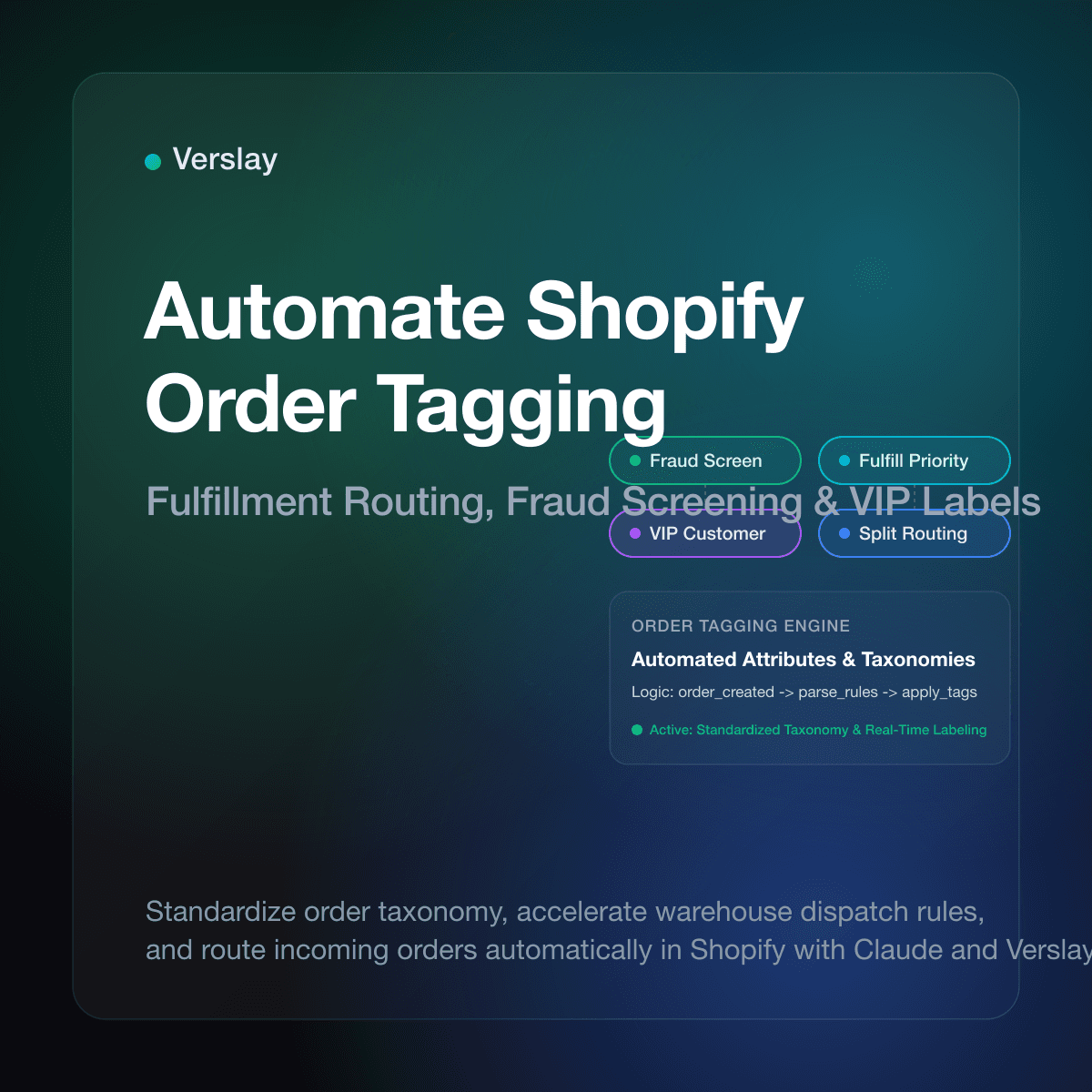
Store owners can automate Shopify order tagging by using the Shopify Admin API, native workflow automation, or an AI agent connected via MCP to evaluate order attributes in real time and apply standardized tags for fulfillment routing, fraud screening, and customer support triage. Instead of spending hours each morning opening individual orders to check shipping addresses, high-value cart totals, or gift notes, automated rules assign operational labels within seconds of checkout.
At a glance
- Zero manual sorting: Inbound orders receive fulfillment, fraud, and priority tags within seconds of customer checkout.
- Accurate 3PL handoffs: Clean tags allow third-party logistics teams to filter and pack priority batches without delays.
- Immediate fraud protection: High-risk indicators trigger inspection tags before shipping labels print on the warehouse floor.
- Context-aware handling: Customer notes and VIP spend history convert into visible tags for support and fulfillment staff.
Why does manual order tagging create bottlenecks for growing stores?
As order volume expands from fifty to several hundred orders a day, manual tagging quickly becomes an operational hazard. Store operators frequently check each order in the Shopify admin to determine which warehouse should ship the items, whether an express shipping fee was paid, or if an order contains delicate goods requiring custom packaging.
When humans apply tags manually, three common breakdowns happen:
- Typo variations break downstream software. One staff member tags an order as
priority-shippingwhile another entersPriority. Downstream shipping software or warehouse management tools fail to detect the misspelled label, leaving urgent parcels sitting on packing tables. - Delayed fulfillment holds. High-risk fraud orders or address errors often sit in the unfulfilled queue for hours before an operations manager notices them. In fast-moving facilities, packing teams may print shipping labels and seal boxes before anyone flags the issue.
- Lost customer context. Shoppers frequently leave crucial instructions in checkout notes, such as requests for plain packaging or gate codes. In manual workflows, these details stay buried inside individual order screens instead of surfacing as clear operational tags.
Automating order categorization removes human variance and guarantees that every incoming transaction satisfies operational standards immediately.
How do automated tags route shipments and accelerate warehouse fulfillment?
Automated tags serve as the primary communication bridge between your Shopify store and your fulfillment operations. Warehouse personnel and automated third-party logistics (3PL) systems do not read multi-paragraph customer histories; they filter queues based on explicit tag criteria.
By applying standardized tags automatically at checkout, stores optimize several warehouse steps:
- Carrier and service level routing: When a customer selects overnight or two-day air, the automation applies an
expedited-airtag. Warehouse picking software prioritizes these orders at the start of every shift. - Location-based inventory allocation: If your catalog splits between regional distribution centers, automated tagging assigns
facility-westorfacility-easttags based on destination postal codes and product availability. - Packaging requirements: Orders containing fragile glassware, temperature-sensitive items, or hazardous materials instantly receive packaging directive tags such as
hazmatorbox-type-4.
This direct taxonomy eliminates packing confusion and prevents expensive carrier surcharges caused by incorrect shipping labels. You can explore how operational components integrate across store systems in Verslay integrations.
What are the core rules for automated fraud screening and VIP tagging?
Effective tagging systems balance defensive risk controls with proactive customer service. Instead of applying dozens of arbitrary tags, successful stores configure a concise taxonomy centered on fraud prevention and customer value.
Fraud screening tags
Shopify provides native risk recommendations on incoming transactions. Automated rules read these assessments via the Shopify Admin API and take protective action:
review-fraud-risk: Applied whenever Shopify assigns a medium or high risk rating, or when the billing address postal code does not match the credit card issuing bank.hold-address-verification: Triggered when the shipping address contains a missing apartment number, an invalid postal code, or an unrecognized commercial freight forwarding hub.hold-international-id: Assigned to cross-border orders that require customs identification numbers before international export documentation can generate.
Customer value and loyalty tags
Recognizing high-value buyers ensures your team delivers consistent customer care without checking historical order screens:
vip-tier-1: Applied when customer total lifetime spend exceeds a specific threshold, signaling support representatives to answer inquiries first.first-time-buyer: Attached to initial purchases so fulfillment teams can insert welcome cards or sample gifts into the shipping carton.wholesale-account: Added to B2B orders placed through custom draft forms or designated corporate customer profiles.
To learn how specialized operational roles monitor these rules across ecommerce stores, review the catalog in Verslay agents.
How does Shopify native automation compare to agentic workflow orchestration?
Store owners have multiple options when automating order tags, ranging from basic trigger apps to conversational AI agents. Understanding the operational boundaries of each approach helps teams choose the right tool for their catalog complexity.
| Operational Feature | Manual Admin Tagging | Native Shopify Flow | AI Agent Orchestration (Verslay) | | :--- | :--- | :--- | :--- | | Execution Speed | Minutes to hours per order | Under 5 seconds | Real-time on webhook | | Rule Flexibility | Human judgment (inconsistent) | Strict IF/THEN logical trees | Evaluates unstructured notes & context | | Maintenance Burden | High daily labor overhead | Moderate rule management | Conversational setup, no complex logic trees | | Multi-App Context | Relies on manual tab switching | Limited to supported app triggers | Queries inventory, email, and CRM via MCP | | Error Rate | 3% to 8% human typo frequency | 0% within static rules | 0% with verified taxonomy validation |
While native tools like Shopify Flow excel at rigid conditional triggers, they struggle when instructions arrive in unstructured natural language. If a buyer writes "Please hold this shipment until Friday because I am traveling" in the order notes, static conditional rules cannot interpret the delivery date. An AI agent reads the note, calculates the release date, places a temporary fulfillment hold, and appends the appropriate date tag.
How to set up automated Shopify order tagging with Claude and Verslay?
Connecting an AI agent to your Shopify store via Verslay lets you build context-aware tagging rules without writing custom code or managing complicated webhook servers. Because Verslay runs through your own Claude setup without requiring custom software engineering or storing customer data on external servers, store operators manage order policies using conversational instructions.
Here is how a store owner configures automated order tagging in four clear steps:
- Link your Shopify store: Authenticate your Shopify store credentials using the Verslay MCP server. The integration requests only the necessary permissions to read orders and write order tags.
- Define your tag dictionary: Establish a clean, documented list of standard tags (for example:
vip-customer,express-ship,fraud-hold,gift-message). Standardizing tag casing avoids duplicate entries. - Instruct Claude on operational criteria: Provide your operational policies directly in Claude. You specify the exact order attributes that warrant a tag, including cart values, item tags, destination countries, and delivery notes.
- Activate automated order processing: Claude monitors incoming order notifications through Verslay, inspects the line items and shipping metadata, and issues an API call to append verified tags to the Shopify order.
Sample operational prompt
A store operations lead can provide the following prompt to Claude to enforce tagging rules:
Evaluate all unfulfilled Shopify orders received in the past 15 minutes.
If an order contains customer notes mentioning a gift or greeting card, apply the tag 'gift-order'.
If the total spend exceeds $250 and the customer has ordered more than twice, apply 'vip-customer'.
If Shopify risk analysis reports high or medium risk, apply 'fraud-review' and notify our team on Slack.
Always verify that existing tags are preserved and output a confirmation summary table.
Claude queries the Verslay MCP server, inspects the current batch of orders, validates the criteria, and appends the tags directly in your Shopify admin. Explore how automated workflows function across ecommerce catalogs in Verslay use-cases.
What safeguards prevent conflicting tags, API limits, and duplicate labels?
Deploying automated tagging requires operational guardrails to prevent your store admin from becoming cluttered or exceeding Shopify API capacity.
Preventing tag duplication and casing errors
Shopify treats tags as comma-separated text strings. Because the Shopify admin is sensitive to punctuation and whitespace, inconsistent systems can inadvertently generate multiple versions of the same concept.
To maintain clean store data, configure your automations with three standard rules:
- Lowercase standard: Enforce all lowercase letters for automated tags (use
express-deliveryrather thanExpress Delivery). - Hyphen delimiters: Replace spaces with hyphens to prevent multi-word tags from breaking in external third-party software exports.
- Idempotent writes: Before appending a tag to an order, verify that the string is not already present in the order's existing tag array.
Managing Shopify API rate limits
Under Shopify REST and GraphQL Admin APIs, storefronts operate within rate quotas (typically 40 requests per second under standard REST bucket algorithms). When large product drops or promotional events generate hundreds of simultaneous checkouts, unmetered automations can trigger rate-limit throttling (HTTP 429 errors).
Reliable automation systems batch tag updates or space API requests to stay comfortably within Shopify capacity limits. If an order fails to tag during a high-traffic spike, the workflow pauses and retries the update automatically.
For a clear breakdown of plans suitable for expanding merchants, review our Verslay pricing page. If you need help connecting your store credentials securely to Claude, follow our step-by-step Shopify connection guide.
Automate your store operations with Verslay
Manual order sorting drains productive hours and introduces preventable shipping mistakes into your fulfillment workflow. By turning complex order attributes into clear, automated tags, your store accelerates warehouse dispatch and protects customer satisfaction.
Book a consultation with our team at https://calendly.com/verslay/30mins to see how Verslay and Claude automate your Shopify operations.