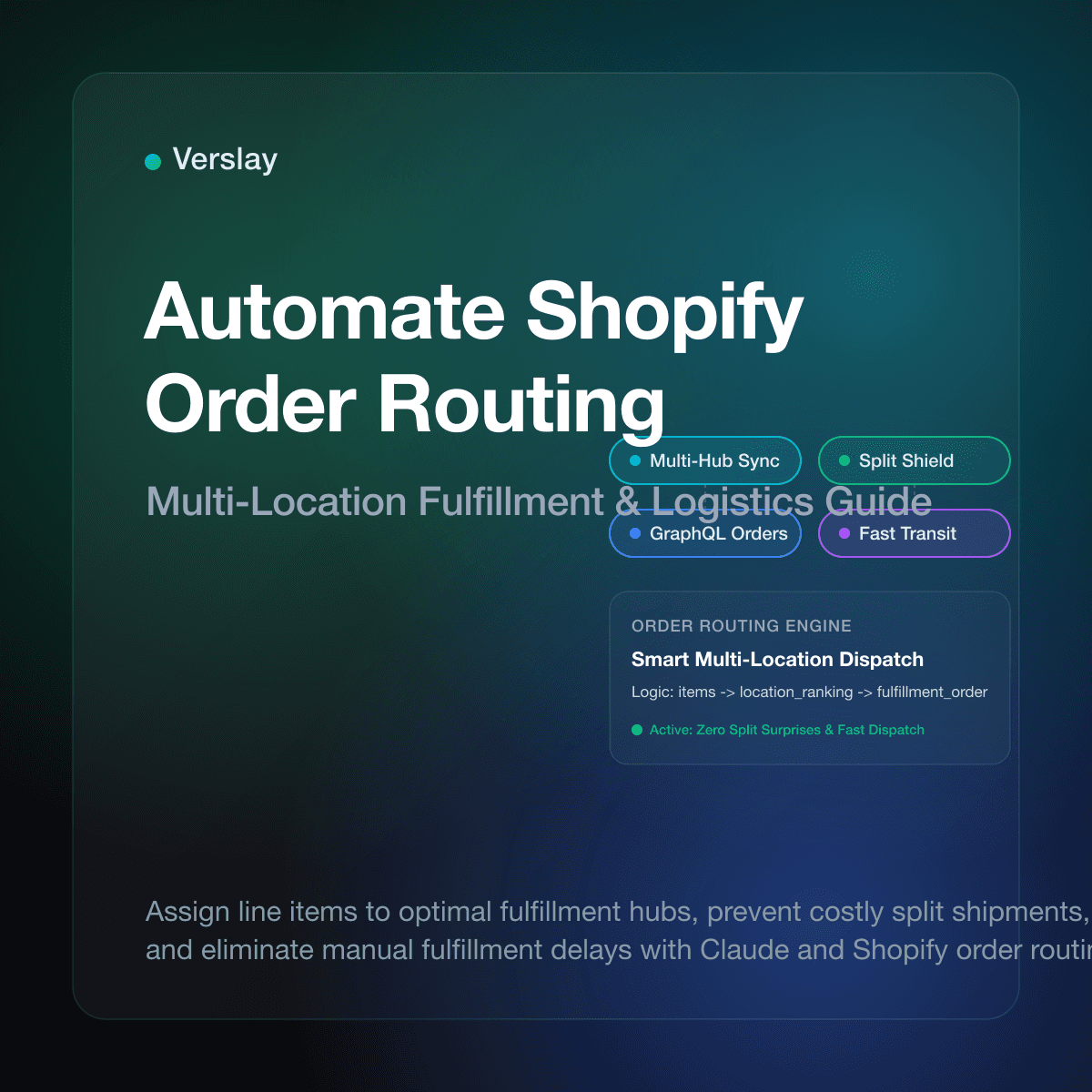
To automate Shopify order routing, ecommerce merchants configure rule-based systems and automated workflows that assign incoming customer orders to the ideal warehouse, 3PL partner, or retail location. Instead of having store staff manually review shipping addresses and stock counts for every purchase, automated order routing evaluates inventory balances, destination proximity, and carrier options in real time. This process shortens transit times, prevents stockouts, and eliminates unnecessary shipping costs caused by accidental split shipments.
At a glance
- Intelligent Location Selection: Automated routing rules assign line items to fulfillment centers closest to the customer, minimizing transit days and freight surcharges.
- Controlled Split Shipments: Multi-location rules prioritize fulfilling entire orders from a single facility whenever possible, preventing duplicate package fees.
- GraphQL FulfillmentOrder Architecture: Modern routing relies on Shopify FulfillmentOrder resources to decouple checkout placement from physical warehouse fulfillment actions.
- Claude and MCP Integration: Connecting Shopify to Claude through the Verslay MCP server enables operations managers to audit warehouse distribution and resolve exception orders using conversational instructions.
Why Do Manual Order Routing and Multi-Location Fulfillment Fail at Scale?
Fulfilling orders from a single stockroom requires little routing logic. But as online stores expand across regional 3PL partners and retail locations, manual routing breaks down quickly. Store teams assigning fulfillment locations by hand face three persistent problems:
- Fulfillment Bottlenecks and Shipping Delays: When order volume surges, manual location assignment creates operational backlogs. Orders sit in unfulfilled queues while staff verify warehouse stock levels, extending customer delivery times.
- Runaway Shipping Expenses from Unplanned Splits: Human error often routes half an order from an East Coast warehouse and the other half from a West Coast facility when a central hub held all items. Duplicate packing materials and double carrier postage quietly erode profit margins.
- Inventory Discrepancies and Ghost Stockouts: Assigning orders without real-time inventory verification leads to cancelled items. If a warehouse discovers an item is out of stock after assignment, staff must reassign the order manually, triggering customer friction.
Operational benchmarks show that ecommerce stores relying on manual location assignment experience shipping errors on 4% to 9% of multi-item orders. Automated order routing provides the precision needed to fulfill orders accurately as daily transaction volumes grow.
How Does Shopify Order Routing Architecture and Location Ranking Work?
Shopify provides a native order routing engine built directly into the platform core. According to the Shopify Order Routing documentation, the system organizes fulfillment decisions using prioritized location rules:
- Locations: Physical spaces where product inventory is tracked and fulfilled, such as warehouses, retail storefronts, or 3PL facilities.
- Routing Rules: Predefined logic statements that rank available locations based on operational goals, including minimizing delivery distance, avoiding order splits, and prioritizing primary warehouses.
- FulfillmentOrders: Introduced in the Shopify FulfillmentOrder resource, this API object represents an independent group of items fulfilled together from a designated location.
Developers and automation tools query and mutate these records using the Shopify GraphQL Admin API. When an order is placed, Shopify generates fulfillment orders and applies active routing rules to assign items to an optimal location. External automation workflows can move fulfillment orders between locations before fulfillment begins if inventory shifts.
What Are the Core Methods to Automate Shopify Order Routing?
Growing ecommerce brands choose from several approaches to automate order routing across fulfillment facilities:
| Method | Latency & Speed | Setup Complexity | Customization Flexibility | Ideal Store Profile | | :--- | :--- | :--- | :--- | :--- | | Manual Admin Assignment | 2 to 24 hours | Very Low | Minimal (human judgment only) | Single-warehouse stores with under 30 daily orders | | Native Shopify Routing Rules | Real-time | Low | Moderate (standard ranking presets) | Brands with 2 to 5 stock locations using standard carrier setups | | Custom Webhooks & Scripts | 1 to 5 minutes | High | High (custom code required) | Technical teams with dedicated software developers | | Third-Party Order Management (OMS) | 5 to 30 minutes | Moderate to High | High (rigid app configurations) | Multi-channel brands with complex ERP integrations | | AI Agent Orchestration via MCP | Near real-time | Low to Moderate | High (conversational rules & exception handling) | Growing teams wanting intelligent routing oversight and natural language controls |
While native Shopify routing rules handle basic distance and inventory ranking, custom business rules often require greater flexibility. AI-assisted workflows evaluate inventory feeds, carrier rates, and customer profiles simultaneously, allowing operations managers to adjust routing logic in plain language without rewriting custom code.
How to Set Up an Automated Shopify Order Routing System Step-by-Step?
Building a dependable automated routing system requires aligning physical warehouse workflows with digital inventory controls:
Step 1: Map Physical Locations and Stock Allocations
Audit every facility where inventory lives. In Shopify Admin under Settings, configure distinct Location records for primary warehouses, regional hubs, dropship vendors, and retail stores. Ensure inventory tracking is active on all variants and mapped to correct location IDs.
Step 2: Establish Location Priority and Ranking Rules
Define the business objectives that govern location selection:
- Minimize Split Shipments: Prioritize facilities that can fulfill the entire order in a single package.
- Minimize Delivery Distance: Select locations closest to the customer shipping address to reduce transit zones.
- Warehouse Priority: Prefer dedicated distribution hubs over retail storefronts to minimize in-store picking disruption.
Step 3: Implement Split Shipment Controls and Cost Thresholds
Decide when an order is allowed to split. If items must ship from two separate warehouses, calculate whether splitting preserves delivery speed without exceeding acceptable freight costs. Configure automation to hold orders for review if split shipping costs exceed product gross margin.
Step 4: Dispatch via FulfillmentOrder GraphQL Mutations
Once routing rules determine the optimal facility, automated pipelines confirm assignments using the fulfillmentOrderMove mutation in the Shopify GraphQL API. This transfers fulfillment responsibility to the designated 3PL API without disrupting customer order status.
Step 5: Monitor Carrier Feeds and Delivery Confirmations
Connect routing workflows to carrier tracking webhooks. When a warehouse generates a shipping label, the tracking number automatically synchronizes back to Shopify, updating customer order statuses and triggering notification emails.
To discover how automated workflows connect across retail tools, shipping carriers, and warehouse platforms, review our platform integrations catalog and explore our step-by-step connection guides.
How Do AI Agents Manage Shopify Order Routing Workflows Inside Claude?
Running order routing through conversational AI gives ecommerce teams speed and flexibility without technical overhead. By connecting Shopify to Claude using the Verslay MCP server, operations teams can monitor fulfillment queues, rebalance inventory allocations, and resolve routing exceptions through direct conversation.
Because Verslay operates directly inside your own Claude workspace (claude.ai) via the Verslay MCP server, all store data and fulfillment actions remain under your direct control. No code is required, and no AI models run on your company infrastructure.
Here is an example of an operational workflow executed inside Claude:
You are an ecommerce fulfillment assistant connected to our Shopify store via the Verslay MCP server.

Objective:
Review unfulfilled multi-item orders from the last 12 hours and optimize warehouse routing to minimize split shipments and delivery transit times.

Instructions:
1. Query open FulfillmentOrders across: 'East Coast Hub', 'West Coast Hub', and 'Midwest 3PL'.
2. Identify orders flagged for split fulfillment across multiple facilities.
3. For each split order:
   a. Check if any single warehouse has sufficient inventory across all line items.
   b. If yes, move the fulfillment order to that facility using fulfillmentOrderMove.
   c. If no, verify customer selected expedited shipping before approving split shipment.
4. Flag orders where stock is unavailable and alert merchandising.
5. Generate summary table: Order ID, Destination, Optimized Location, Split Avoided, Estimated Postage Savings.
6. Await human confirmation before committing moves for orders valued over $250.
This conversational workflow allows store managers to oversee automated fulfillment without logging into multiple warehouse portals. Operations teams can explore modular agent capabilities and activate ready-to-run use cases that match their fulfillment strategy.
What Operational Guardrails Prevent Split Shipment and Routing Blunders?
Automated order routing directly influences shipping expenditure and customer delivery satisfaction. Implementing operational safeguards prevents unexpected fulfillment errors:
1. Split Order Margin Protection
A multi-item order should never generate shipping costs that exceed the order profit margin. Establish automated rules that prevent low-value orders from splitting across warehouses. If an order cannot be fulfilled from a single location, the system holds the order for review or offers an alternative delivery window.
2. Real-Time Stockout Fallbacks
Inventory levels can change between checkout placement and physical picking. If a facility runs out of an allocated SKU, automated routing must immediately trigger a fallback rule that reassigns the line item to the next closest location with verified stock.
3. Regional Tax and Customs Verification
International orders require careful routing to comply with customs declarations and tax nexus thresholds. Automated routing pipelines verify destination country requirements before assigning orders to overseas facilities, ensuring required tariff documents are generated prior to dispatch.
4. Human-in-the-Loop Exception Queues
Unusual order patterns, such as orders with invalid shipping addresses or suspected fraud warnings, should automatically route to an exception review queue. Operations staff can inspect flagged items, confirm address details, and authorize specialized carrier pickup with a single click.
Frequently Asked Questions
How do you automate order routing in Shopify?
You automate order routing in Shopify by configuring order routing rules in Shopify admin or triggering fulfillment orders via the GraphQL Admin API, assigning items to locations based on stock availability and shipping destination distance.
Can Shopify automatically split orders across multiple warehouses?
Yes. Shopify order routing can split an order across multiple fulfillment centers when no single location holds sufficient inventory for all line items, generating separate fulfillment orders for each location.
What causes order routing errors and fulfillment delays in Shopify?
Order routing errors typically stem from inaccurate inventory records across locations, inactive fulfillment services on product variants, missing shipping zones, or third-party logistics API sync timeouts.
How do AI agents manage Shopify order routing through Claude?
AI agents connected via the Verslay MCP server evaluate stock distribution across warehouses, apply custom carrier routing rules, and handle exception orders before confirming fulfillment orders in Shopify.
Automating Shopify order routing helps online retailers fulfill customer purchases faster, lower carrier freight costs, and eliminate fulfillment bottlenecks across multi-location warehouses. To discover how your ecommerce team can connect AI fulfillment agents and automated routing workflows into Claude without writing code, view our transparent pricing options or book a short introductory walkthrough with our team.