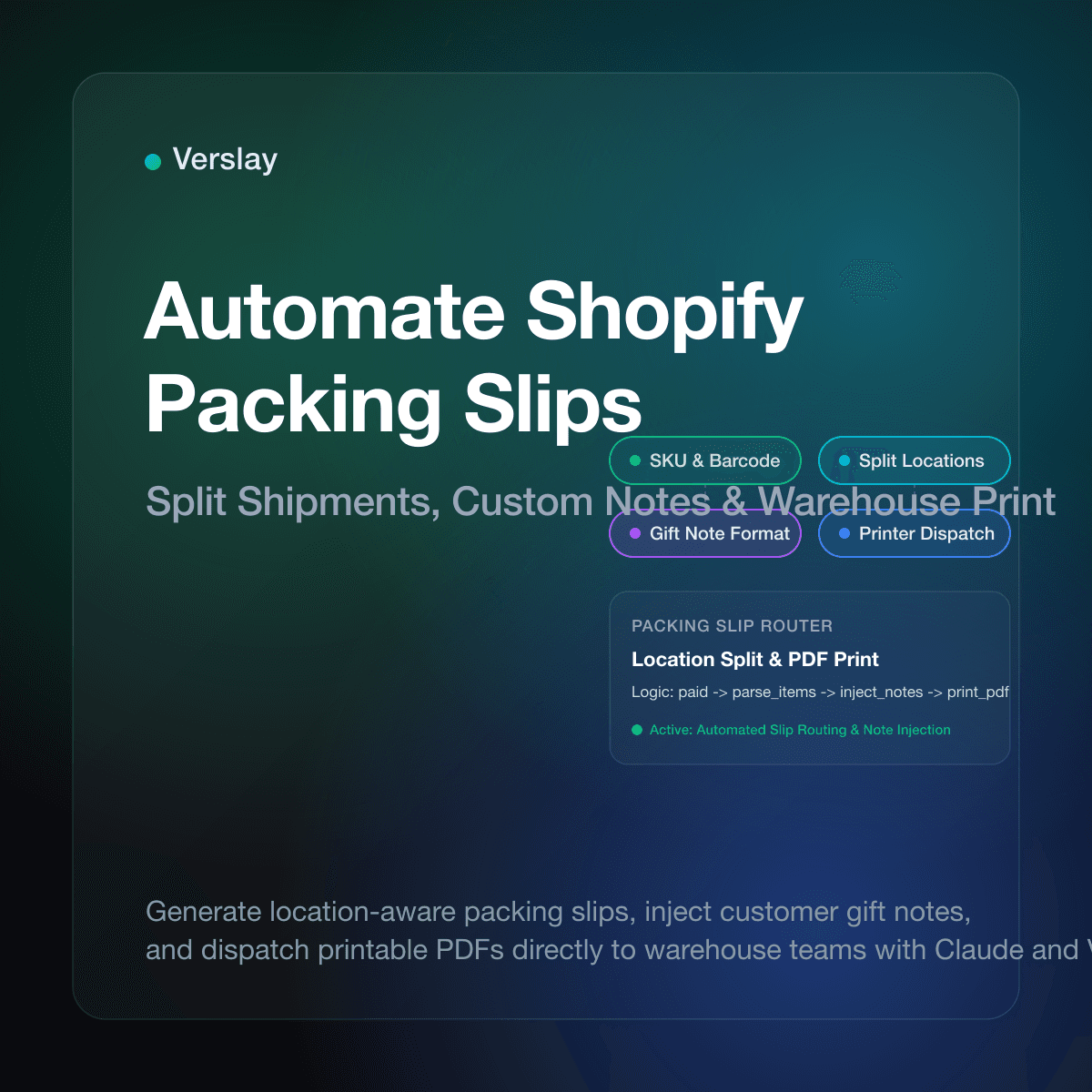
Store owners can automate Shopify packing slips by configuring event-driven print triggers, standardizing line-item Liquid templates, and deploying an AI agent via Model Context Protocol (MCP) to route fulfillment orders across facilities. Rather than manually clicking into every paid order to generate PDFs, automated workflows parse cart attributes, isolate location-specific inventory, and route printable packing slips directly to warehouse stations or 3PL distribution centers.
At a glance:
- Automated Triggering: Packing slips generate instantly when orders transition to paid status or when fulfillment locations are assigned.
- Split Shipment Accuracy: Multi-warehouse orders automatically split into discrete packing slips showing only the physical items stocked at each site.
- Dynamic Note Formatting: Customer gift notes and delivery instructions extract from raw checkout fields and render into designated template boxes.
- Fulfillment Speed: Eliminates repetitive manual admin clicks, enabling pick-and-pack teams to begin assembly immediately.
Why do manual Shopify packing slips slow down order fulfillment?
Every online merchant experiences administrative friction during order fulfillment as order volume climbs. In a basic setup, staff open the Shopify admin dashboard, filter unfulfilled orders, click into individual order records, select print, and generate browser-based dialogues. When an order includes special handling requirements or splits across multiple storage facilities, workers must stop and check inventory balances before printing.
During morning shipping cutoffs or promotional sales, this manual cycle creates an operational chokepoint. Orders sit unprinted while warehouse staff wait for paperwork. Manual printing also introduces human errors. Staff members accidentally print packing slips for backordered items, overlook buyer gift messages entered into checkout text boxes, or print full-order slips at a facility carrying only half the purchased goods.
Manual processing also struggles when buyers request modifications before shipping. If a shopper emails support to update delivery instructions or add an apartment number, an already printed paper slip becomes outdated. Without synchronization between customer support desks and warehouse printers, pickers pack boxes using stale data, resulting in misrouted deliveries and costly returns. Connecting your store to AI agents for ecommerce removes these chokepoints by triggering documents dynamically based on real-time order state.
How does Shopify generate packing slips by default?
Shopify provides built-in packing slip functionality powered by Liquid, the platform's open-source template language. When you access Settings and navigate to Shipping and Delivery in your Shopify admin, you can view and edit the default packing slip template. Official guidelines in the Shopify packing slip documentation explain how Liquid variables render order numbers, customer shipping addresses, line items, quantities, and barcodes.
By default, Shopify evaluates the fulfillment object to generate packing slips. When an order is unfulfilled, the admin displays all unfulfilled line items. Once fulfillment begins, the slip reflects only the items assigned to that specific fulfillment group. The default template contains basic CSS styles and HTML tables designed for standard letter or 4x6 thermal paper formats.
However, the default template has notable limitations:
- Static Presentation: It prints raw text without checking whether customer inputs fit cleanly on the page.
- Manual Execution: Out of the box, Shopify does not automatically send packing slip PDFs to physical thermal printers or 3PL endpoints.
- Limited Conditional Logic: Handling complex rules—such as hiding pricing on gift orders or displaying custom assembly instructions—requires writing fragile Liquid conditions that can fail.
To build an efficient fulfillment process, growing brands replace manual printing dialogues with event-based automation connecting webhooks directly to document generators.
What are the core challenges with custom notes and split shipments?
Online stores encounter two primary challenges when scaling packing slip operations: unstructured customer inputs and multi-location fulfillment.
First, consider customer cart notes. When buyers purchase gifts, they frequently type emotional messages, emojis, or specialized delivery instructions into checkout comment boxes. In a default setup, these comments appear as a single block of unformatted text. If the message is excessively long, it overflows the designated container, pushing critical SKU details off the page or cutting off barcodes. Conversely, if a buyer types a gate access code into the gift note field, warehouse staff may fail to recognize that the text belongs on the courier label rather than an enclosed gift card.
Second, split shipments present significant logistics hurdles. When a customer orders a bundle containing three apparel items and a ceramic mug, your store may fulfill clothing from a regional fulfillment center and the mug from a central warehouse. If your warehouse prints a standard single-order packing slip, the customer receives a box containing only clothing alongside paperwork listing all four items. The customer assumes the mug is missing, immediately filing a support ticket or payment dispute.
Solving these challenges requires intelligent preprocessing. Before generating a physical slip, the fulfillment system must inspect line items, verify inventory location assignments, sanitize custom text attributes, and format documents tailored to the contents of each carton. Exploring tested ecommerce automation use cases helps store operators identify where logic gates prevent customer confusion.
How can store teams automate Shopify packing slip workflows?
Automating packing slips involves three essential architectural layers: trigger detection, data transformation, and output routing.
1. Trigger Detection via Webhooks and Order Events
Automation begins with order state changes in Shopify. Merchants can listen to native platform webhooks or use Shopify Flow triggers:
- Order Paid (
orders/paid): Ideal for stores with single-facility fulfillment where packing slips print immediately upon completed checkout. - Fulfillment Order Created (
fulfillment_orders/placed_at): Essential for distributed inventory setups where Shopify assigns specific items to designated fulfillment centers. - Fulfillment Order Hold Released: Triggers document generation after fraud checks or inventory validations pass.
2. Template Customization and Data Cleaning
Once an event fires, automated logic formats the document payload. The workflow inspects line items to verify whether products require special packing callouts, such as fragile stickers. If the customer entered a gift message, the automation removes unwanted characters, wraps the message in a stylized display container, and sets an internal order tag like Gift-Card-Printed.
3. Automated Printer and Dispatch Routing
Rather than requiring human intervention, the final stage routes the generated document directly to its destination:
- Thermal Printer Gateways: Services like PrintNode or direct cloud-print APIs receive the rendered PDF and output 4x6 labels at the packing table.
- 3PL Portal Submission: The automation uploads the packing slip PDF directly to a third-party logistics provider via SFTP or webhook.
- Staff Notifications: If an order contains custom personalization, the system routes the slip directly to the production team with assembly notes attached.
By linking these stages together, store operators maintain continuous warehouse momentum without manual supervision.
Comparing manual printing, Shopify Flow, and AI agent automation
Merchants choose between three distinct approaches when modernizing packing slip procedures. The table below outlines how each method performs across key operational criteria:
| Capability | Manual Admin Printing | Native Shopify Flow | AI Agent via Verslay MCP | | :--- | :--- | :--- | :--- | | Trigger Mechanism | Manual click in Shopify admin | Event trigger (Order Paid, Tag Added) | Natural language prompt or webhook event | | Execution Speed | 1 to 3 minutes per order | Near instant (1 to 5 seconds) | Near instant (sub-second evaluation) | | Split Location Support | High human error during splits | Basic (requires separate workflow paths) | Context-aware fulfillment order routing | | Custom Note Formatting | Manual copy-pasting and styling | Static text substitution | Intelligent text parsing and cleaning | | Physical Printer Routing | Local browser print dialogue | Requires external third-party connector | Direct API execution to print gateways | | Maintenance Burden | High daily labor overhead | Moderate (editing complex Flow trees) | Minimal (runs through your own Claude) | | Setup Complexity | Zero initial configuration | Moderate setup within Shopify admin | Simple connection via standard MCP |
While native Shopify Flow handles basic binary rules—such as triggering an email when a tag is applied—it struggles with nuanced text parsing and variable-driven warehouse logic. AI agents bridge this gap by interpreting customer inputs and managing multi-step actions without requiring custom code. Reviewing store integrations allows merchants to connect their existing platforms into unified operational pipelines.
How to set up automated packing slip orchestration with Claude and Verslay
Verslay enables growing online stores to run ecommerce automations through their own Claude (claude.ai) workspace using Model Context Protocol (MCP). Because all actions execute through your existing Claude account, your team gains access to intelligent automation without managing proprietary server infrastructure or writing custom backend code.
Here is how a store operator coordinates packing slip automation:
Step 1: Connect your Shopify store to Claude via Verslay
First, connect your Shopify admin to Verslay using OAuth. This connection exposes standard store tools—such as retrieving order details, reading fulfillment orders, and generating print assets—directly to your Claude environment. No customer records are stored on external servers, and your store data remains in your control.
Step 2: Establish the automated fulfillment check
In Claude, you can configure an operational brief that inspects newly paid orders on a recurring cadence or evaluates incoming webhooks:
Check Shopify for paid, unfulfilled orders placed in the last hour.
For each order:
1. Inspect fulfillment orders to verify whether items ship from Warehouse A or Warehouse B.
2. If the customer included a gift note in note_attributes, verify the character count and format it into the gift message container on the packing slip.
3. Generate individual PDF packing slips for each fulfillment location.
4. Tag the order with "Packing-Slip-Dispatched" and append the location names to internal order notes.
Step 3: Automate document dispatch
When Claude executes this workflow through the Verslay MCP server, it retrieves the line items assigned to each warehouse location, constructs the appropriate packing slip, and delivers the file directly to your printer queue or fulfillment portal.
If an order contains an ambiguous delivery constraint—such as a request to hold delivery until a specific date—the agent pauses fulfillment, applies a Fulfillment-Hold tag, and alerts your customer service team. This safeguards fulfillment speed while ensuring that non-standard requests receive human attention. Evaluating transparent pricing plans helps growing businesses select the appropriate support level as daily order volume expands.
Automating your packing slips eliminates fulfillment bottlenecks, prevents split-shipment errors, and ensures that every customer receives clear order paperwork.
Ready to automate your Shopify fulfillment workflows? Book a 30-minute consultation with Verslay to see how intelligent agents run your ecommerce operations directly through Claude.