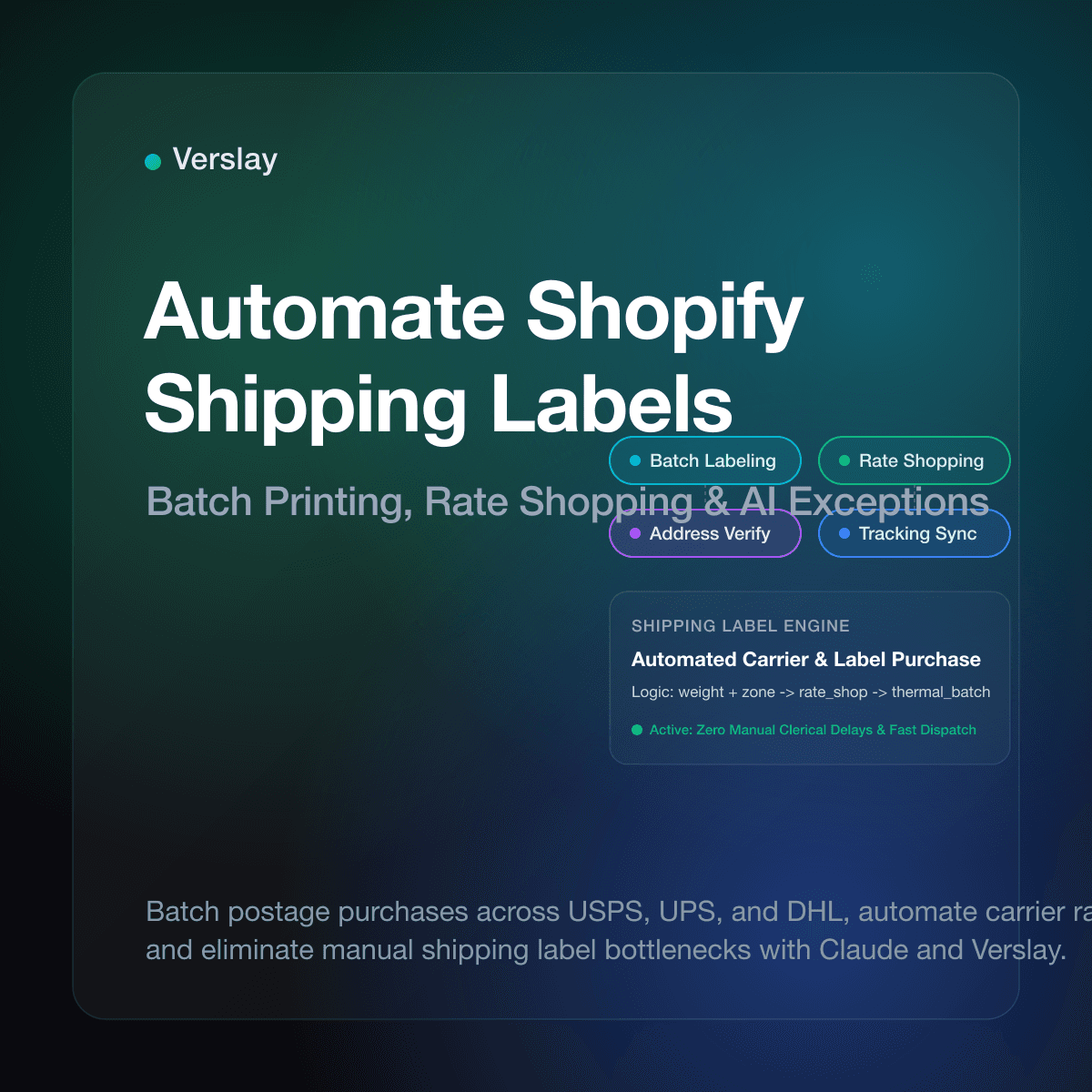
To automate Shopify shipping labels, ecommerce merchants configure automated fulfillment rules, package dimension profiles, and rate-shopping logic that batch-purchase postage across preferred carriers like USPS, UPS, and DHL Express. Instead of having store staff manually open each order, type box measurements, select carrier services, and print labels one by one, automated shipping label workflows generate compliant shipping labels in seconds. This operational approach prevents shipping delays, eliminates dimensional weight rating mistakes, and instantly synchronizes tracking numbers with customer notifications.
At a glance
- Automated Postage Purchasing: Workflows evaluate order weight, dimensions, and delivery zones to buy postage in scheduled batches without manual data entry.
- Dynamic Rate Shopping: Rules compare negotiated carrier rates across Shopify Shipping, USPS, and UPS to pick the most cost-effective service that meets customer delivery expectations.
- Thermal Batch Printing: Staff print dozens or hundreds of standard 4x6 labels simultaneously on thermal printers directly from a unified print queue.
- Claude and MCP Operations: Operations teams connect Shopify to Claude through the Verslay MCP server to validate addresses, resolve rate discrepancies, and handle shipping exceptions using natural language.
Why Does Manual Shipping Label Generation Break Down as Stores Grow?
Creating shipping labels by hand works when a shop ships five orders a day. But once daily order volume crosses 30, 50, or 200 parcels, manual label processing becomes an operational bottleneck. Warehouse staff spending hours copying order details into carrier portals face three severe problems:
- Labor Overhead and Fulfillment Lag: Purchasing postage individually takes up to two minutes per order. At 150 daily orders, an operator spends hours just buying and printing labels. This repetitive work slows down packing benches and causes carrier cut-off delays.
- Postage Overpayment and Inconsistent Service Tiers: When operators rush through order queues, they default to familiar carrier services rather than checking actual rates. A light parcel that could travel via USPS Ground Advantage gets assigned to Priority Mail, or a regional order gets booked on costly air freight. These daily rate mistakes quietly drain operating margins.
- Typographical and Address Errors: Manual data transcription introduces delivery failures. Incomplete apartment numbers, missing ZIP digits, and unverified international addresses pass through unchecked, resulting in carrier return fees and delayed deliveries.
Ecommerce fulfillment data reveals that manual label creation produces postage errors or address adjustments on 3% to 7% of unautomated shipments. Automating label generation removes clerical friction and establishes predictable dispatch schedules.
How Do Native Shopify Shipping Labels Work vs Automated Batch Systems?
Understanding the difference between native Shopify administrative tools, standard batch workflows, and intelligent automated workflows helps store owners pick the right fulfillment structure for their volume.
| Capability | Manual Admin Printing | Native Shopify Bulk Batch | Intelligent Automated Workflow | | :--- | :--- | :--- | :--- | | Label Speed | 1 to 2 minutes per order | 20 to 50 orders per click | Instant continuous queue | | Carrier Comparison | Manual eyeball comparison | Single carrier default applied | Automatic rate shopping per rule | | Packaging | Manual entry per order | Uniform box size forced on batch | SKU-based dynamic box assignment | | Address Verification | Visual scan by operator | Basic Shopify warning flags | Pre-purchase address validation | | Exception Handling | Order-by-order troubleshooting | Entire batch halted on one error | Auto-quarantines exceptions only | | Tracking Sync | Manual trigger | Batch API sync to order | Immediate webhook sync + customer alert |
While native Shopify admin tools allow store staff to select multiple orders and click Create shipping labels, basic bulk creation requires human intervention to select package types and approve payments. Intelligent automation connects warehouse rules directly to order queues, generating labels the moment items pass picking verification.
What Core Settings Are Required to Automate Shopify Shipping Labels?
Before activating automated label printing, operations leads must configure essential shipping foundations inside Shopify and their fulfillment stack:
1. Accurate Product Weights and Dimensions
Automated label generation relies on exact mathematical inputs. Every product variant in your catalog must have an accurate physical weight recorded in Shopify admin. If product weights are missing or set to zero, carrier rate calculations fail or trigger post-shipment dimensional adjustments that carriers bill back to your account.
2. Standard Packaging Profiles and Box Presets
Carriers calculate shipping costs based on the greater of actual weight or dimensional weight. Configure your physical box presets inside Shopify under Settings → Shipping and delivery → Packages. Define standard box sizes so automation engines can match order item volumes to the correct shipping container automatically.
3. Default Carrier Services and Domestic Shipping Zones
Link carrier accounts or activate Shopify Shipping discounts with USPS, UPS, and DHL Express. Define primary shipping zones and set service level agreements for each delivery tier. These presets allow automated workflows to apply the correct carrier method without asking an operator for confirmation each time.
How Do Automated Carrier Selection and Rate Shopping Lower Postage Costs?
Postage is one of the largest variable expenses for an online business. Automated carrier selection applies programmatic rules to choose the cheapest qualifying carrier service for every parcel:
Dimensional Weight Optimization
Carriers enforce dimensional weight pricing on larger boxes. Automated shipping systems calculate both actual scale weight and dimensional volume before querying carrier rates. When an order consists of lightweight but bulky goods, the system selects carriers with favorable cubic tiers rather than standard weight-based postal rates.
Delivery Zone Proximity Rules
Regional parcel delivery varies widely between national postal systems and private logistics networks. An automated rate engine routes packages destined for nearby zones via regional ground carriers for fast delivery at low rates, while reserving air services for long-distance deliveries.
Real-Time Service Level Agreement Matching
Customers choose delivery speeds at checkout, such as Standard or Expedited. Rather than overpaying for express air freight on every expedited order, automated rate shopping checks whether standard ground transport meets the transit window for close geographic destinations. If ground delivery reaches the customer within 48 hours, the system purchases ground postage and saves your store 40% to 60% on freight costs.
How Do AI Agents Manage Shipping Labels and Exceptions Through Claude?
Beyond basic static rules, modern ecommerce teams use AI operations agents connected to Shopify to supervise shipping label generation and handle complex order exceptions. By linking Shopify with Claude through the Verslay MCP server, store managers can delegate fulfillment audits and label batching to an autonomous operational assistant.
Here is an example of an operational workflow executed inside Claude:
You are an ecommerce shipping operations assistant connected to our Shopify store via the Verslay MCP server.

Objective:
Audit pending unfulfilled orders, validate shipping addresses, apply carrier rate shopping rules, and prepare shipping labels for thermal printing.

Instructions:
1. Fetch all unfulfilled orders with payment status 'paid' placed within the last 24 hours.
2. For each pending order:
   a. Validate the delivery address for missing apartment numbers, invalid postal codes, or carrier PO Box restrictions.
   b. If address is invalid, flag order as 'shipping-exception' and draft customer notification email requesting address verification.
   c. If address is valid, determine optimal package preset based on SKU dimensions.
   d. Compare negotiated rates across USPS Ground Advantage, UPS Ground, and DHL Express.
   e. Select the lowest-cost carrier meeting customer delivery SLA.
3. Queue approved orders into batch label generation queue.
4. Generate summary report with total orders processed, postage cost, and flagged exceptions.
5. Require operator confirmation before finalizing label purchase for orders with declared value above $300.
This operational pattern allows small teams to run high-volume fulfillment without adding clerical headcount. Operations managers can explore modular agent capabilities and activate ready-to-run use cases that connect their fulfillment systems. For instructions on linking your store credentials, review the Shopify connection guide.
What Operational Safeguards Prevent Address Errors and Label Failures?
Automated label printing must include operational guardrails so incorrect labels never make it onto outbound packages:
1. Pre-Purchase Address Verification
Carrier address validation APIs check street addresses against postal databases before label generation occurs. When a customer enters a typo, an unverified street name, or an incompatible PO box for private ground couriers, the automated workflow holds the label and alerts support staff. Catching typos before printing saves postage and prevents costly address correction surcharges.
2. Commercial Invoice Generation for Cross-Border Orders
International parcels require Harmonized System (HS) tariff codes, country of origin metadata, and declared item valuations. Automated shipping workflows check that every cross-border line item has an assigned tariff classification before requesting customs labels. The system transmits electronic customs data directly to postal authorities, preventing border clearance delays.
3. Thermal Printer Print-Queue Monitoring
When printing labels in batches of 50 or 100, hardware glitches like paper jams or fading thermal ribbons can spoil labels. Maintain an automated print spooler that tracks printed tracking IDs against purchased orders. If a label fails to print, warehouse staff can reprint the individual tracking number without purchasing duplicate postage.
4. High-Value Order Review Gates
High-ticket purchases require additional protection such as signature confirmation or parcel insurance. Establish automated thresholds that divert orders above a specific value into an operator approval queue. An operations lead confirms insurance coverage and signature requirements before releasing the label to the packing bench.
Frequently Asked Questions
Does Shopify automatically generate shipping labels?
No. Shopify calculates shipping rates at checkout, but store staff or automated workflows must purchase and generate the actual carrier shipping labels before packages can be dispatched.
How do you buy and print shipping labels in bulk on Shopify?
You can buy and print labels in bulk by selecting multiple unfulfilled orders in Shopify admin, clicking Create shipping labels, reviewing package weights and carrier services, and printing a combined label sheet or thermal batch.
What causes shipping label creation errors in Shopify?
Common shipping label errors include unverified customer addresses, missing postal codes, package weights exceeding carrier limits, or missing customs information on international shipments.
How do AI agents manage Shopify shipping labels through Claude?
AI agents connected via the Verslay MCP server can inspect pending orders, select optimal carrier postage, flag delivery address errors for correction, and queue thermal print batches without manual data entry.
Automating Shopify shipping labels helps growing ecommerce businesses dispatch packages faster, reduce carrier freight costs, and eliminate fulfillment clerical errors across daily operations. To discover how your team can connect AI fulfillment agents and automated shipping workflows into Claude without writing code, view our transparent pricing options, check our supported integrations, or book a short introductory walkthrough with our team.