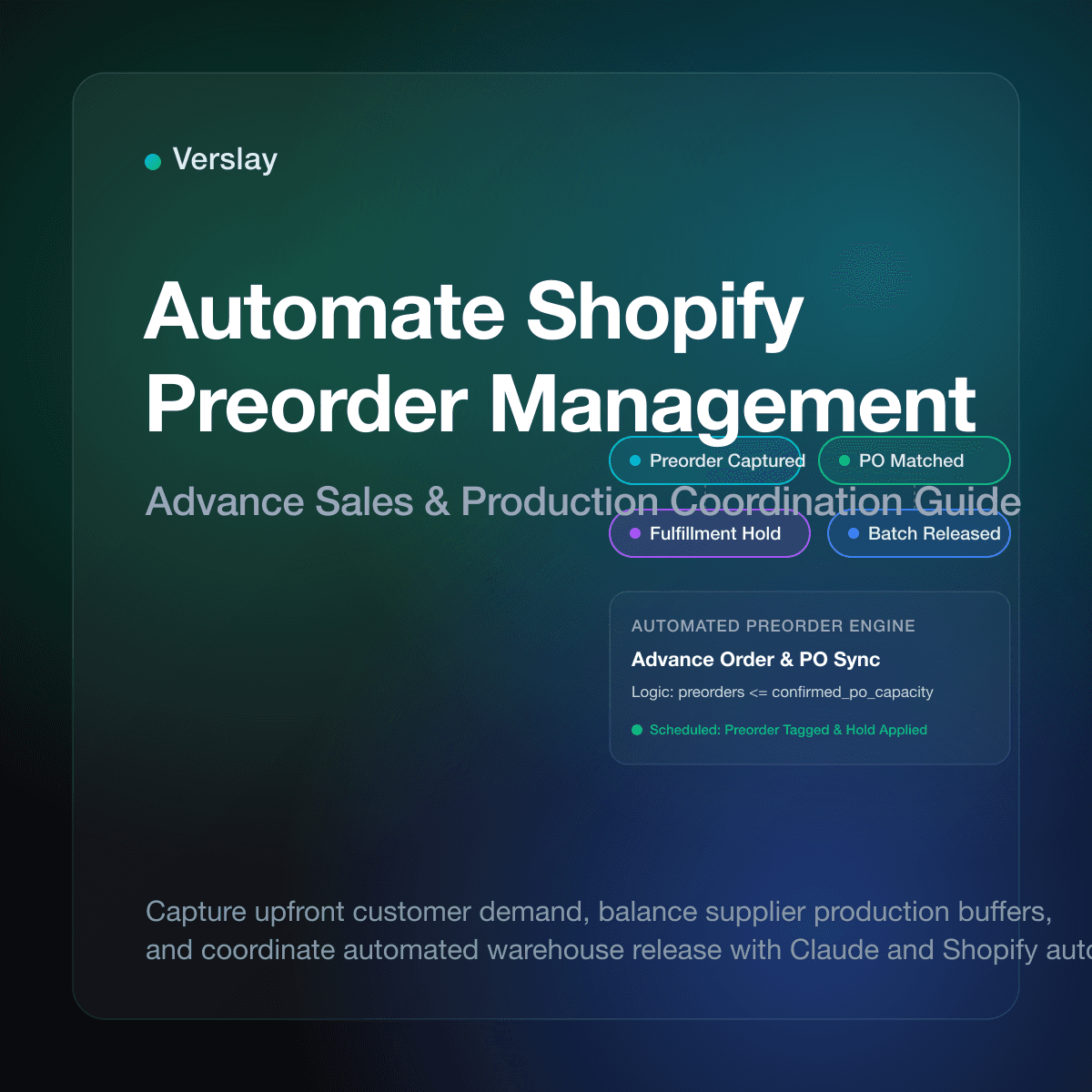
To automate Shopify preorder management, you configure inventory tracking rules to capture advance sales while automatically tagging orders, placing fulfillment holds, and linking backordered quantities to incoming supplier purchase orders. When a customer purchases a preorder item, automated workflows isolate the order from standard fulfillment queues, notify the buyer of expected shipping dates, and prepare release schedules for when warehouse inventory arrives. This automation captures customer demand before production runs, protects store cash flow, and replaces manual spreadsheets.
At a glance
- Working Capital Advantage: Preorders generate upfront revenue that funds production runs, reducing reliance on credit lines and speculative inventory buys.
- Native Shopify Limits: Shopify allows merchants to continue selling when out of stock, but lacks built-in tools to manage fulfillment holds, batch releases, or split shipments.
- Supplier Synchronization: Connecting preorder quantities to supplier purchase orders ensures you never sell more units than your manufacturers are committed to delivering.
- AI-Assisted Operations: Connecting your store to Claude via the Verslay MCP server automates order tagging, customer status updates, and inventory reconciliation without custom infrastructure.
Why Do Growing Shopify Brands Rely on Preorder Management?
Managing inventory in ecommerce requires balancing cash reserves against customer demand. Stocking too much product ties up capital in warehouse storage, while stocking too little creates stockouts that forfeit sales. Running structured preorder campaigns provides an alternative: selling products before or during production cycles.
For boutique apparel labels, specialty brands, and custom electronics makers, preorders validate demand. Instead of guessing unit counts across variants, store owners capture verified commitments. Upfront revenue from advance purchases funds manufacturing deposits, lowering working capital strain.
Running preorders manually introduces fulfillment friction. Without automated rules, advance orders mix into standard daily shipping queues, risking premature picking attempts. Customers also expect regular updates. Automating preorder operations ensures orders receive appropriate holds, inventory allocations match supplier purchase orders, and buyers receive timely progress notices.
Can Shopify Handle Pre-Orders Natively Without Third-Party Software?
Store owners often ask whether Shopify includes built-in preorder automation. The native platform provides fundamental inventory settings, but leaves fulfillment coordination to external tools.
Under standard product inventory settings, Shopify includes a checkbox labeled "Continue selling when out of stock." According to the official Shopify pre-orders guide and Shopify inventory tracking documentation, checking this box allows customers to complete transactions when on-hand stock reads zero. While this enables advance purchasing, it treats the transaction like an in-stock order:
- No Automatic Fulfillment Holds: Shopify marks the order as unfulfilled and includes it in your default order list, risking accidental dispatch.
- No Dynamic Button Labels: Unless your theme includes custom liquid code, the checkout button displays "Add to Cart" or "Buy Now" rather than "Pre-Order."
- No Split Shipment Routing: If an order contains both an in-stock item and a preorder item, native Shopify does not automatically split the order into separate fulfillment waves.
To address these limitations, merchants traditionally choose between three routes:
- Third-Party Preorder Apps: Dedicated apps inject scripts into product templates to swap button text and manage orders. However, they add monthly subscription fees, increase theme script bloat, and store critical order state in external databases.
- Shopify Flow Routines: Stores using Shopify Flow documentation can build conditional logic to tag incoming orders with out-of-stock variants. Flow requires ongoing rule maintenance and does not reconcile supplier purchase orders natively.
- AI Agents via Model Context Protocol (MCP): Operators connect Shopify to Claude using the Verslay MCP server. The agent inspects incoming line items, applies fulfillment holds, and coordinates batch releases when supplier shipments arrive.
How Does an Automated Preorder Workflow Function from Purchase to Delivery?
A dependable preorder management architecture follows a four-stage operational sequence that safeguards inventory counts and protects the customer experience:
[Advance Purchase] ──> [Order Tag & Hold] ──> [Supplier PO Sync] ──> [Batch Release]
1. Purchase Intake and Order Segmentation
When a customer orders a preorder variant, Shopify fires an order creation event. The automated system checks the variant ID against active preorder campaigns. If identified, the system applies an order tag (such as preorder-pending) and sets a custom note indicating the estimated delivery window.
2. Automated Fulfillment Hold
To prevent warehouse staff or third-party logistics (3PL) partners from attempting immediate dispatch, the workflow applies a fulfillment hold via Shopify's order API. The order remains in a paused state while payment authorization completes.
3. Mixed-Cart Identification
Customers frequently combine in-stock items with preorder products in one cart. The automation identifies mixed carts and separates them into two fulfillment groups:
- Immediate Fulfillment: In-stock items ship right away.
- Held Fulfillment: The preorder line item remains paused until supplier stock arrives.
4. Inventory Arrival and Batch Release
When production completes and goods arrive at your warehouse, receiving staff log incoming stock in Shopify Admin. The automated workflow matches incoming quantities against waiting preorder queues, releases fulfillment holds in chronological sequence, and notifies the warehouse team to begin picking.
How Do AI Agents Connect to Shopify to Coordinate Preorder Campaigns?
Traditional ecommerce automations rely on rigid rule trees that break during partial shipments or schedule shifts. By contrast, deploying AI agents through the Verslay MCP server connects store data directly to Claude, allowing the model to act as a dedicated operations coordinator.
Using Verslay, the agent inspects active inventory counts across locations, analyzes pending purchase orders, and reconciles backordered customer requests. Store teams can explore ready-to-deploy capabilities in the Verslay agent library and examine pre-built operations templates in the Verslay use cases index. Because all tasks execute through the business's existing Claude account via the Verslay MCP server, no custom code runs on store servers, and sensitive store credentials stay within established access permissions.
| Capability | Standard Shopify Admin | Third-Party Preorder Apps | AI Agents via Verslay MCP | | :--- | :--- | :--- | :--- | | Setup Method | Native checkbox toggle | Theme scripts & monthly app | MCP connection to Claude | | Fulfillment Holds | Manual per order | Basic automated hold | Dynamic SKU & date holds | | Supplier PO Sync | None | Limited or absent | Real-time PO reconciliation | | Mixed-Cart Splitting | Manual split required | Varies by app tier | Automated group separation | | Customer Progress Updates | Manual broadcast emails | Static generic templates | Contextual status notifications | | Theme Performance Impact | Zero impact | 20–50 KB script overhead | Zero frontend code overhead |
How Should You Structure a Preorder Management Prompt in Claude?
To coordinate preorder workflows with Claude, operators provide structured guidelines that enforce inventory boundaries, payment verification, and clear customer communications.
Here is a practical prompt template designed for store managers using Claude with the Verslay MCP server:
You are an operations assistant managing preorder fulfillment for our Shopify store.

When analyzing open orders:
1. Identify all unfulfilled orders tagged with "preorder-active".
2. Check current inventory levels across our primary warehouse for each preorder SKU.
3. Compare available on-hand stock against confirmed supplier purchase orders.
4. If incoming inventory has landed and on-hand stock covers backorders:
   - Identify affected orders sorted by original purchase timestamp (FIFO order).
   - Prepare a batch release removing the fulfillment hold.
   - Tag released orders with "preorder-ready-to-ship".
5. If supplier delivery dates shift:
   - Identify all customers awaiting the affected SKU.
   - Draft a concise update email specifying the revised shipping window.
   - Maintain an informative and direct tone without defensive phrasing.
6. Present the summary table of proposed status changes for human review before execution.
This prompt establishes clear boundaries. Claude verifies physical stock availability before recommending hold releases, organizes orders chronologically to treat early buyers fairly, and prepares transparent customer communications when manufacturing schedules adjust.
To review connection requirements for Shopify and related communication tools, visit our platform integrations catalog and our detailed connection guides.
What Are the Operational Guardrails for Managing Large Preorder Launches?
Running preorder campaigns at scale introduces operational risks that require disciplined management practices. Implement these guardrails to maintain operational stability and protect customer satisfaction:
1. Enforce Hard Inventory Caps
Never allow preorder sales to run without an upper threshold. Always link available preorder units to signed manufacturing contracts or confirmed purchase orders. If your factory commits to 500 units, configure inventory settings to halt sales at 475 units, keeping 25 units as a buffer for production defects or transit damage.
2. Communicate Realistic Delivery Windows
Avoid providing overly narrow shipping estimates like "ships on November 12." Global supply chains and customs processing often experience brief delays. Instead, communicate shipping windows such as "Ships late November 2026." Clear expectations reduce customer support ticket volume and minimize chargeback risks.
3. Review Payment Capture Guidelines
Payment processors maintain clear rules regarding when funds can be captured for delayed delivery. Standard authorizations can expire if delivery is scheduled months ahead. Evaluate whether capturing funds upfront or utilizing card authorizations fits your store model.
4. Coordinate with Inbound Purchase Orders and Fulfillment
Preorder success depends on tight synchronization between procurement and shipping. When your warehouse receives goods, rapid reconciliation prevents unnecessary customer wait times. For more details on coordinating backend retail operations, read our guides on how to automate Shopify back in stock alerts, setting up Shopify purchase order automation, and improving Shopify fulfillment automation workflows.
Frequently Asked Questions
Can Shopify handle pre-orders natively without extra apps?
Shopify allows stores to continue selling out-of-stock items natively, but it does not separate preorder fulfillment holds or automate split shipments without custom workflows or apps.
How do you automate Shopify preorder order tagging and holds?
When a preorder is placed, an automated workflow tags the order, places a fulfillment hold, and updates tracking attributes so the warehouse does not attempt immediate dispatch.
How can AI agents coordinate preorder campaigns through Claude?
AI agents connected via the Verslay MCP server monitor supplier purchase orders, reconcile incoming inventory against backorders, draft customer update emails, and release fulfillment holds once batches arrive.
How do you prevent overselling pre-orders beyond supplier capacity?
Store managers set strict cap limits linked to confirmed supplier purchase orders, automatically pausing checkout or marking variants sold out once the preorder allocation is reached.
Automating your Shopify preorder management turns production delays into predictable revenue while delivering a clear, dependable buying experience to your customers. To discover how your team can deploy AI agents to handle preorder coordination, inventory reconciliation, and store operations through Claude, review our pricing plans or book a short introductory walkthrough with our team.