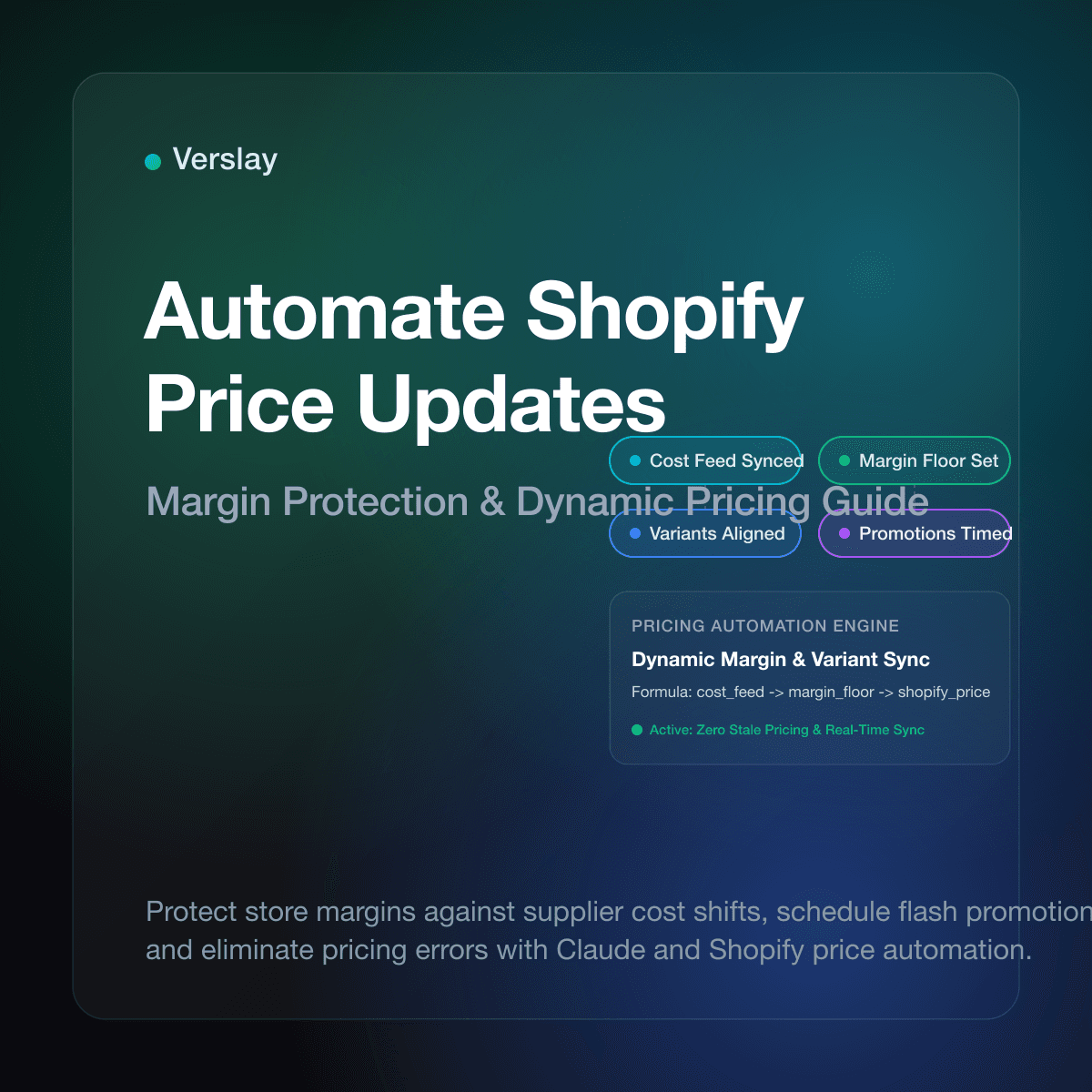
To automate Shopify price updates, store owners connect product pricing to supplier cost feeds, pricing formulas, and promotional schedules so prices adjust automatically across variant records. Rather than exporting CSV spreadsheets or typing updated numbers into Shopify admin, automated workflows monitor cost adjustments, calculate target gross margins, and push verified updates via the Shopify API. This process protects store margins when supplier expenses change and eliminates errors during seasonal sales events.
At a glance
- Margin Protection: Automated price workflows apply target markup formulas whenever supplier costs shift, preventing unprofitability from stale pricing.
- Scheduled Flash Sales: Timed price and compare-at adjustments launch and retire promotional discounts across hundreds of SKUs without midnight manual intervention.
- Variant-Level Precision: Modern API mutations adjust prices across specific color, size, and material variants while preserving custom currency rules.
- Claude and MCP Integration: Connecting Shopify to Claude through the Verslay MCP server lets store teams audit margin impacts, review supplier price changes, and confirm bulk updates using plain conversational directives.
Why Do Manual Price Updates Damage Profit Margins and Store Operations?
Managing catalog pricing by hand works when a store carries two dozen products. As your catalog expands into hundreds of SKUs across multiple suppliers, manual pricing creates operational friction. Freight surcharges, raw material price shifts, and vendor updates require frequent changes. Manual updates introduce three major risks:
- Margin Compression from Stale Pricing: Suppliers update wholesale sheets without warning. If your team takes weeks to adjust retail prices, high-volume orders erode gross profit margins, turning top sellers into net losses.
- Spreadsheet Import Errors: Editing bulk CSV files in spreadsheet programs often leads to formatting mistakes. Dropped decimals, misaligned columns, or overwritten SKUs can accidentally price a ninety-dollar item at nine dollars, causing inventory wipeouts.
- Missed Promotional Reversals: Weekend flash sales require switching prices to promotional rates, then restoring original figures on Monday. Delayed manual reversals result in unintended discounts continuing after campaigns conclude.
Retail studies show that ecommerce businesses managing pricing through manual spreadsheets experience pricing errors on 3% to 8% of catalog items. Automating catalog pricing keeps every variant aligned with target margins.
How Does the Shopify Variant Pricing Architecture Work?
In Shopify, pricing attributes reside on individual product variants rather than parent product records. The Shopify ProductVariant resource controls checkout pricing:
- Price: The active transaction amount the shopper pays at checkout.
- Compare-at Price: The original anchor price displayed with a strikethrough to highlight a promotional markdown.
- Cost per Item: The unit cost of goods sold (COGS) tracked in the inventory item for margin calculations.
When updating prices across a catalog, developers and automation systems use the Shopify GraphQL Admin API with the productVariantsBulkUpdate mutation. For multi-currency storefronts, Shopify offers the PriceList API to manage specific prices by country or currency.
Automated updates must target individual variant IDs. A single shirt style might have twelve variants across four sizes and three colors. Precise variant mutations update selected styles without disrupting unselected items.
What Are the Core Methods to Automate Shopify Price Updates?
Online merchants can choose between several approaches to automate catalog pricing:
| Method | Speed & Latency | Setup Complexity | Safeguard Controls | Ideal Store Profile | | :--- | :--- | :--- | :--- | :--- | | Manual Admin / CSV Import | 4 to 24 hours | Very Low | None (human visual review only) | Catalogs with under 50 products | | Custom Webhook / Cron Scripts | 10 to 60 minutes | Moderate to High | Basic code validations | Technical teams with dedicated developers | | Third-Party Pricing Apps | 5 to 30 minutes | Low | Rigid pre-built rule templates | Standard retail stores with predictable schedules | | AI Agent Orchestration via MCP | Near real-time | Low to Moderate | Natural language audits & margin floor checks | Growing brands needing dynamic supplier parsing and conversational oversight |
Point-solution pricing apps often lock growing stores into rigid subscription tiers. If your supplier sends a non-standard XML feed or a unique CSV layout, traditional apps fail to parse the columns properly.
AI-assisted automation workflows adapt to changing supplier formats, evaluate gross margins across diverse product lines, and prompt operations managers for confirmation before committing live price changes.
How to Build an Automated Shopify Price Update Workflow Step-by-Step?
Setting up a dependable price automation pipeline involves five methodical steps:
Step 1: Define Target Margin Rules and Formula Logic
Establish mathematical formulas for each product category:
- Cost-Plus Formula: Retail Price = Supplier Unit Cost / (1 - Target Margin Percentage).
- Rounding Conventions: Snap calculated figures to consistent psychological price endings (such as .95, .99, or flat integer values).
- Minimum Gross Margin Floor: Set a hard floor (for instance, never drop below 35% margin) to prevent accidental price drops.
Step 2: Establish Supplier Cost Intake Feeds
Configure automated listeners to ingest vendor pricing files via SFTP or cloud storage webhooks whenever a wholesale sheet drops. Parse wholesale costs, map them against internal SKU identifiers, and flag items with vendor cost increases above 10% for review.
Step 3: Implement Staged Price Calculations
Calculate proposed Price and Compare-at Price in a staging layer before pushing changes. Verify that the Compare-at Price strictly exceeds the active Price during promotions, and confirm no retail price falls below cost of goods sold.
Step 4: Execute Batch Updates via GraphQL Mutations
Group variant updates into structured payloads using the productVariantsBulkUpdate mutation to adjust up to 250 variants per call. Monitor API rate limit headers to prevent throttling, and store confirmation response IDs for auditing.
Step 5: Schedule Promotional Price Restorations
Pair every promotional markdown with a scheduled restoration task. Record baseline prices in a metafield before launching a sale, trigger automatic restoration when the sale ends, and send a summary confirmation to staff.
To see how our platform connects with diverse ecommerce channels and supplier backends, explore our platform integrations catalog and review our detailed step-by-step connection guides.
How Do AI Agents Manage Shopify Price Workflows Inside Claude?
Running pricing operations through conversational AI gives ecommerce teams speed without coding. Connecting your Shopify store to Claude using the Verslay MCP server allows merchandisers to audit margins, recalculate catalog pricing, and push updates using plain English instructions.
Because Verslay runs directly inside your own Claude setup (claude.ai) via the Verslay MCP server, all catalog queries and updates remain completely within your controlled workspace. No code is required, and no AI components run on your private infrastructure.
Here is an example of an operational workflow executed inside Claude:
You are a merchandising operations assistant connected to our Shopify store via the Verslay MCP server.

Objective:
Review the updated supplier wholesale price sheet and calculate revised retail prices for our "Apparel" collection.

Instructions:
1. Parse the supplier wholesale cost feed received today.
2. Query active Shopify variants for all matching SKUs in the "Apparel" product line.
3. Compare new supplier costs against current recorded variant costs.
4. For items where supplier cost increased, calculate revised retail prices using a 55% target gross margin:
   Formula: Retail Price = Supplier Cost / (1 - 0.55), rounded up to the nearest .99 ending.
5. Apply a strict margin floor: reject any price adjustment resulting in less than a 40% gross margin.
6. Compile findings into a structured preview table displaying:
   SKU, Product Title, Variant, Old Cost, New Cost, Old Retail Price, Proposed New Retail Price, and Expected Margin.
7. Wait for human confirmation before submitting changes to the Shopify ProductVariant API.
This conversational workflow enables merchandising staff to inspect margin impacts, verify rounding logic, and confirm price changes before shoppers see new numbers. Teams can explore modular agent capabilities and activate ready-to-run use cases that match their commercial workflow.
What Operational Guardrails Prevent Costly Pricing Blunders?
Automated pricing workflows interact directly with store revenue. Applying dependable guardrails prevents accidental price glitches:
1. Percentage Change Ceilings
Implement a circuit breaker that halts updates if an adjustment alters a variant price by more than 25% in either direction. Large sudden jumps typically indicate a supplier quoting case pack costs instead of unit costs. Require supervisor confirmation before applying extreme changes.
2. Compare-at Validation Rules
Shopify requires that Compare-at Price must exceed the standard Price. Setting a Compare-at Price that equals or falls below the standard Price causes storefront display issues or API rejections. Ensure automated scripts clear the compare-at field entirely when returning to standard pricing.
3. Rate-Limit Handling and Exponential Backoff
The Shopify GraphQL Admin API enforces point limits per second. Submitting large batches without pacing triggers HTTP 429 throttling errors. Use exponential backoff that pauses requests when available query capacity drops below safe thresholds.
4. Pricing Audit Trail
Maintain an immutable log of every price change event, capturing variant ID, previous price, new price, trigger source, and timestamp. A clear audit trail makes it straightforward to resolve customer inquiries or reconcile accounting margins.
Frequently Asked Questions
How do you automate price updates on Shopify?
You automate price updates on Shopify by connecting supplier cost feeds or pricing formulas to the Shopify GraphQL Admin API, updating variant prices and compare-at rates automatically on a schedule or event trigger.
Can you schedule price changes and sale discounts on Shopify?
Yes. Automated workflows schedule price updates by adjusting variant price fields and setting compare-at values at the start of a promotion, then reverting prices automatically when the promotion ends.
What causes bulk price update errors and failures on Shopify?
Price update failures typically stem from API rate limit throttling, decimal formatting mismatches in currency fields, or attempting to set a compare-at price that is lower than the regular price.
How do AI agents manage Shopify price updates through Claude?
AI agents connected via the Verslay MCP server calculate margin-adjusted prices from supplier cost feeds, verify price floor guardrails, and stage updates for human approval before pushing changes to Shopify.
Automating Shopify price updates protects your store profit margins against rising supplier costs, streamlines promotional campaigns, and prevents human entry errors across your catalog. To learn how your ecommerce business can connect AI merchandising agents and automated pricing workflows into Claude without writing code, view our transparent pricing options or book a short introductory walkthrough with our team.