Connect Claude to Shopify with MCP: A Practical Guide
Connecting Claude to Shopify with the Model Context Protocol (MCP) links your storefront data directly to conversational AI workspaces without writing custom middleware. Store owners can query live customer orders, verify inventory counts, summarize return reasons, and draft fulfillment updates directly within Claude. By replacing brittle webhooks and fragmented scripts with standardized MCP tooling, online merchants gain continuous operational clarity while keeping sensitive store controls in human hands.
At a glance
- Core function: Connects Shopify order, product, and customer records directly to conversational Claude chats using Model Context Protocol.
- How it runs: Runs through your authenticated Claude workspace via the Verslay MCP server with zero local servers or custom code.
- Operational benefit: Eliminates manual copy-pasting between store admin dashboards and AI chats for customer support, order lookups, and inventory checks.
- Target merchant: Shopify and Shopify Plus store owners, ecommerce managers, and support teams processing 500 to 50,000 orders monthly.
What does connecting Claude to Shopify with MCP mean for store owners?
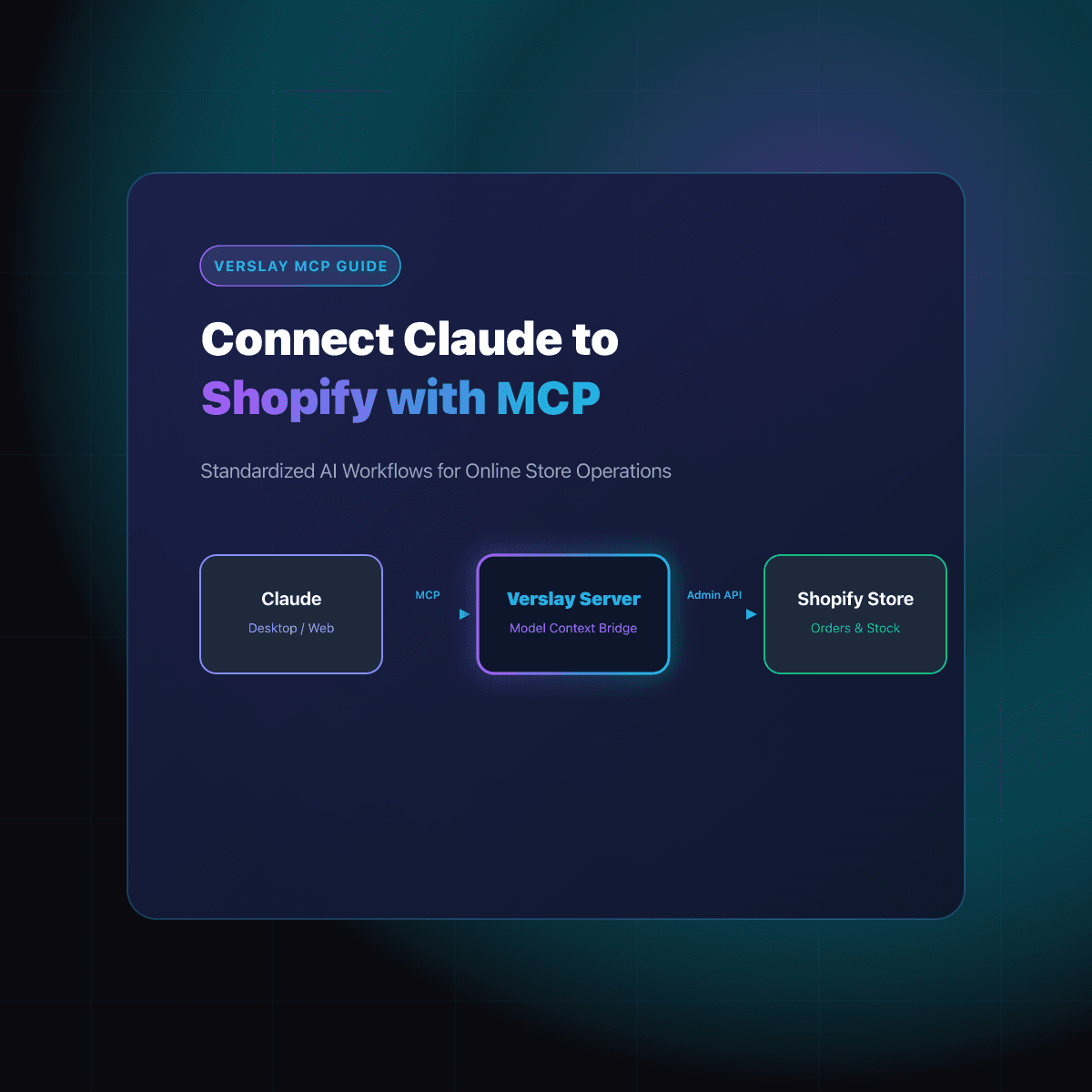
Connecting Claude to Shopify through the Model Context Protocol creates a secure channel between Anthropic's AI assistant and your ecommerce database. The Model Context Protocol documentation defines MCP as an open architecture that allows artificial intelligence models to safely discover tools, inspect resources, and retrieve contextual data from external applications.
For ecommerce operators, this means Claude is no longer an isolated chat window where you paste spreadsheet snippets or customer emails. Instead, Claude gains direct access to query your live store database through predefined tools:
- Look up an order by customer email, name, or order number.
- Fetch item line details, fulfillment status, and tracking references.
- Inspect variant stock levels across multiple fulfillment locations.
- Read customer order histories to identify frequent buyers or recurring return requests.
Rather than switching across multiple browser tabs between the Shopify admin, help desk portals, and shipping dashboards, operators ask Claude direct questions in natural language. The assistant retrieves exact records from your store, performs necessary calculations, and drafts clean summaries in seconds.
Explore our AI Agents catalog to discover how specialized digital assistants handle catalog audits, customer triage, and fulfillment workflows across everyday commerce tasks.
Why choose Model Context Protocol over custom scripts and webhooks?
Before the introduction of MCP, connecting artificial intelligence assistants to an ecommerce store required significant software development. Merchants typically had to choose between custom-built Python scripts, brittle third-party automation tools, or dedicated private apps that demanded continuous maintenance.
Each traditional approach introduced operational compromises:
- Custom API Scripts: Required hosting private servers, rotating API keys, updating endpoints when Shopify deprecated API versions, and writing custom security rules.
- Webhook Aggregators: Created rigid, single-path triggers that failed whenever unexpected edge cases arose, such as split-shipments or multi-currency conversions.
- Manual Data Copying: Forced customer service reps and store managers to manually copy customer records into web chats, increasing the risk of privacy leaks and human error.
The following comparison illustrates why growing merchants are adopting Model Context Protocol for store integrations:
| Integration Method | Setup Complexity | Maintenance Burden | Data Security | Operational Flexibility | | :--- | :--- | :--- | :--- | :--- | | Custom API Scripts | High (Dev required) | Ongoing API updates | Merchant manages auth | Rigid command line | | Webhook Aggregators | Medium (Complex zaps) | High (Breaks on schema changes) | Third-party data hop | Predetermined triggers | | Verslay MCP Server | Zero code (Instant) | Zero (Managed server) | Direct Claude session | Dynamic natural language |
By adopting MCP, merchants decouple their workflow logic from rigid scripts. If you need a weekly sales breakdown today and an inventory restock alert tomorrow, Claude understands the request contextually and calls the appropriate Shopify tools without requiring you to build new automations from scratch.
To explore the software platforms and services supported alongside Shopify, browse our integrations directory.
What store operations can Claude execute once connected?
Connecting Claude to Shopify via MCP enables several high-frequency daily operations. These workflows focus on reducing repetitive administrative steps while preserving human supervision over store actions.
1. Instant customer order lookups and tracking updates
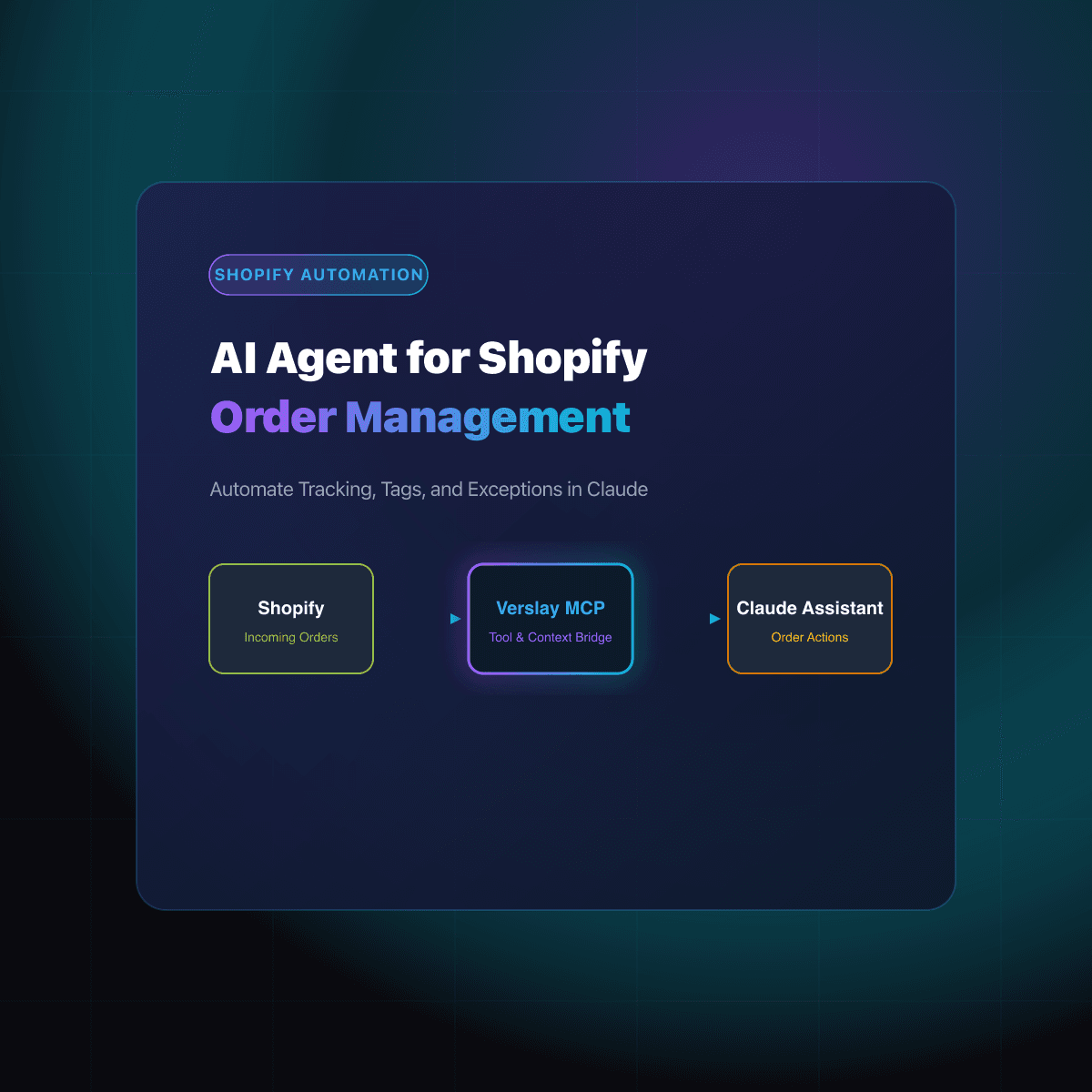
When customer support teams receive inquiries about delayed packages or shipping updates, finding the relevant details in Shopify often requires searching across multiple customer records. With MCP, an agent can ask: "Retrieve order #1842 and summarize the delivery status, carrier tracking code, and destination address." Claude retrieves the exact data payload from the Shopify Admin API, confirms whether the package has left the fulfillment center, and generates a polite, personalized response ready for your support team to review and send.
2. Proactive inventory threshold and restock checks
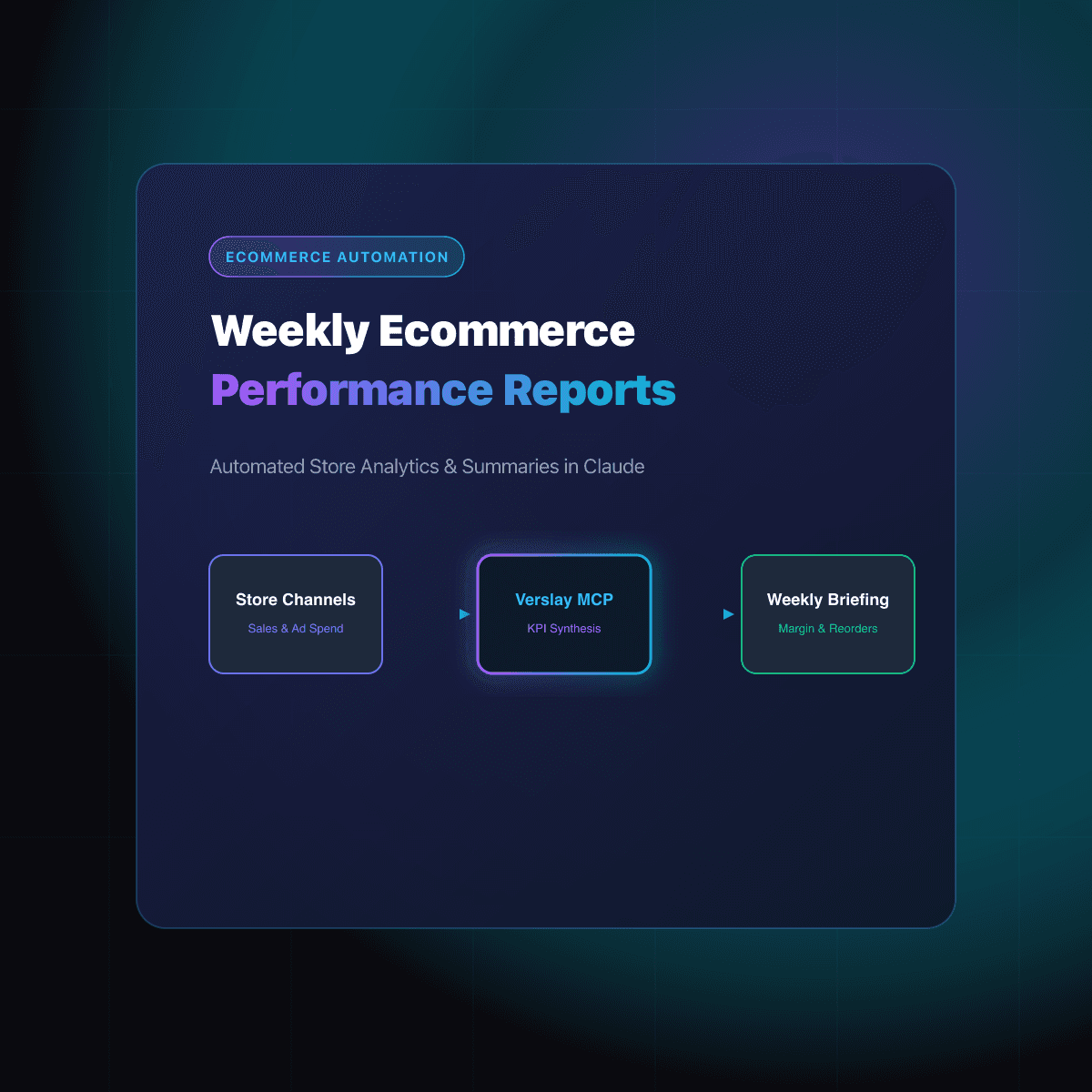
Stockouts during peak sales periods damage customer acquisition momentum and reduce marketing return. Using MCP, merchants can instruct Claude to review catalog health on a daily schedule:
- Identify items where available inventory has fallen below minimum safety stock levels.
- Highlight product variants that experienced unusual demand spikes over the past 48 hours.
- Generate supplier reorder recommendations based on historical sales velocity and expected vendor lead times.
3. Order tagging and exception management
Handling wholesale orders, pre-orders, and flagged shipments often requires applying custom tags in Shopify. Claude can parse customer notes, detect special shipping instructions, and propose specific operational tags such as needs-address-verification or priority-wholesale. The merchant reviews the tag proposal and confirms the action before any changes are written to the live store record.
4. Return and refund request verification
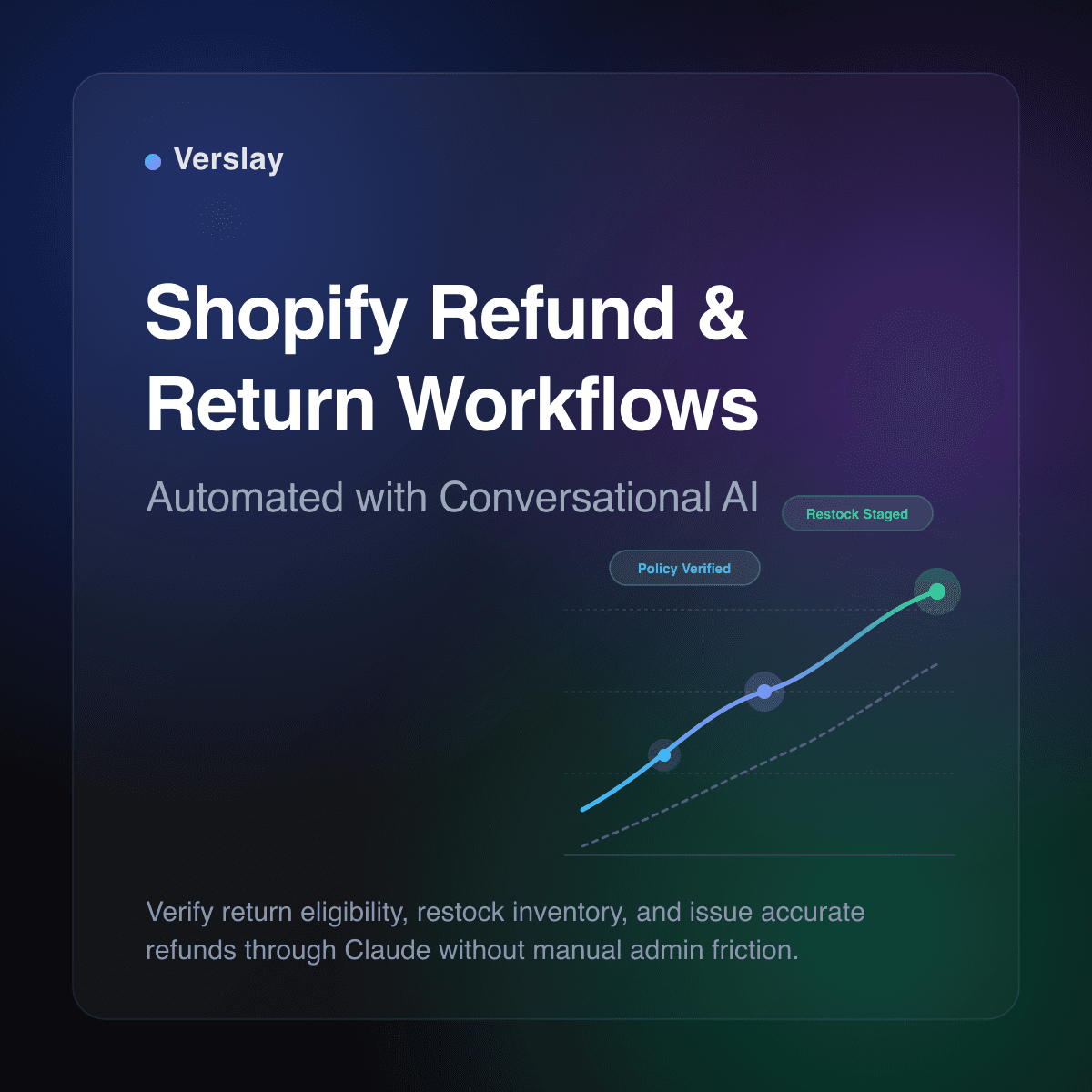
When a customer requests a return or exchange, store managers must check purchase dates, inspect product return eligibility, and confirm that promotional discounts are calculated correctly. Claude reviews the original order payload, checks your store policy parameters, and drafts an itemized return authorization summary for team approval.
Learn more about specialized ecommerce automation patterns in our ecommerce use cases collection.
How to connect Claude to Shopify with MCP step by step
Setting up Claude with your Shopify store via Verslay takes only a few minutes and requires no engineering background. The workflow connects your existing Claude environment (such as Claude Desktop or claude.ai) directly to our hosted MCP server.
Step 1: Connect your Shopify store in Verslay
Sign in to your Verslay account dashboard and navigate to the connections tab. Select Shopify from the available integrations list. You will be redirected to the secure Shopify authorization screen to grant read and write permissions for orders, inventory, and customer records. Once approved, Verslay generates your unique, secure MCP endpoint.
Step 2: Add the Verslay MCP server to your Claude configuration
If you are using Claude Desktop on your computer, open your configuration file (claude_desktop_config.json) and add the Verslay server entry:
{
  "mcpServers": {
    "verslay-shopify": {
      "command": "npx",
      "args": [
        "-y",
        "@verslay/mcp-bridge",
        "--endpoint",
        "https://mcp.verslay.com/v1/sse",
        "--token",
        "YOUR_VERSLAY_API_KEY"
      ]
    }
  }
}
If you are using Claude through web or team workspaces, enter your connection details directly into your workspace integration settings. Restart Claude to load the newly registered Shopify tools.
Step 3: Run your first store query in Claude
Once connected, a tool icon appears in your Claude conversation interface. You can now communicate with your Shopify store directly. Test the connection with a practical operational query:
Look up our last five unfulfilled Shopify orders. For each order, display the order number, customer name, line items, and total amount. If any order has a delivery address outside our standard domestic zones, flag it for review.
Claude queries your store, parses the incoming JSON records, and formats the output into a clear, readable summary table with flagged exceptions clearly highlighted.
Step 4: Review findings and coordinate team priorities
Because the workflow operates conversationally, you can ask immediate follow-up questions:
- "Draft an email to customer John Doe explaining that item B is shipping separately."
- "Calculate the total inventory value of the products included in these unfulfilled orders."
- "Which of these customers have placed more than three orders with our store this year?"
How do merchant approval gates protect store data and customer trust?
Entrusting artificial intelligence with access to your store database requires strict security standards and clear human governance. Automating store operations should never mean handing over unilateral control of store finances, customer communication, or catalog integrity.
Verslay enforces structured operational safeguards across every MCP interaction:
- Customer-Owned Environment: All chats, prompt inputs, and reporting outputs remain entirely within your authenticated Claude workspace.
- Zero Model Training: Customer names, shipping addresses, order values, and catalog data are never stored or used to train public machine learning models.
- Explicit Human Approval Gates: Destructive or financial actions—such as processing a customer refund, canceling an order, or altering live product prices—require explicit merchant confirmation before execution. Claude acts as a research assistant that prepares actions, while your team retains final authorization.
- Granular Tool Scopes: MCP servers enforce strict role-based tool access. You determine whether Claude has read-only access for reporting and customer service triage, or permission to draft store updates and apply inventory tags.
Maintaining clear oversight ensures your online business gains the efficiency of AI-powered workflows without risking unintended store changes or compromised customer trust. To inspect flexible subscription packages designed for scaling DTC brands, visit our pricing page.
Frequently asked questions
How do you connect Claude to Shopify using MCP?
You connect Claude to Shopify by adding the Verslay Model Context Protocol server endpoint into your Claude configuration file or workspace settings, granting secure access to store records without building custom server infrastructure.
What store operations can Claude perform once connected to Shopify?
Claude can retrieve order statuses, inspect line-item details, verify SKU stock levels, draft customer support replies, and apply fulfillment tags while requiring merchant approval for any financial or catalog changes.
Does connecting Claude to Shopify with MCP require writing custom code?
No programming or custom API development is required. The Model Context Protocol provides a standardized interface that links Claude to your existing Shopify store via secure OAuth authentication.
Is store data shared or used to train public AI models?
Your store records remain private and are processed only within your authenticated Claude workspace sessions. Data retrieved via the Verslay MCP server is never used to train third-party foundation models.
Take the next step with Verslay
Connecting Claude to Shopify with MCP gives your team rapid operational visibility and eliminates manual data entry across customer support, order tracking, and inventory management. Schedule a consultation at https://calendly.com/verslay/30mins to see how our AI agents support your store operations.