Discount Codes That Quietly Cost Your Margin
A discount code made for one campaign can keep working after the campaign ends. An order with a code looks like any other order in your export, so the cost is easy to miss. This post shows where the margin goes, how to find the codes doing the most damage, and what to check before you retire one. The Discount Leakage Desk use case sets up this check on your own orders.
Where the margin goes
A discount lowers what the order brings in, but the cost of the goods you ship stays the same, so gross margin on that order falls by the full discount amount. This is arithmetic, not a measured figure from any store.
The cost is largest when the buyer would have paid full price anyway. A code that brings in a new buyer may pay for itself. A code that a loyal customer uses on a reorder mostly gives away margin. Ask who uses each code, not how often it is used. This is reasoning from the arithmetic above, not a measured figure.
Three kinds of codes that leak
Three patterns are worth checking first.
- Evergreen codes. A generic name with no end date is easy to pass on in forwarded emails and shared links. This is an inference from how codes get shared, not a measured figure.
- Wide codes. Shopify's create-discount-codes page says a discount code has a limit on how many specific customers, products, and variants it can apply to (https://help.shopify.com/en/manual/discounts/discount-codes/create-discount-codes). Check the scope of each code. A code that reaches best-selling items can discount products that would have sold at full price anyway. This is an inference.
- Reset codes. Shopify's create-discount-codes page says a one-per-customer discount that is deleted and added again lets past customers use the new one once more (https://help.shopify.com/en/manual/discounts/discount-codes/create-discount-codes).
How to find the codes costing you most
You do not need a new tool to start. Your order export has the data.
- Export orders for a window that matches your buying cycle, with each order's discount code and discount amount.
- Group the orders by code. For each code, add up the uses and the total discount amount.
- For each code, work out what share of its orders came from returning customers. A high share means the code is discounting people who already buy from you.
- Flag generic names and codes with no end date.
- Rank the codes by total discount amount, and start with the top of the list.
The Discount Leakage Desk use case sets up this export and ranking on your own orders.
Run the same check on the same window length each time. A code can rank high in one window and drop off once its campaign ends. Comparing equal windows shows which codes keep costing you.
Code types side by side
| Code type | Usual leak | Check first |
|---|---|---|
| Evergreen public code | Repeat buyers use it at first-time prices | Share of uses from returning customers |
| Campaign code with no end date | Keeps working after the campaign is over | Whether an end time was set |
| Wide code | Discounts items that would have sold at full price | Which products, collections, and variants it covers |
| One-per-customer code | Past buyers can use it again if it is deleted and re-added | Usage history before you delete anything |
Checks before you retire a code
Retiring a code is a sales decision. Before you delete one, check three things.
- Where it is still shared. Search coupon sites, old emails, and partner posts.
- Whether a replacement is ready. Shoppers who still try the old code should land on a clear offer.
- Whether the code has a one-per-customer limit. Shopify's create-discount-codes page says that deleting and re-adding such a discount lets past customers use the new one once more (https://help.shopify.com/en/manual/discounts/discount-codes/create-discount-codes). Check the usage history before you delete anything.
What to replace a leaking code with
Swap an evergreen code for a time-limited code sent to a named group, such as lapsed buyers or a launch list. Set an end time so the code stops on a known date. Set a usage limit so one person cannot use it again. Keep a new-buyer code when the new buyers it brings are worth the discount. The steps above show which group is paying.
Test the new code on one group before you change the public one. Watch two numbers for each code: discount amount and returning-customer share. If the share falls and the discount amount stays down, the change worked.
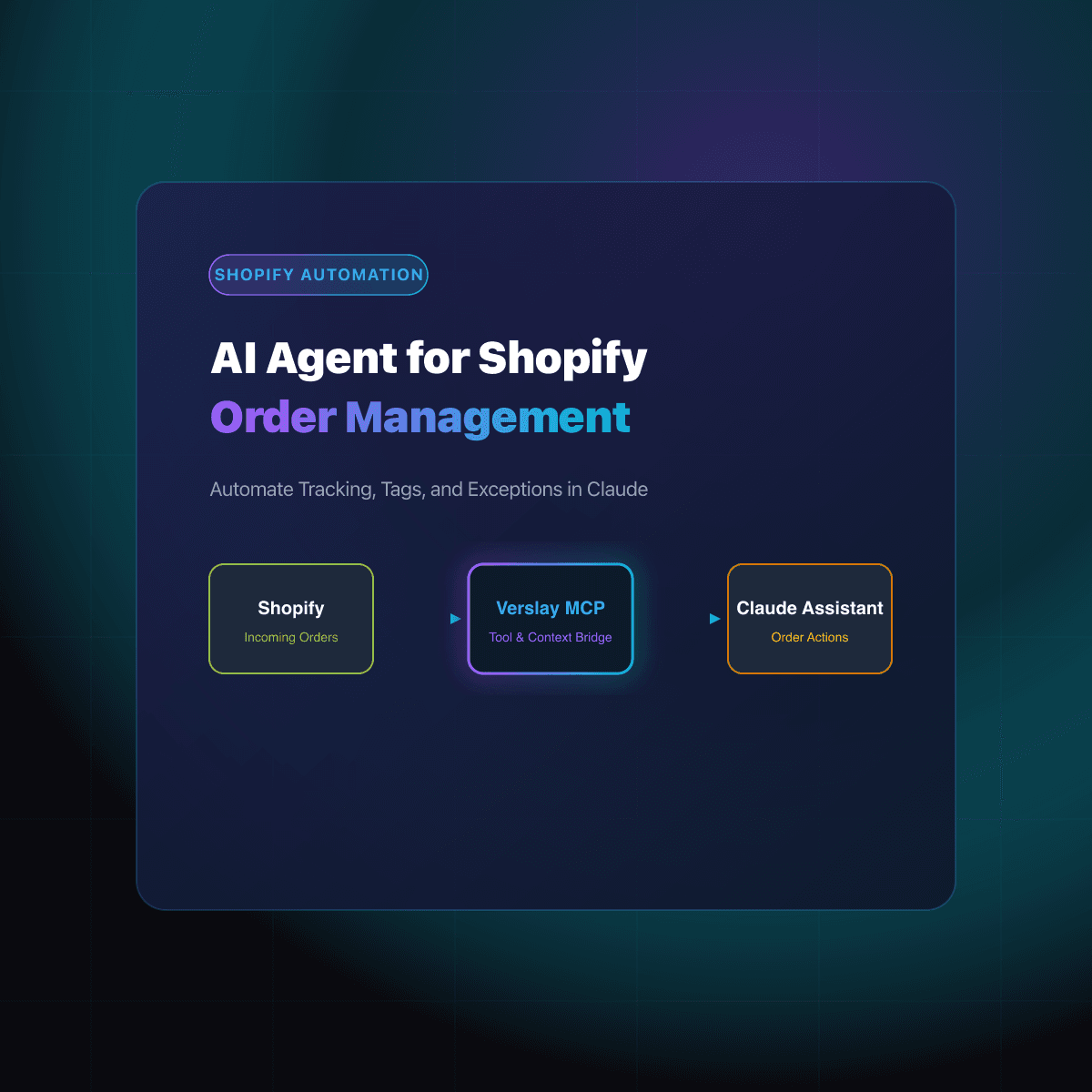
Discount codes are one part of what you charge. For the other side of pricing, read our guide on competitor price monitoring for online stores. If order exports are slow to pull, read the AI agent for order management post.
To run this check on your own orders, the Discount Leakage Desk use case shows how the export and ranking are set up.
Sources
- Shopify Help Center, create discount codes (item limit, one-per-customer re-add): https://help.shopify.com/en/manual/discounts/discount-codes/create-discount-codes
- Verslay, Discount Leakage Desk use case: https://www.verslay.com/use-cases/discount-leakage-desk