Shopify Abandoned Cart Recovery with AI: Store Guide
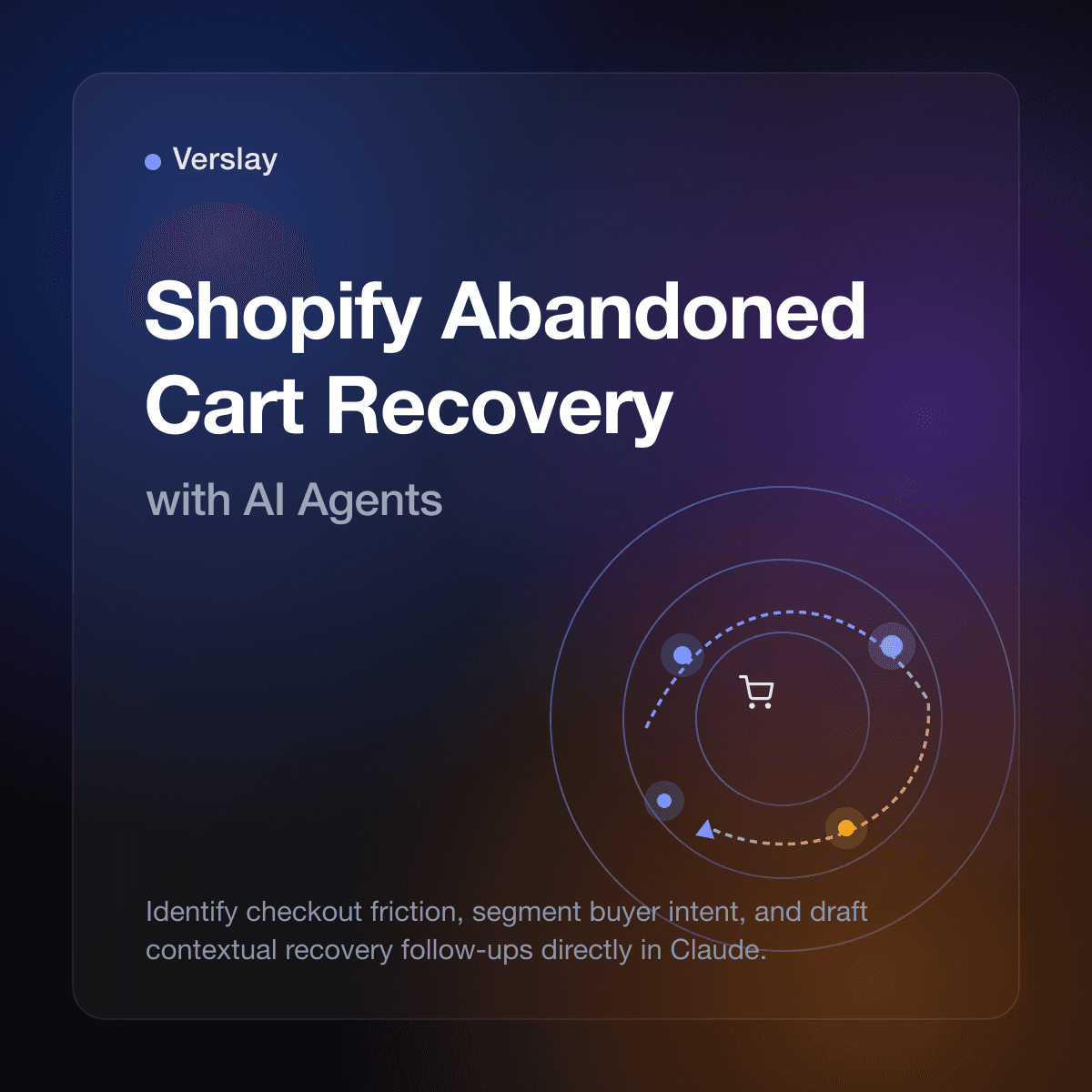
Shopify abandoned cart recovery with AI identifies checkout friction points, segments incomplete orders by buyer intent, and drafts personalized recovery messages directly within Claude workspaces. By connecting store records to conversational AI through Model Context Protocol (MCP), online merchants replace generic discount emails with tailored follow-ups that address sizing doubts, shipping questions, or product considerations. Store teams gain deep visibility into checkout abandonment patterns without purchasing expensive marketing automation apps or writing custom webhook scripts.
At a glance
- Core function: Analyzes Shopify abandoned checkouts and generates targeted recovery communications based on cart contents, customer history, and purchase intent.
- How it runs: Operates within your existing Claude workspace via the Verslay MCP server with zero external database hosting or custom code.
- Operational benefit: Replaces blanket discount codes with high-relevance answers that resolve buyer hesitation while protecting store profit margins.
- Target merchant: Shopify and Shopify Plus brands, DTC operators, and growing ecommerce teams managing 300 to 20,000 monthly checkouts.
What is Shopify abandoned cart recovery with AI?
In standard ecommerce operations, an abandoned cart occurs when a buyer adds products to their basket, initiates checkout, enters contact details, but departs before completing payment. According to the official Shopify abandoned checkouts guide, Shopify logs these sessions as incomplete checkouts, storing customer emails, line items, timestamps, and total order value.
Traditional recovery systems rely on static automation rules. A merchant configures a trigger that waits several hours and sends an identical template email featuring a generic reminder and often a blanket coupon. While this captures occasional buyers who simply forgot their payment cards, it fails to address why the shopper hesitated.
AI-driven cart recovery transforms this administrative data into actionable customer conversations. By pairing store records with Claude through Model Context Protocol, the AI assistant inspects each abandoned checkout payload individually:
- Did the shopper add multiple sizes of an apparel item, signaling sizing uncertainty?
- Did the customer drop off immediately after calculating shipping rates?
- Is this a loyal repeat customer, or a brand-new store visitor?
- Does the cart contain products requiring installation guides or warranty clarity?
Instead of blasting every visitor with the same coupon, an AI agent evaluates visit context. It helps store operators draft messages that answer specific questions, clarify return policies, or recommend alternative bundles. This targeted approach recovers lost revenue while reinforcing brand credibility.
Explore our AI Agents catalog to discover how purpose-built digital assistants support catalog management, support triage, and customer communication across daily commerce tasks.
Why do shoppers abandon carts on Shopify stores?
Understanding why online visitors leave items in their carts is essential for effective recovery. Treating every abandoned session as a price objection overlooks practical hurdles buyers encounter during checkout.
Online shoppers typically drop off due to four distinct factors:
- Unexpected Shipping Fees and Taxes: When buyers proceed through checkout only to discover high delivery costs at the final step, they frequently abandon the order.
- Product Sizing or Compatibility Doubts: Shoppers purchasing apparel, home goods, or technical accessories hesitate when product pages lack detailed dimension charts, fabric descriptions, or compatibility guarantees.
- Comparison Shopping and Tab Saving: Many shoppers treat shopping carts as temporary wishlists while comparing alternative options across rival stores.
- Checkout Distractions: Mobile shoppers are frequently interrupted by notifications, payment gateway timeouts, or complicated account creation prompts.
When store teams rely solely on standard automated emails, they miss the opportunity to solve these hesitations. An automated message asking "Did you forget your items?" does not help a buyer needing sizing guidance. AI-assisted analysis allows merchants to identify patterns across incomplete orders and address the real reasons shoppers hesitate.
How does AI-driven cart recovery compare to standard email templates?
Most Shopify merchants begin recovery efforts using either built-in platform notifications or third-party email marketing apps. While these tools automate message delivery, their static structure limits effectiveness and often erodes profit margins.
The following table compares traditional cart recovery tools with an AI-assisted workflow powered by Claude and Verslay MCP:
| Operational Dimension | Built-in Shopify Auto-Email | Generic Marketing App | Verslay AI Agent Workflow | | :--- | :--- | :--- | :--- | | Trigger Mechanism | Fixed timer (e.g., 10 hours) | Multi-branch rule builder | Contextual analysis in Claude workspace | | Message Customization | Static product image and link | First name tag and preset template | Content-aware messaging tailored to cart items | | Margin Protection | Blasts identical discount codes | Automated percentage discounts | Recommends incentives only when justified | | Setup & Complexity | Basic checkbox in admin | Complex trigger flows and SaaS fees | Zero code via Model Context Protocol bridge | | Merchant Governance | Fire-and-forget automation | Automated delivery without review | Explicit human-in-the-loop review and approval |
A critical risk of standard automated sequences is profit margin erosion. When shoppers realize that abandoning a cart triggers an automatic discount code within hours, they delay purchases intentionally. Over time, store margins degrade without building genuine customer loyalty.
AI workflows avoid this pattern by prioritizing helpful information over immediate discounts. If a cart contains a high-ticket item, the AI drafts a message highlighting exchange policies and customer service availability rather than sacrificing store profit.
To see the platforms and software tools that connect alongside Shopify, review our integrations directory.
How to inspect and analyze abandoned checkouts using Claude and MCP
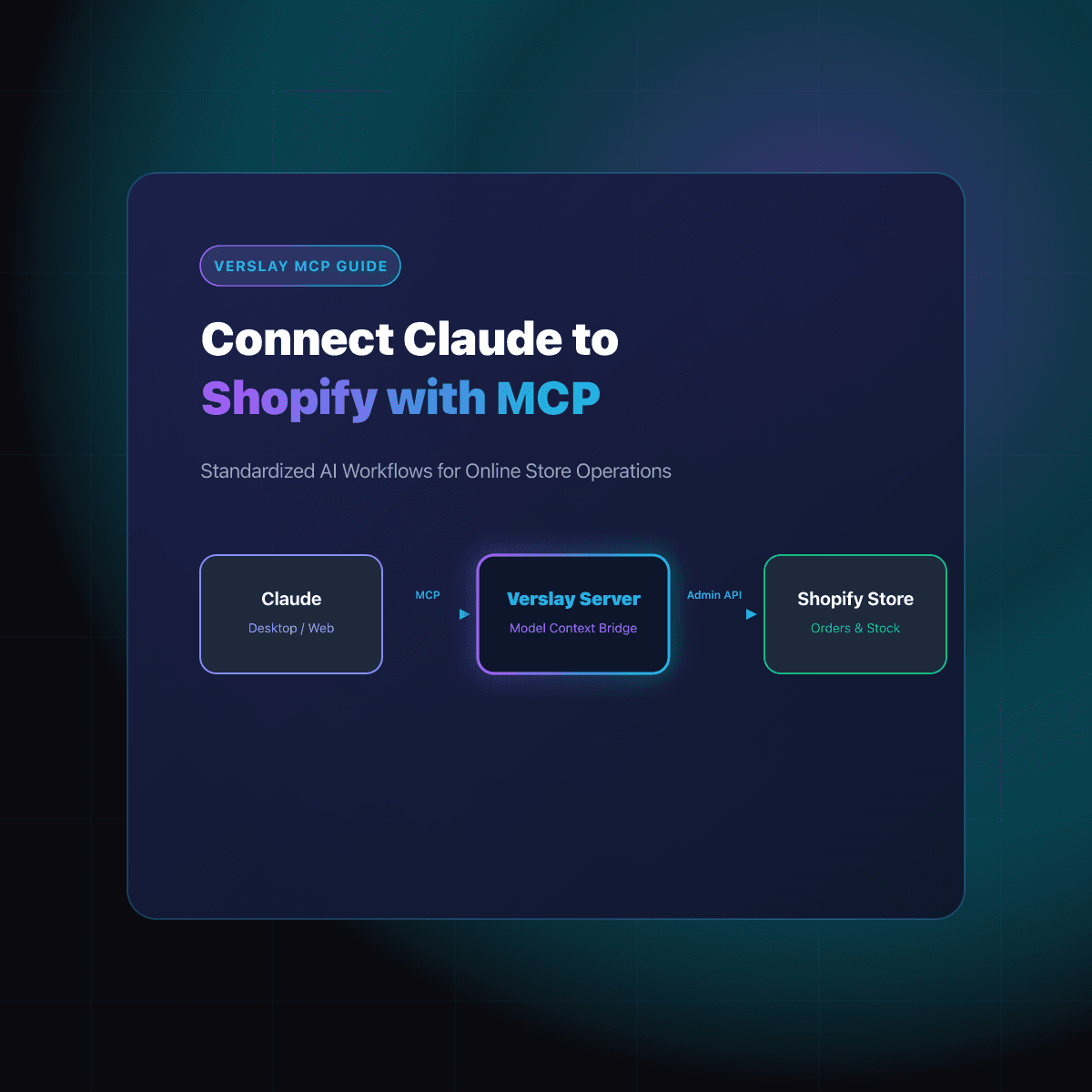
Setting up AI-powered abandoned cart analysis does not require hiring engineers or maintaining complex cloud functions. The Model Context Protocol establishes a direct bridge between your Claude workspace and the Shopify Admin API.
Here is how store operators conduct daily cart recovery analysis using Claude:
Step 1: Open the store connection in Claude
With the Verslay MCP server configured in your Claude Desktop or workspace, your AI assistant has authenticated access to Shopify order endpoints. You interact with your store using plain language prompts rather than database queries.
Step 2: Query recent abandoned checkouts
Instruct Claude to inspect incomplete checkouts from the previous 24 to 48 hours. A practical operational prompt looks like this:
Analyze our Shopify abandoned checkouts from the last 24 hours. Group them by total cart value: high value ($200+), mid value ($75-$199), and entry level (under $75). For each group, summarize the most frequent items, identify whether shipping fees were calculated, and draft a tailored recovery email that addresses common customer questions without offering discounts.
Step 3: Review Claude's analytical breakdown
Claude retrieves raw records from Shopify, evaluates line items, and delivers a clear operational summary. It highlights specific trends, such as:
- Shoppers who abandoned carts containing the same wool coat after selecting express shipping.
- First-time buyers who left carts containing replacement filters, indicating uncertainty about unit compatibility.
- Repeat buyers who abandoned multi-item orders after an address auto-fill mismatch.
Step 4: Review and approve drafted follow-up communications
Claude drafts tailored email copy directly in your chat interface. For the coat shoppers, the drafted message highlights delivery schedules and explains the size exchange process. The store manager reviews the text, makes adjustments, and approves the message for sending through customer service channels.
To explore additional ecommerce automation workflows, browse our curated use cases collection.
How to segment abandoned checkouts for contextual recovery messaging
Not all abandoned carts carry the same business value or conversion likelihood. Segmenting incomplete checkouts by customer intent allows growing ecommerce brands to allocate attention where it delivers the highest return.
Merchants achieve strong results by focusing on three primary segments:
1. High-Value and Multi-Item Carts
Orders exceeding $200 represent significant revenue opportunities. When shoppers abandon high-ticket baskets, automated mass emails feel impersonal. An AI agent flags these high-value carts immediately and prepares an individualized outreach draft. The message can introduce a dedicated support specialist, offer a consultation, or provide comprehensive warranty documentation.
2. First-Time Store Visitors
Shoppers discovering your brand for the first time require trust signals before entering payment information. For this segment, the recovery draft focuses on brand reputation, verified customer reviews, clear return windows, and checkout security. Removing purchase anxiety converts tentative browsers into buyers.
3. Carts with Specific Product Questions
Certain product categories generate buyer questions before checkout. Electronics require compatibility verification; skincare items prompt ingredient sensitivity checks; furniture demands exact dimensions. When an AI agent detects these item types in an abandoned checkout, it drafts a message providing direct links to dimension diagrams or ingredient sheets.
For subscription options suited to your brand volume, explore our pricing page.
How merchant approval gates safeguard customer communications
Granting artificial intelligence access to store analytics and customer communications requires clear operational boundaries. Store owners must retain complete control over customer touchpoints, brand voice, and messaging frequency.
Verslay enforces strict safeguards across every automated workflow:
- Customer-Owned Environment: All conversations, customer queries, and drafted messages remain entirely within your authenticated Claude workspace.
- Zero Model Training: Customer names, email addresses, order details, and cart totals are never stored or used to train third-party machine learning models.
- Mandatory Human-in-the-Loop Review: AI agents never dispatch customer emails or publish store updates autonomously. Claude prepares draft copy and analytical recommendations, while store operators review and approve every communication.
- Privacy and Consent Adherence: Workflows respect customer marketing preferences recorded in Shopify. Incomplete checkouts where shoppers opted out of marketing communications are excluded from recovery outreach, maintaining compliance with consumer privacy regulations.
Maintaining human oversight ensures your ecommerce business benefits from intelligent analysis while protecting customer goodwill and brand reputation.
Frequently asked questions
How do you see abandoned carts in Shopify?
In your Shopify admin, navigate to Orders and select Abandoned checkouts to inspect incomplete customer sessions, view cart line items, and see customer contact details.
How does AI improve abandoned cart recovery rates on Shopify?
AI analyzes abandoned checkout payloads to identify specific friction points, group carts by purchase intent, and draft personalized follow-up messages instead of blasting generic discount templates.
Can Claude connect directly to Shopify abandoned checkout records?
Yes. Connecting Claude to Shopify via the Verslay Model Context Protocol server allows AI workspaces to safely query abandoned checkout endpoints and inspect item details in natural language.
How do merchants prevent AI from sending unauthorized recovery emails?
All outbound communications require explicit human-in-the-loop review. Claude drafts proposed recovery emails and subject lines within your chat, and store staff approve each message before sending.
Take the next step with Verslay
Connecting Claude to Shopify with Verslay gives your team immediate clarity on abandoned checkouts and recovers lost revenue through thoughtful, personalized communication. Schedule a consultation at https://calendly.com/verslay/30mins to see how our AI agents support your store operations.