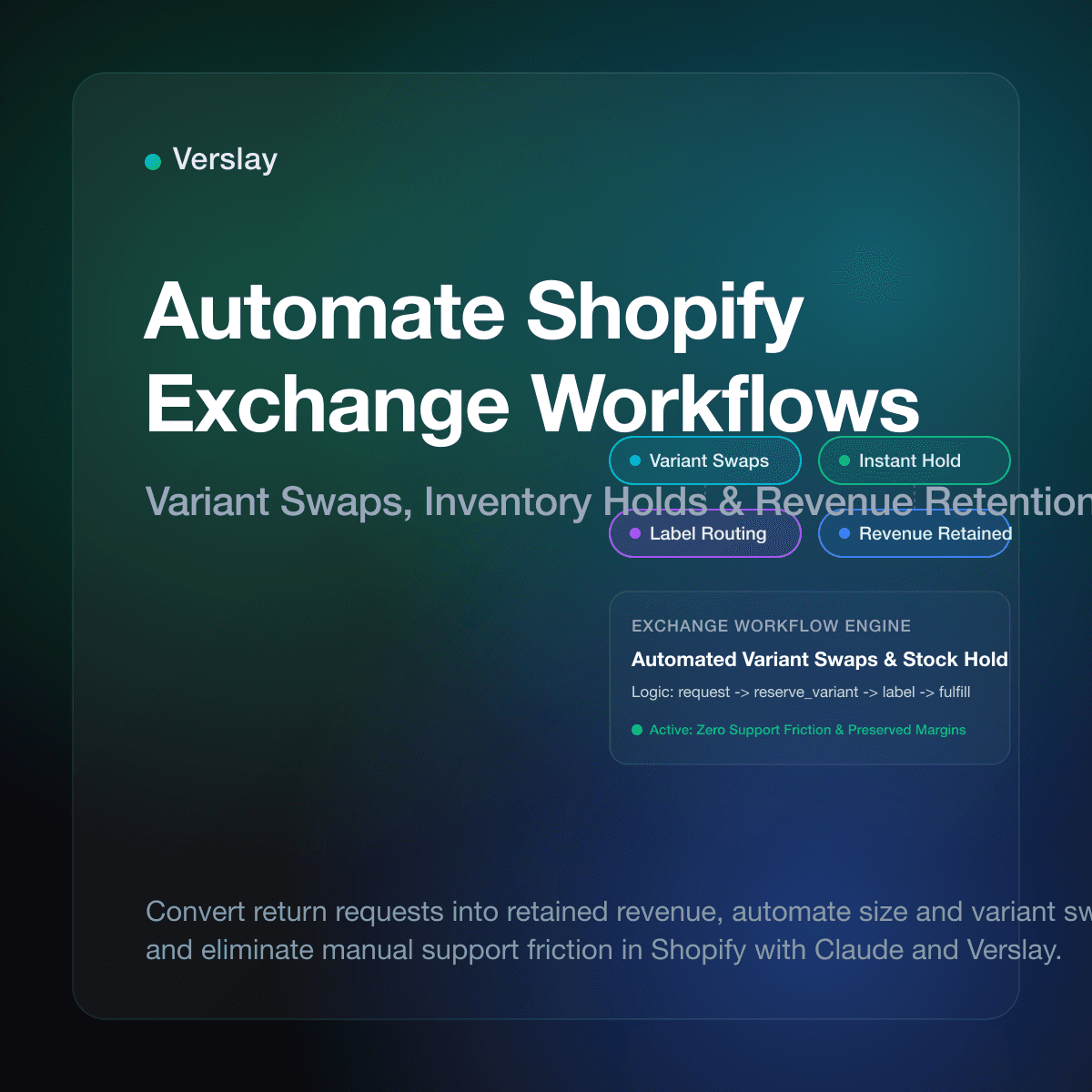
To automate Shopify exchange workflows, ecommerce brands connect their store catalog and order records to automated business rules and conversational AI agents that handle variant swaps, size replacements, and item exchanges instantly. Instead of having customer support teams manually exchange emails, check warehouse shelves for sizes, and manually create replacement orders, automated exchange systems validate policy rules, reserve replacement inventory, and issue prepaid return labels in real time. This operational shift converts costly return requests into retained store revenue while providing shoppers with a quick, frictionless exchange experience.
At a glance
- Revenue Retention: Automated exchange workflows encourage customers to pick alternate sizes or colors instead of requesting full cash refunds.
- Instant Variant Reservation: The system reserves replacement inventory immediately upon request, preventing stockouts while return parcels travel.
- Automated Label Routing: Return shipping labels and warehouse inspection guidelines issue automatically based on product categories and customer locations.
- Claude and MCP Integration: Operations teams manage exchange exceptions, inspect customer order histories, and audit exchange flows directly through Claude using the Verslay Model Context Protocol (MCP) server.
Why Do Manual Exchange Workflows Drain Ecommerce Margins?
When customers request an exchange—swapping a medium jacket for a large, or selecting an alternate color—manual processes create severe friction:
- Revenue Loss Through Default Refunds: When exchanging an item is cumbersome, shoppers abandon the exchange and demand a refund. The merchant loses the sale, absorbs shipping costs, and incurs payment gateway fees.
- Support Inbox Congestion: Manual exchanges require multiple email touches: asking for desired sizes, checking inventory levels, drafting replacement orders, and generating labels. At scale, this consumes dozens of staff hours weekly.
- Stockouts on Replacement Sizes: Without automated reservations, replacement items sell out before the return parcel arrives back at the warehouse, forcing unwanted refunds.
- Data Entry Discrepancies: Manual order recreation introduces clerical mistakes, such as missing promotional discounts or miscalculating regional taxes.
Ecommerce brands that simplify exchanges convert between 30% and 50% of return requests into preserved revenue. Automating exchange logic eliminates clerical delays and protects product margins.
How Do Automated Exchanges Differ from Standard Refund Portals?
Many online stores install basic return portals that offer fixed return labels. However, there is a fundamental operational difference between simple return forms and intelligent automated exchange workflows.
| Feature Area | Manual Email Support | Basic Return Portal | Intelligent Automated Exchange Workflow | | :--- | :--- | :--- | :--- | | Customer Interface | Unstructured support emails | Static web portal with fixed options | Guided exchange flow with real-time catalog lookup | | Inventory Action | Manual check in Shopify admin | No inventory hold; checks stock only at inspection | Instant automated reservation hold on requested variant | | Price Differences | Manual draft invoices or refunds | Limited to exact 1:1 SKU exchanges | Dynamic balance calculation, instant checkout link, or store credit | | Fulfillment Trigger | Created by hand after package arrival | Manual release by warehouse staff | Automatic fulfillment trigger upon carrier first-scan | | Exception Handling | Scattered across helpdesk tickets | Hard stops that bounce customers to support | Automated rules triage edge cases and present solutions in real time |
Standard return portals treat returns as an administrative disposal problem. In contrast, an automated exchange workflow treats the interaction as a retention opportunity. Store teams can explore our AI Agents catalog to discover how specialized digital assistants handle catalog data, customer inquiries, and order management without manual intervention.
How Do You Set Up an Automated Shopify Exchange Workflow?
Building an automated exchange workflow in Shopify does not require building custom software from scratch. Merchants combine Shopify native order APIs, Shopify Flow automation triggers, and conversational operations tools:
- Step 1: Define Your Store Exchange Rules: Specify eligible exchange windows (such as 30 days from delivery), exclude clearance goods, and establish clear policies for complimentary return shipping. Official documentation on Shopify Returns and Exchanges outlines how return orders and native exchange line items interact within the admin API.
- Step 2: Implement Real-Time Variant Selection and Inventory Holds: When a customer requests an exchange, your system queries live inventory. If the replacement size is available, the workflow creates a draft order with a temporary inventory hold. If out of stock, it presents alternative styles or instant store credit.
- Step 3: Issue Automated Return Postage and Tracking: The workflow generates a prepaid carrier shipping label. The customer receives a printable label or mobile QR code, while the return tracking number is logged against the original order.
- Step 4: Configure Release Triggers for Replacement Shipments: Release replacement orders based on carrier first-scan events or warehouse inspection check-ins according to merchandise value tiers.
Teams can review our Integrations directory to see how Shopify connects with fulfillment partners, carrier platforms, and customer communication channels.
How Does Inventory Reservation Prevent Out-of-Stock Exchanges?
When an exchange is coordinated across disjointed spreadsheets or email threads, warehouse inventory counts remain unadjusted. A shopper might agree to an exchange on Monday, but because no official system hold is placed, another customer purchases that remaining unit on Tuesday. When the return package arrives ten days later, the store has nothing to ship.
Automating the workflow resolves this by executing two coordinated inventory actions in Shopify:
Customer Initiates Exchange
         │
         ▼
[Check Variant Stock] ─── Available? ───► YES: Create Draft Order + Place Hold
         │                                        │
         NO                                       ▼
         │                               [Issue Return Label]
         ▼                                        │
Offer Alternative Color / Store Credit            ▼
                                         [Carrier First Scan]
                                                  │
                                                  ▼
                                         [Release Draft Order to Fulfillment]
- Immediate Allocation: The workflow reserves the replacement SKU by creating a linked draft order in Shopify admin, moving the item from available to committed stock.
- Automated Expiration Timers: If the customer fails to tender the return package within a set period (such as 14 business days), the workflow cancels the pending exchange and releases the reserved item back to available stock.
Managing inventory holds programmatically maintains accurate stock levels across sales channels without tying up inventory indefinitely.
How Can Teams Manage Shopify Exchanges with Claude and Verslay?
While rule-based automations handle predictable size swaps, customer exchange requests often involve nuances: exchanging items across separate orders, matching past promotional pricing, or managing minor balance adjustments.
Connecting your Shopify store to Claude using the Verslay MCP server allows operations teams to resolve complex exchange scenarios using conversational AI:
Operator Prompt in Claude:
"Inspect customer order #48291 for Sarah Jenkins. She wants to exchange the Merino Wool Crewneck
(Navy, Medium) for a Large in Heather Grey. Verify that Heather Grey Large is in stock at our primary
warehouse, calculate any balance difference, and prepare the exchange draft order with a return label."

Claude Response via Verslay MCP:
"Order #48291 located.
- Original Item: Merino Wool Crewneck (Navy, Medium) - Purchased at $110.00.
- Requested Variant: Merino Wool Crewneck (Heather Grey, Large) - Available stock: 8 units at Primary Warehouse.
- Balance: $0.00 difference (even exchange).
- Action Prepared: Created draft exchange order #EX-48291-1 reserving 1 unit of Heather Grey Large.
- Outbound Label: Generated USPS Ground Advantage prepaid return label QR code.
Ready to finalize and notify customer?"
Customer support operators review and approve sophisticated exchanges in seconds. The Verslay platform operates securely within your existing Claude workspace without running separate AI models on your private infrastructure. For comprehensive instructions on connecting your store, read our Shopify connection guide.
What Are the Best Practices for Handling Exchange Price Differences?
Exchanges do not always involve identical price points. Implementing consistent rules for price differences ensures fairness while protecting your profit margins:
- Even Swaps on Variant Sizes and Colors: Never charge or refund price discrepancies caused by standard size or color variations. Customers expect size exchanges to be completely free and equal. Adding small surcharge friction on a different size creates negative reviews and encourages shoppers to return the item entirely.
- Upgrades and Cross-Category Exchanges: When a customer selects an item with a higher retail price, the automated workflow calculates the net difference and automatically generates a secure checkout invoice link for payment before the replacement ships.
- Downward Exchanges and Store Credit: If the replacement product costs less than the original purchase, automated workflows can issue instant store credit to preserve customer spend, or automatically refund the difference once the return parcel is verified.
To see how pricing strategies and automated operations fit into your overall ecommerce budget, check our transparent Pricing overview and explore our comprehensive Use Cases library.
Frequently Asked Questions About Shopify Exchange Automation
How do you process an exchange on Shopify without manual data entry?
You can automate exchanges by connecting Shopify to an automated workflow or conversational AI agent that looks up the original order, validates inventory for the desired replacement variant, reserves the stock, and generates a return label instantly.
Can Claude and AI agents manage Shopify exchanges through MCP?
Yes. Connected through the Verslay MCP server, Claude can inspect customer order history, check variant inventory in real time, calculate price differentials, and stage draft exchange orders for fulfillment.
How does exchange automation protect inventory for replacement items?
Automated workflows create a reserved draft order or adjust available stock immediately when an exchange is requested, preventing the replacement size or color from selling out while the customer ships back the original item.
What happens when an exchanged product has a price difference?
If the exchange item costs more, the workflow automatically generates an invoice link for the balance. If it costs less, the system issues partial store credit or a partial refund according to your store policy.
Ready to turn costly ecommerce returns into retained revenue and automated variant swaps? Book a tailored live walkthrough with our solutions team at Verslay Demo Consultation to see how intelligent automation can modernize your Shopify store operations.