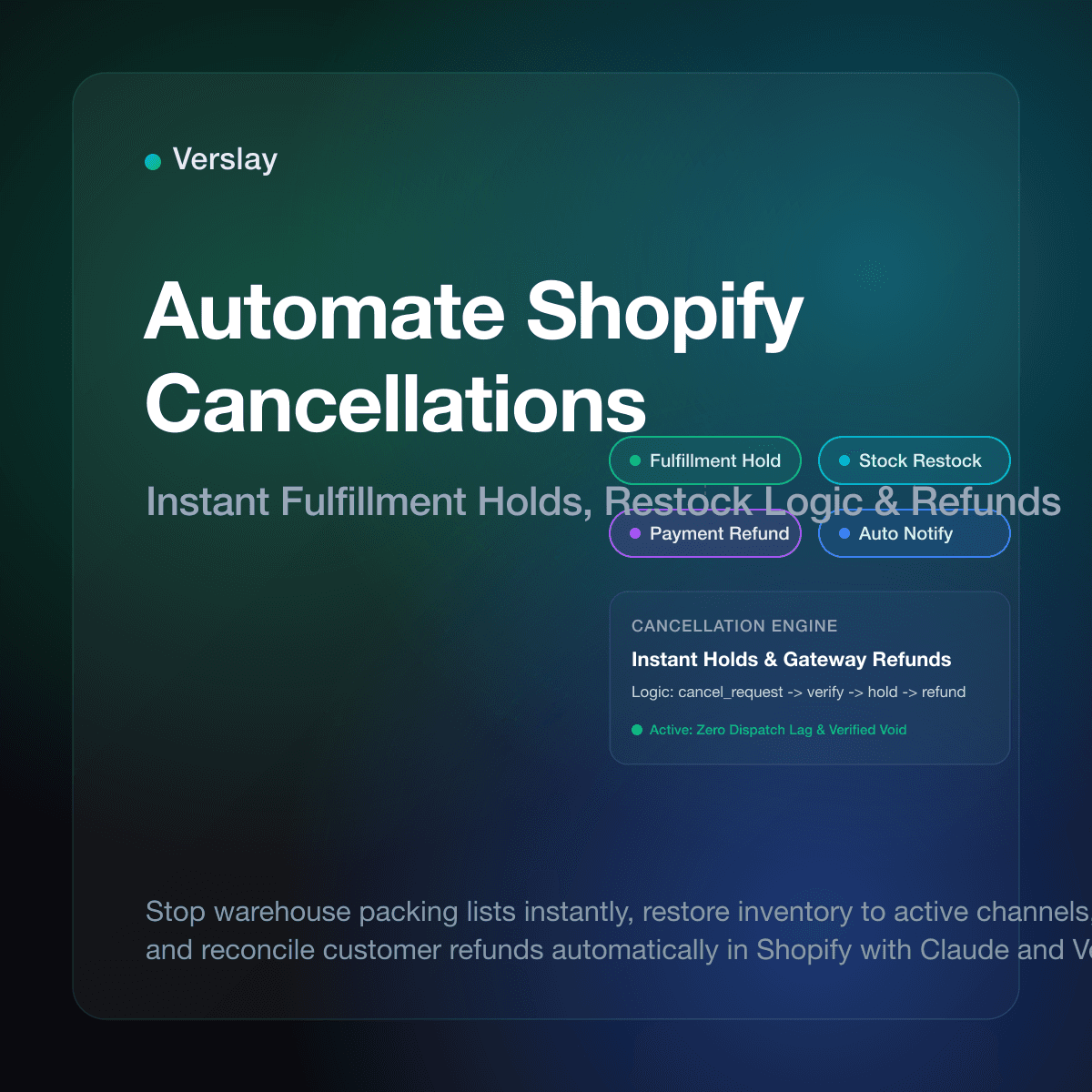
Store owners can automate Shopify order cancellations by capturing customer cancellation requests through a self-serve portal or support queue, instantly placing an automated fulfillment hold via the Shopify Fulfillment Orders API to prevent warehouse packing, and executing automated inventory restocks and payment refunds. Instead of waiting hours for a customer support representative to read an incoming email while the shipping floor prints carrier labels, automated rules verify the fulfillment status in real time, halt packing queues, and complete account reconciliations without human intervention.
At a glance
- Zero shipping waste: Block warehouse packing lists instantly so goods never leave loading docks on cancelled purchases.
- Instant fulfillment holds: Apply automated API hold tags on open line items the moment a valid cancellation arrives.
- Accurate stock restocks: Reallocate inventory back to active sales channels immediately without manual quantity adjustments.
- Automated payment reconciliation: Process full or partial refunds through original payment gateways with explicit reason codes.
- Reduced customer disputes: Eliminate chargebacks and frustrated inquiries by acknowledging and executing cancellations within seconds.
Why does manual order cancellation hurt Shopify stores?
Handling order cancellations manually creates friction between store operations, warehouse fulfillment staff, and the customer service team. In an active ecommerce business, the window of opportunity to halt an order before it gets picked, packed, and labeled is often narrower than thirty minutes.
When a shopper realizes they entered the wrong shipping address, selected an incorrect size, or bought an accidental duplicate, their primary response is to email store support. If your support desk operates on standard email turnaround times of two to four hours, the request sits unopened while your third-party logistics (3PL) provider or warehouse team processes the order. By the time an agent reads the message, the package is already sealed inside a carrier trailer.
This lag forces the merchant to absorb redundant two-way shipping fees, pay return processing surcharges, and handle restocking inspections. Worse, the buyer is told they must wait days for physical transit before mailing the item back to qualify for a return. According to the Shopify Help Center order cancellation documentation, an order can only be formally cancelled if fulfillment has not yet been processed by shipping carriers. Once shipping labels print, standard cancellation logic no longer applies, turning a simple five-second account adjustment into a protracted customer complaint or costly payment dispute.
How do you stop warehouse fulfillment before shipping?
The cornerstone of automated cancellation is halting physical operations immediately upon receiving customer intent. If an automation tries to cancel an order after the pick ticket reaches the warehouse floor without placing a hold, warehouse workers will continue packing the shipment.
Modern Shopify architectures resolve this through the Shopify Fulfillment Orders API. Instead of attempting a destructive database cancellation while warehouse workers might be scanning barcodes, the workflow applies an automated fulfillment hold with a defined reason code such as AWAITING_CUSTOMER_ACTION or CANCELLATION_REQUESTED.
Incoming Cancellation Request
  ├── Inspect Order Status via Shopify API
  │     ├── Status: "Fulfilled" or "In Transit"
  │     │     └── Reject Instant Cancellation -> Initiate Return / Exchange Flow
  │     └── Status: "Unfulfilled" or "Open"
  │           └── Apply Fulfillment Hold (Reason: Cancellation Requested)
  │                 ├── Transmit Webhook to Warehouse Management System (WMS)
  │                 ├── Execute Inventory Restock (Target Warehouse Location)
  │                 ├── Issue Gateway Refund via Shopify Payments
  │                 └── Send Confirmation Email to Customer
When this API call executes, Shopify updates the fulfillment order status from open to held. Downstream warehouse management systems (WMS) and shipping station software immediately remove the corresponding order from active packing queues.
| Operational Step | Manual Handling | Basic Native Flow | Automated Agentic Workflow | | :--- | :--- | :--- | :--- | | Response Latency | 2 to 6 hours | Instant (if rules met) | Real-time (< 15 seconds) | | Fulfillment Interception | High rate of missed shipments | Scripted tag rules only | Direct API hold & 3PL webhook | | Inventory Restock | Manual ledger count edits | Basic location restock | Multi-location dynamic allocation | | Refund Calculation | Manual gateway balance review | Fixed automated refund | Context-aware fees & gift card options | | Edge-Case Triage | Handled case-by-case | Fails on complex conditions | AI assesses customer intent & history |
By decoupling fulfillment holds from final order destruction, stores ensure that physical packing stops instantly while giving the accounting and inventory workflows the exact timestamp needed for clean reconciliations.
How do you automate inventory restocking and customer refunds?
Halting warehouse packing is only half the cancellation task. Once the package is protected from dispatch, the order must be restocked to store inventory and the customer funds must be reconciled.
When processing cancellations by hand, team members frequently forget to check the restock box or assign inventory to an incorrect storage location. This creates phantom stock discrepancies, where the online store shows units that do not physically exist or hides units that are resting on warehouse shelves.
Automated cancellation workflows eliminate this error by interacting directly with the Shopify Refunds API. The workflow specifies:
- Explicit line item quantities: Exactly which variants are being restored to available inventory.
- Location identification: The exact fulfillment center or retail location ID that originally committed the stock.
- Restock directive: A programmatic flag (
restock: true) that instructs Shopify inventory services to recalculate total available inventory across sales channels immediately. - Transaction adjustment: The precise refund amount matching the captured charge, minus any non-refundable express handling fees if specified by store policy.
This guarantees that product availability updates on your storefront within seconds of cancellation, allowing another customer to purchase the item without waiting for a manual inventory audit. You can explore how these components integrate across operations in Verslay integrations.
What automated rules prevent fraudulent or late cancellation requests?
While automating cancellations removes operational burdens, open cancellation triggers require safety boundaries. Without proper guardrails, automated systems could cancel orders that are already on delivery vans or expose your store to refund fraud exploits.
Effective cancellation workflows apply three fundamental validation checks before executing any refund or stock change:
First, enforce a strict fulfillment state check. If an order displays a fulfillment status of fulfilled or carrier tracking indicates that a package has been scanned into the carrier network, the automation must reject instant cancellation. Instead, the workflow should automatically direct the buyer to your self-serve exchange and return process.
Second, apply an order age threshold. Many merchants establish a standard cancellation window, such as sixty minutes from purchase or prior to daily warehouse cut-off times (for example, 2:00 PM local warehouse time). Orders received outside this window can trigger an automated notification informing the buyer that packing has commenced, while offering an easy one-click return label upon delivery.
Third, evaluate payment capture state. If an order payment is still in an authorized state rather than captured, the automation should void the authorization rather than initiating a refund transaction. Voiding an authorization avoids processing transaction fees from merchant gateways and delivers faster relief to the customer balance.
To see how specialized operational roles oversee these parameters across ecommerce stores, review the catalog in Verslay agents.
How does Claude orchestrate Shopify order cancellations with Verslay?
Growing direct-to-consumer and wholesale merchants rarely have dedicated software engineers to code custom webhooks between customer service desks, Shopify admin panels, and warehouse systems. Verslay provides practical AI agents and automations that connect directly to the merchant's existing Claude (claude.ai) workspace using the Verslay MCP server.
Because Verslay runs through your own Claude setup without requiring custom software engineering or storing sensitive customer data on external infrastructure, store operators can review and orchestrate order workflows using conversational instructions. Explore how automated workflows function across ecommerce catalogs in Verslay use-cases.
For instance, an operations lead or store owner can paste a customer inquiry into Claude and instruct:
"A customer just emailed requesting to cancel order #24810 due to an incorrect shipping address. Check Shopify via the Verslay MCP server to verify if fulfillment has begun. If unfulfilled, apply an immediate fulfillment hold, restock the two items to our central distribution warehouse, issue a full refund to their credit card, and draft a polite confirmation reply confirming the order was cancelled."
Claude queries the Verslay MCP server, inspects the live Shopify fulfillment order state, applies the fulfillment hold, executes the cancellation through the Shopify Refunds API with proper restock flags, and confirms the transaction ID—all completed in less than twenty seconds.
For clear breakdown of plans suitable for expanding merchants, review our Verslay pricing page. If you need help connecting your store credentials securely to Claude, follow our step-by-step Shopify connection guide.
Frequently asked questions about Shopify order cancellation automation
Can you automate order cancellations on Shopify before shipping?
Yes, by integrating cancellation triggers from customer emails or portal forms with the Shopify Fulfillment Orders API to place an instant hold on unfulfilled shipments. This prevents the warehouse team from generating shipping labels and ensures the order stops before physical dispatch.
How do you stop warehouse packing when an order is cancelled?
Automated workflows send real-time webhooks or API fulfillment hold requests to your 3PL or warehouse management system, removing the order from active packing lists. The fulfillment order changes status from open to held, preventing warehouse personnel from boxing the merchandise.
Does cancelling a Shopify order automatically restock inventory?
When using the Shopify Admin API or automated workflow rules, you can specify restock instructions so quantities immediately return to available stock at the originating warehouse. If an automation omits the restock directive, inventory counts will remain out of balance until adjusted by hand.
How do automated cancellation workflows handle payment refunds?
The automation calculates whether payment was captured or authorized, then issues a full or partial refund back to the original payment gateway or generates a digital store credit. This reconciles ledger balances instantly and emails the buyer an updated receipt.
Automating your Shopify order cancellation process preserves fulfillment bandwidth, protects customer relationships, and eliminates costly shipping mistakes before packages leave your warehouse. If you want to see how Verslay connects Claude to your store operations to automate fulfillment holds, inventory restocking, and customer reconciliations, book a quick 30-minute consultation with our team.