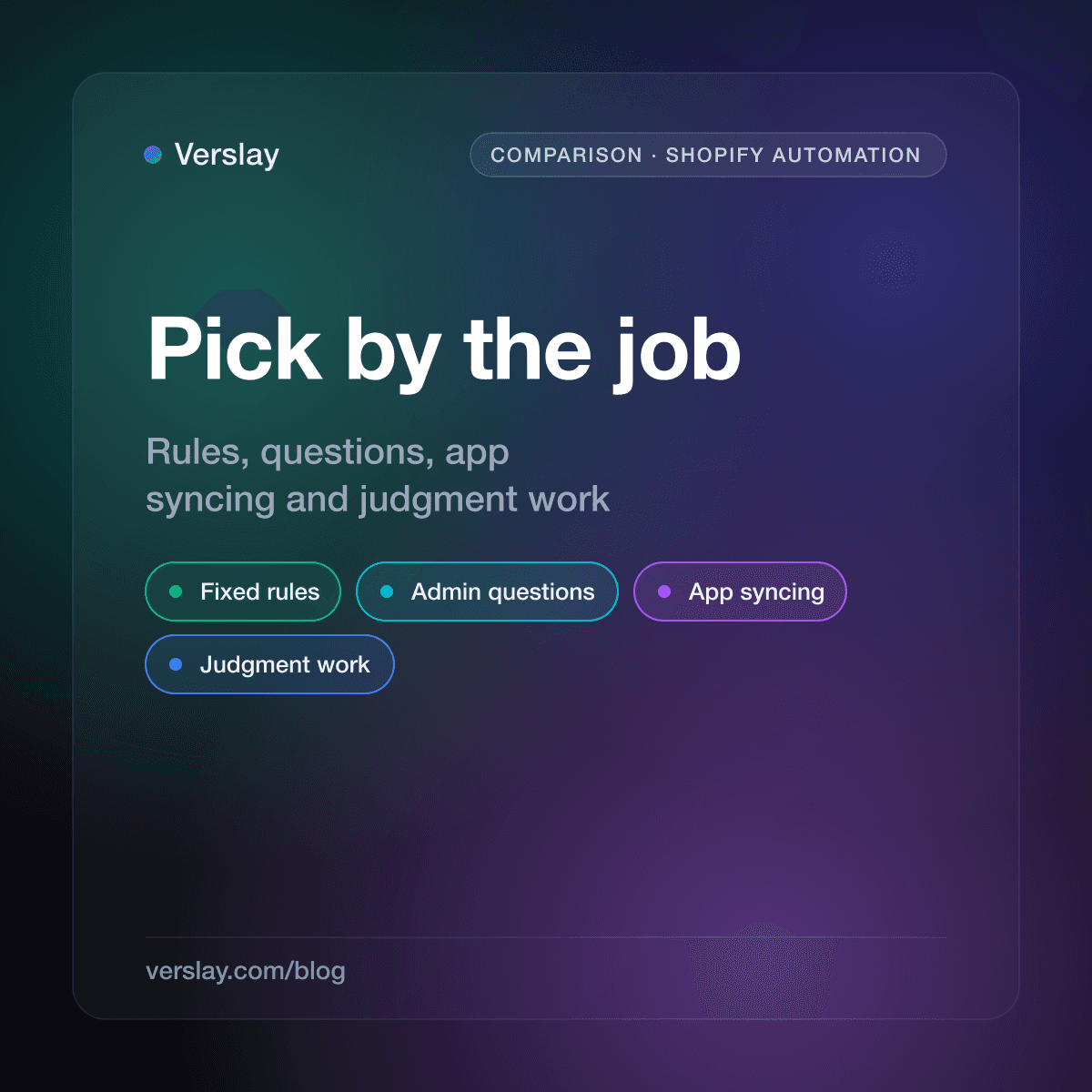
The best AI automation platform for Shopify depends on the job. Shopify Flow is the right start for fixed rules, Sidekick answers questions in your admin, Zapier, Make and n8n connect your other apps, and an AI agent handles work that needs reading and a decision. Most small stores end up using two of these, not one.
At a glance
- Fixed rules inside your store: Shopify Flow.
- Questions and quick tasks in the admin: Sidekick.
- Moving data between apps: Zapier, Make or n8n.
- Judgment work across Shopify, email and Slack: an AI agent through your own Claude, such as Verslay.
- Pick by job, not by brand. Move one job at a time.
How do you choose an automation platform for your store?
Ask what the job looks like. If you can write it as "when X happens, do Y", it is a rule. If you would have to read several things and decide, it is judgment work.
Rules want a tool that runs the same way every time. Judgment work wants something that reads first and acts second. Stores waste time when they mix these up: a simple rule built in a heavy tool, or a judgment call forced into a rule that keeps needing exceptions.
| Platform | Best at | Watch out for | | --- | --- | --- | | Shopify Flow | Fixed rules inside your store | Not made for reading and deciding | | Sidekick | Questions and tasks in the Shopify admin | Lives in the admin | | Zapier | Connecting Shopify to many other apps | Shopify is listed as a Premium app | | Make | Visual multi-step scenarios | You build and maintain each scenario | | n8n | Flexible workflows you control | More setup work | | Verslay | Judgment work across your tools, no code | Built for reading and drafting, not for fixed rules |
Is Shopify Flow still the first thing to try?
Yes. Shopify describes Flow as an ecommerce automation platform that watches your store for events and runs a sequence of actions in response. It is a free app on the Basic, Grow, Advanced and Plus plans, and the Send HTTP Request action is limited to Grow, Advanced and Plus.
Flow uses a drag-and-drop editor with triggers, conditions and actions. Shopify's getting started page shows the classic case: a new order starts the workflow, a condition checks the order total, and an action tags the customer as a VIP.
Flow suits jobs like tagging risky orders, hiding a product when stock hits zero, or holding an order that matches a rule. Nothing to read, nothing to judge. If a rule can do the job, put it in Flow and stop there.
What does Sidekick add?
Shopify's Sidekick is an AI commerce assistant inside your admin. You ask in plain language and it can help with data, orders, products and content. Shopify says it presents changes for your review before applying them, and that longer tasks keep running in the background until they are ready for you.
Sidekick can also work with third-party apps and save prompts you repeat as skills. If most of your questions are about what is happening in the store, it is a sensible tool to try because it is already where you work.
It sits in the Shopify admin, though. If the job also involves your inbox, a supplier spreadsheet and a Slack channel, you need something that reaches those too.
Zapier or Make: which one connects Shopify better?
Both are visual builders that link Shopify to other apps. The difference is mostly how you like to build.
Zapier's Shopify page pitches no-code AI automation with a visual workflow builder and a free tier. Its example workflows send paid orders to Google Sheets or Slack and create Xero invoices for new orders. Shopify is marked as a Premium app there, so check what your Zapier plan includes before you plan around it.
Make's Shopify page lists triggers such as watching orders and products, and actions such as adjusting an inventory level, creating a fulfillment, creating a customer and creating a product. It also shows a template that writes product descriptions with OpenAI.
Both move a known piece of data from A to B well. You still design the scenario, and you maintain it when something changes. If your need is "paid order lands in a sheet", either one does it.
Where does n8n fit?
n8n's Shopify page lists order actions: create, delete, get, get many and update an order. It is a workflow builder with more room to customize than the others, which suits someone comfortable fiddling with the details.
The same page links community threads where people hit setup trouble connecting Shopify, including questions raised after Shopify changed how custom apps are created. If nobody on your team likes to tinker, count the setup time before you pick n8n.
When is an AI agent the better pick?
When the job is not a rule. "Which unshipped orders will upset a customer first?" has no trigger and no single condition. Someone has to look at order age, value, repeat-buyer status and the SKU causing the hold.
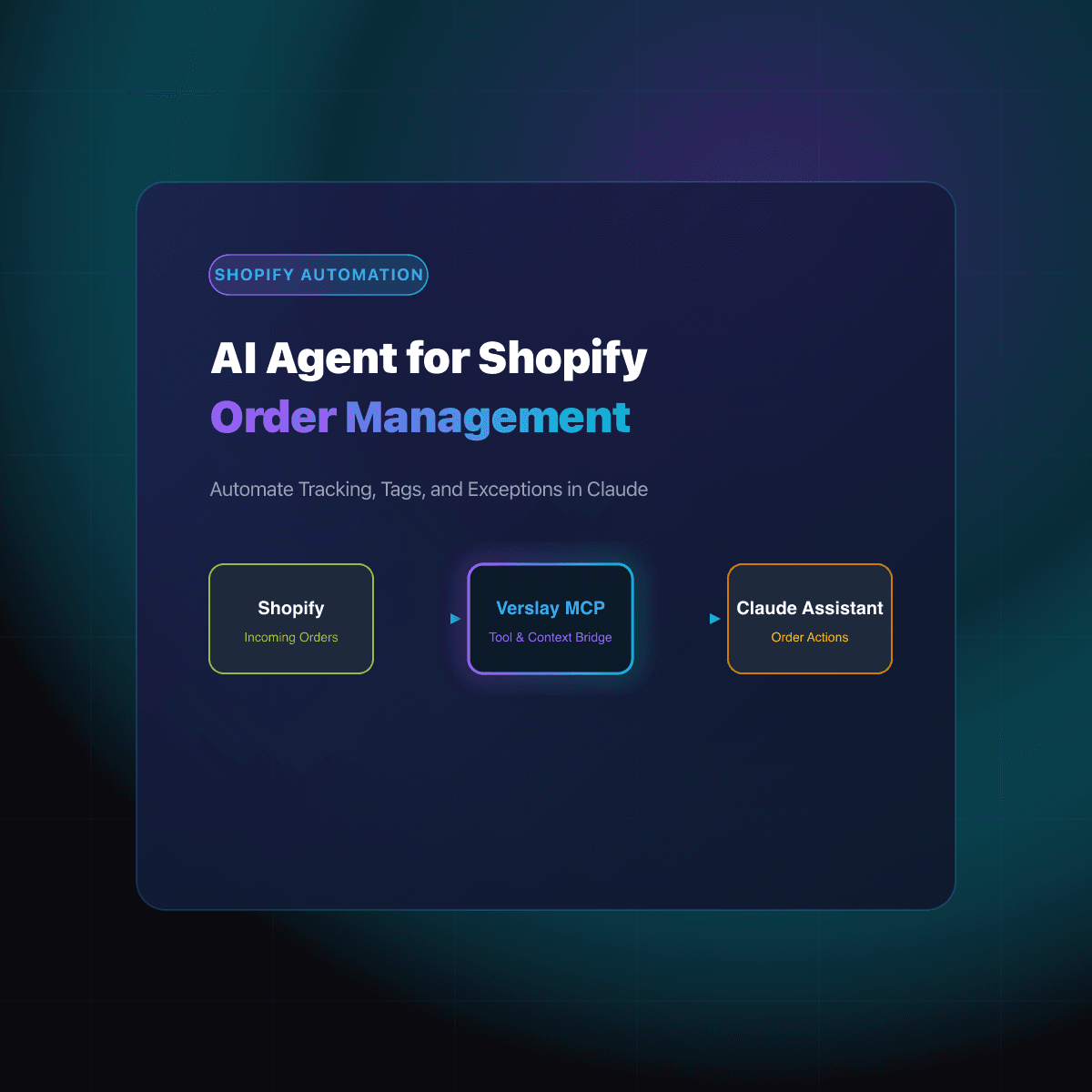
This is what Verslay is for. Verslay gives you ready-made AI agents and automations that run through your own Claude, and you need no code. The Shopify Commerce Operator agent reads your Shopify products, orders, customers and inventory. Shopify is the one required connection.
Two examples from the catalog:
- The Late-Order Rescue use case lists paid orders that are past your ship promise, ranks them by age and value, and flags the SKUs causing the delay. Its page says the buyer notes it drafts do not send themselves, and it does not mark anything fulfilled.
- The Daily Store Pulse use case gives you a morning brief of orders, revenue and anything unusual, compared with the same weekday in earlier weeks.
A sample prompt for the first one:
Which paid orders are late right now, and draft a short honest update for each group of buyers?
You read the list and the drafts, then decide what goes out. A Flow rule can tag an order that has been open too long. It cannot rank the customers or write the note.
An agent is the wrong tool for a fixed rule. Flow runs those the same way every time.
What should you automate first?
Start with the lowest risk job and add one at a time.
- Put your fixed rules in Flow: order tags, hold rules, stock-out hiding.
- Try Sidekick for the questions you ask the admin every week.
- Add a connector only for a real app-to-app gap, such as orders into a sheet.
- Run a read-only agent job like the morning pulse for a few days. It changes nothing, and you see how it thinks.
- Give the agent late orders and customer replies next, and keep approval on anything that reaches a buyer or moves money.
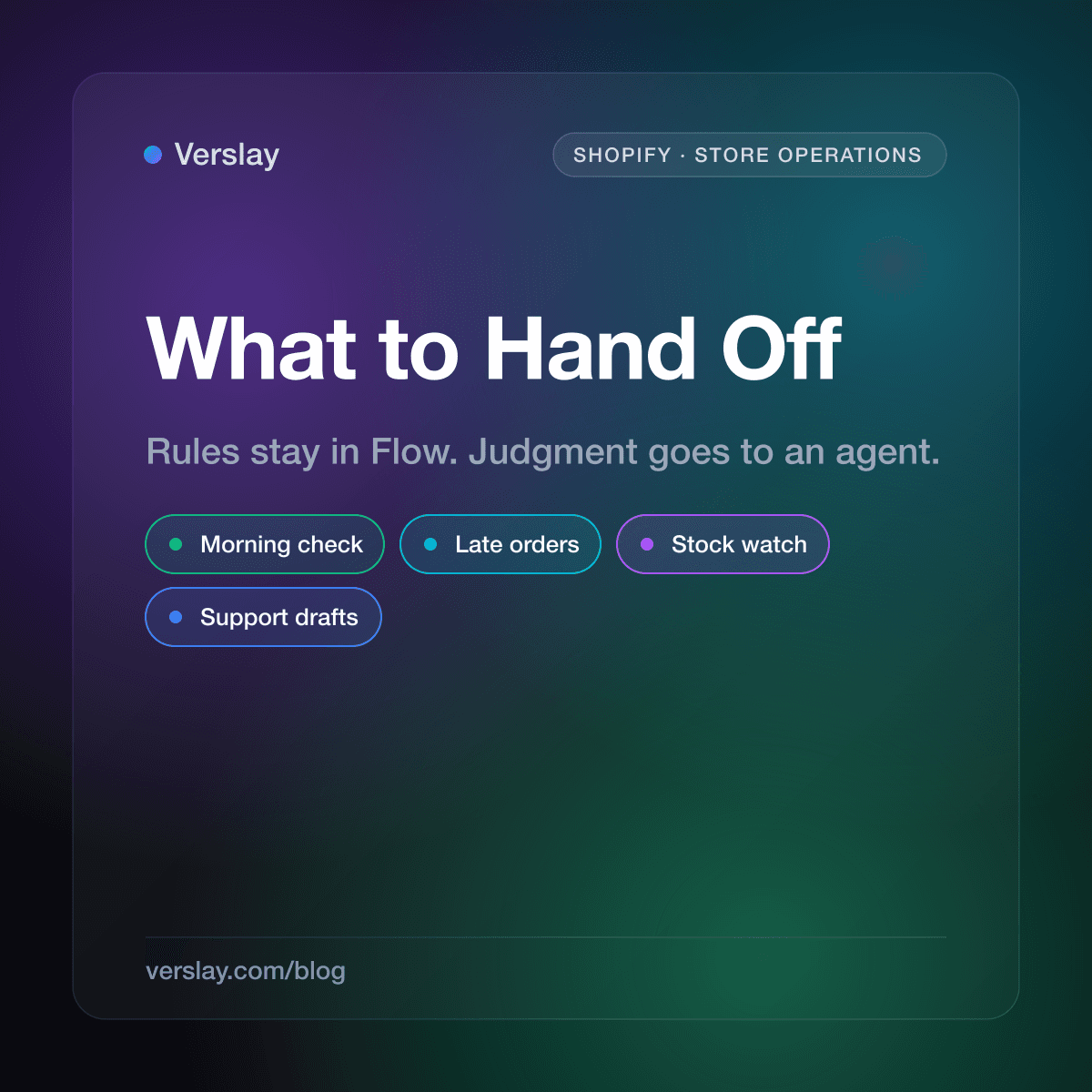
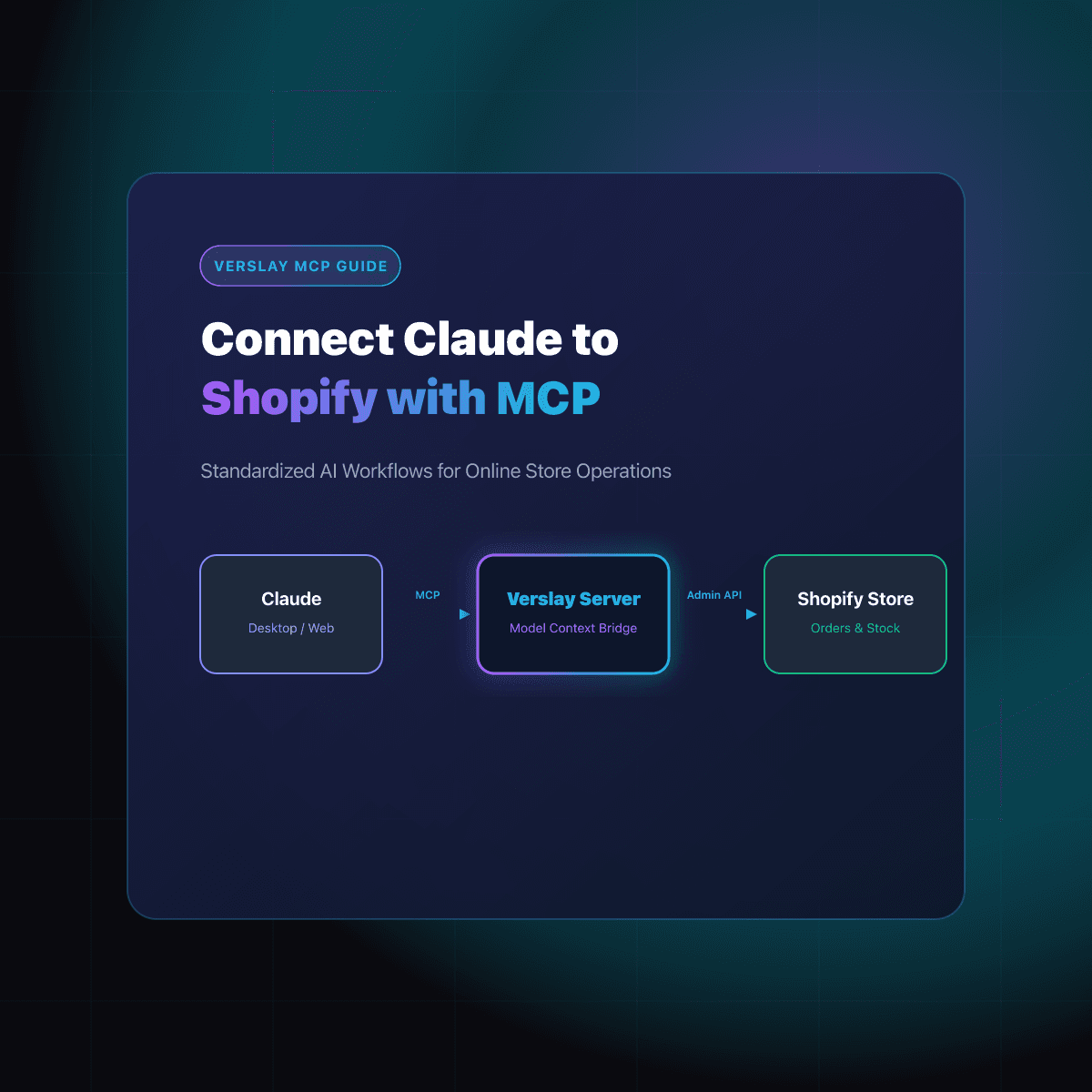
Our guide to AI automation for Shopify store operations walks through what to hand off and what to keep. If you have not linked Claude to your store yet, start with connecting Claude to Shopify with MCP.
If you want to see how an agent would handle the job that eats most of your week, you can book a short call with us. Bring the task and we will show you how it would run: book a call.