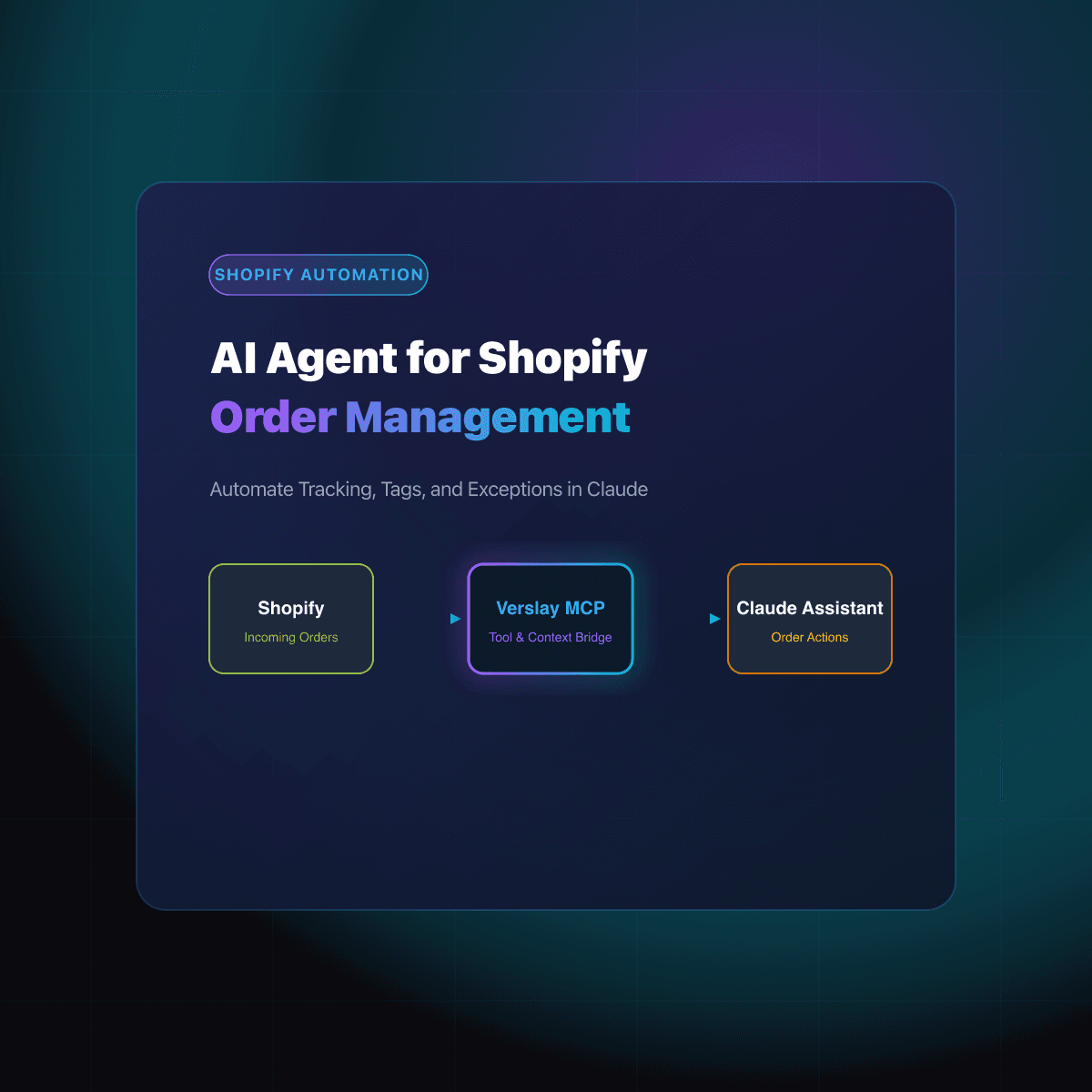
AI automation for Shopify store operations means an agent reads your orders, stock and support inbox, decides what needs attention, and drafts the next step while you approve it. It is best at work that needs judgment. Fixed if-this-then-that rules still belong in Shopify Flow.
At a glance
- Rules that never change: Shopify Flow, a free app on the main Shopify plans.
- Work that needs reading and a call: an AI agent connected to your store.
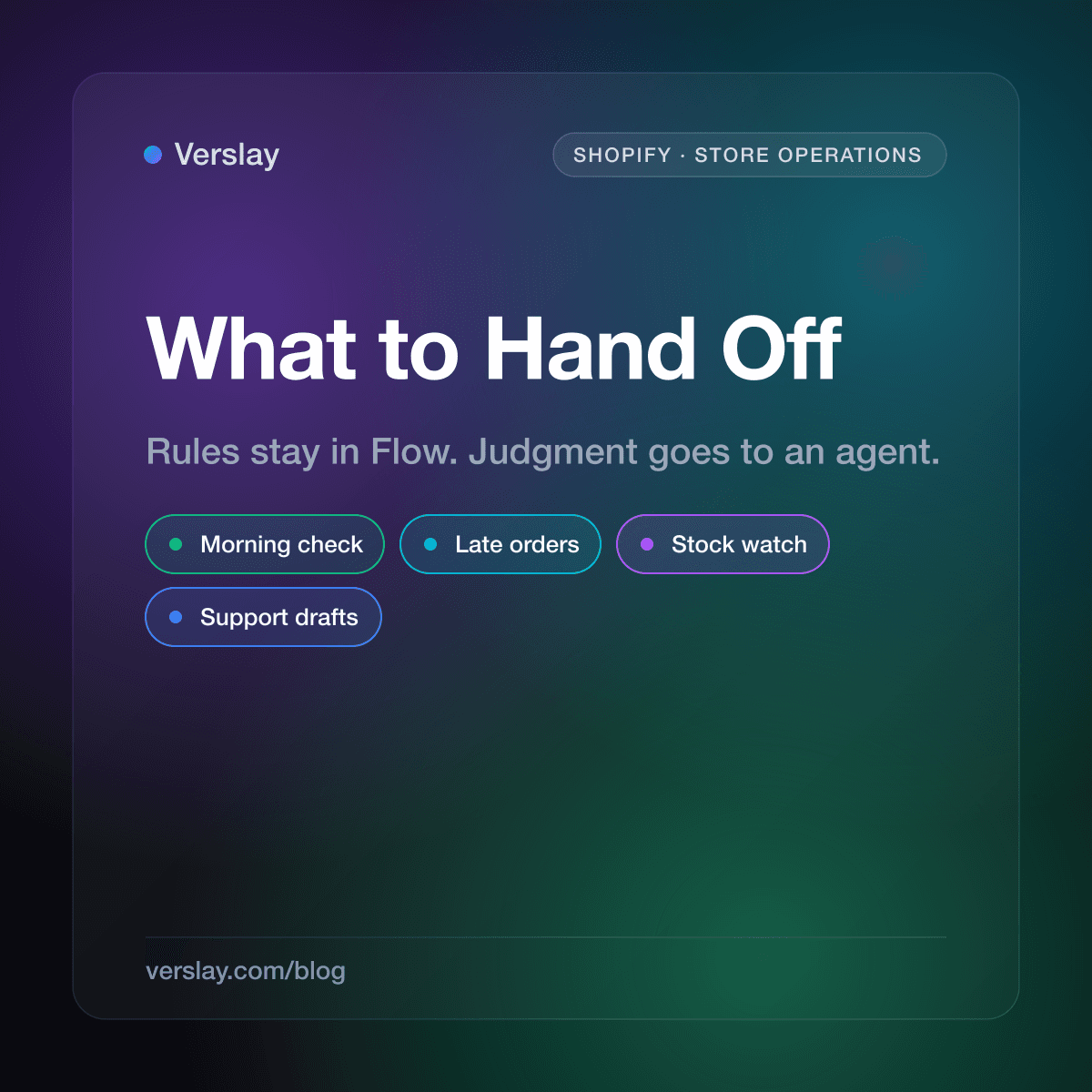
- Good first jobs: a morning summary, a late-order list, a stockout watch, support drafts.
- Anything that messages a buyer or spends money waits for your approval.
- No code. The model runs in your own Claude.
What does AI add that Shopify Flow does not?
Shopify describes Flow as an automation platform that watches your store for events and runs a sequence of actions in response, built from triggers, conditions and actions. It is a free app on the Basic, Grow, Advanced and Plus plans.
Shopify's own getting started page gives the classic example. The trigger is a new order, the condition is that the order is over a set amount, and the action tags the customer as a VIP. That is a rule. It runs the same way every time, and that is exactly why you want it in Flow.
The trouble starts when the job is not a rule. "Which of today's unshipped orders will make a customer angry first?" has no trigger and no single condition. Someone has to look at order age, order value, whether the customer is a repeat buyer, and which SKU is holding things up. An AI agent does that reading. Flow does the clicking once you know the answer.
Shopify has its own assistant too. Its Sidekick help page says Sidekick can build Flow workflows and write code to forecast, compare or summarize your store data. That covers questions inside the Shopify admin. An agent connected through your own Claude is useful when the job also touches your email, Slack or supplier sheets.
Which Shopify store operations can AI automate?
Think in terms of the daily loop a store runs, not features. Four jobs come up in nearly every store.
- The morning check. What happened overnight, and is anything odd?
- Orders that are slipping. What is paid but not shipped, and who should hear from you?
- Stock. What will run out before the next delivery lands?
- Customer email. Which messages are "where is my order" and which need a human?
Verslay ships a ready-made workflow for each. They are listed in the use-case catalog, and each page says exactly what the agents do and what they need connected. The next few sections walk through them.
How does a morning store check work?
The Daily Store Pulse use case pulls the last day of orders, revenue, average order value and fulfillment status. It compares them to the same weekday in earlier weeks and puts anything unusual first, such as failed payments or fulfillments that stalled. If nothing is unusual, it says so.
The same-weekday comparison matters more than it sounds. A Monday looks nothing like a Saturday, so comparing yesterday to the day before gives you false alarms. The page also says it builds its baseline over time by storing each day's numbers.
You can ask it in one line:
Morning store pulse: what happened in the last 24 hours and what needs my eyes?
This is the best first job because it only reads. You see what the agent sees before you trust it with anything else.
How do you catch late orders before customers ask?
"Where is my order" emails are a cost you can see coming. The Late-Order Rescue use case lists paid orders that are unfulfilled past your ship promise, ranks them by age and order value, and flags the SKUs that are causing the delay. It drafts a note for each group of buyers using the real order names.
It stops there on purpose. According to the use-case page, the drafts do not send themselves, it does not invent tracking numbers, and it does not mark anything fulfilled. You get a list the warehouse can work from and messages you can read before they go out. An empty list is a fine result too.
Try this prompt:
Which paid orders are late right now, and draft a short honest update for each group of buyers?
A Flow rule can tag an order that has been open too long. It cannot decide which customers deserve a personal note first, or write the note. That split is the whole point of using both.
What about stock and reordering?
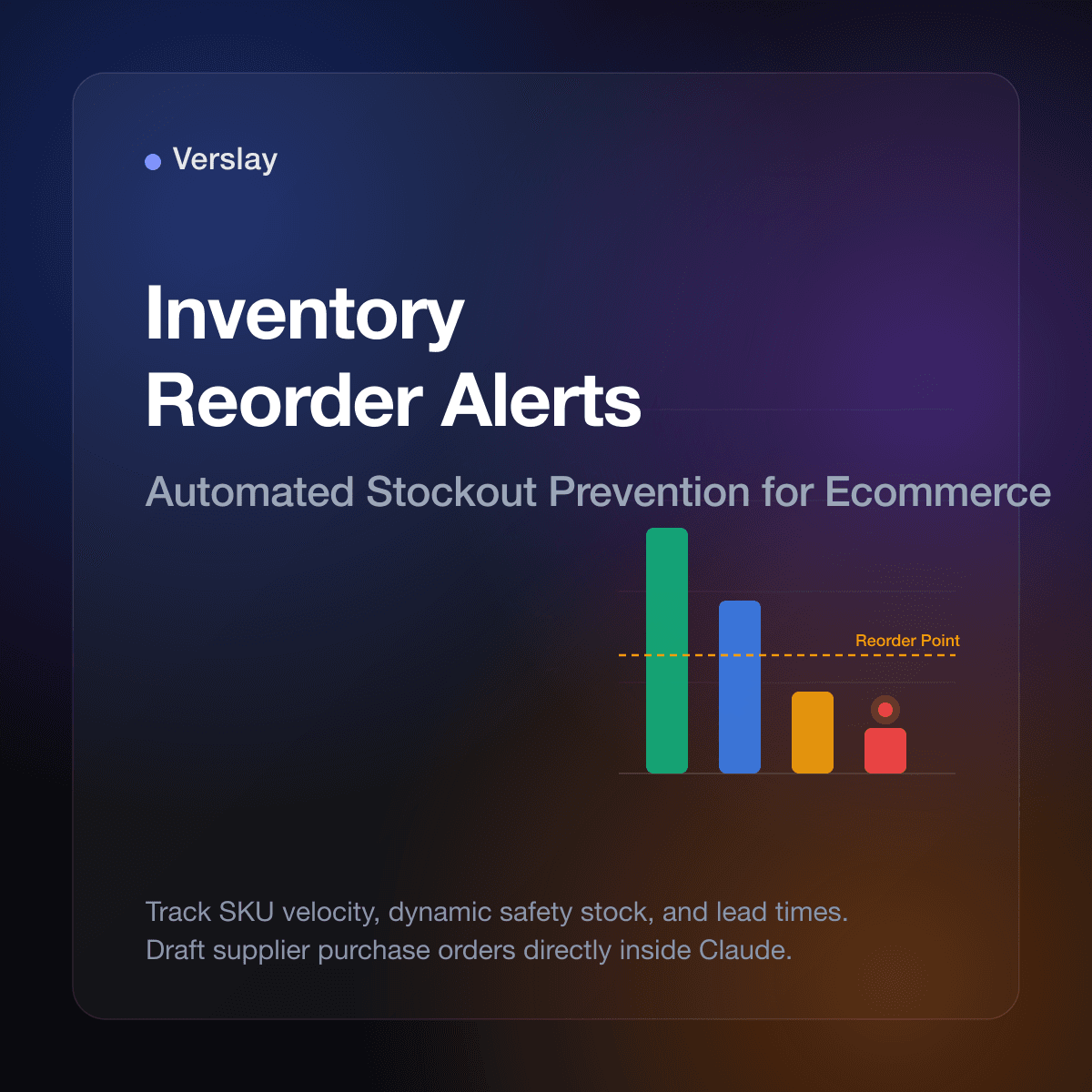
Flow can tell you a product dropped below a number. The Inventory and Reorder use case goes a step further. It looks at how fast each SKU sells, what is already on open purchase orders, and how long your supplier takes. Then it ranks SKUs by the revenue you would lose if they ran out, and drafts a purchase order per supplier with the math shown.
A product with plenty of units that sells fast can be more urgent than a product with few units that barely moves. A flat low-stock alert treats them the same. Ranking by revenue at risk does not.
Nothing orders until you approve. The use-case page describes the drafts as staged for your approval.
Can AI handle customer emails about orders?
It can draft them. The L1 Support Email Drafter use case pulls unanswered threads, sorts them into order status, sizing, returns and order changes, and checks the live order in Shopify before it writes a reply. Per its page, replies use only what the order facts and your written policy support. Anything outside policy goes to a human with the context attached, and replies are staged as Gmail drafts on the original thread.
That grounding is what separates a useful draft from a confident wrong one. An agent that has never looked at the order will happily promise a delivery date. One that has pulled the fulfillment record will not.
What should stay manual?
Keep a person on anything that changes money or reaches a customer for the first time: refunds, discounts, price changes, and the first message in a sensitive thread. The agent can prepare each of these. You press the button.
Also keep manual anything you cannot explain to a new hire in two sentences. If you cannot say what a good answer looks like, an agent will not know either.
How do you get started this week?
- Connect Shopify once in the Verslay dashboard. The Shopify Commerce Operator agent reads products, orders, customers and inventory, and every use-case above reuses that one connection.
- Run the morning pulse for a few days. Read it next to your normal dashboard and see where it agrees and where it surprises you.
- Add the late-order list. Decide your real ship promise, because the list is only as good as that number.
- Add stock watching once you trust the first two.
- Leave your existing Flow rules alone. Move a rule over only when it keeps needing exceptions.
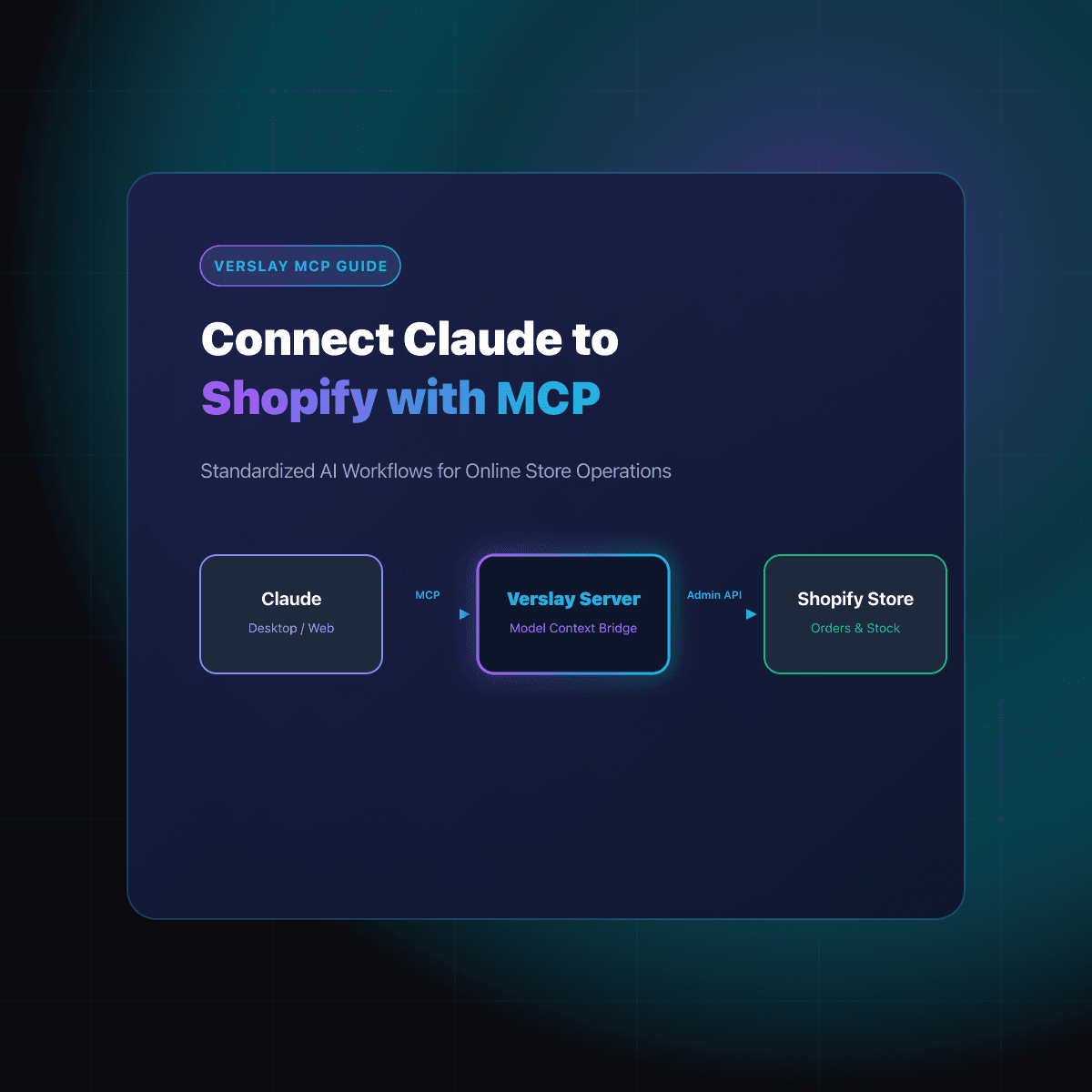
If you have not connected Claude to your store yet, our guide to connecting Claude to Shopify with MCP covers the setup.
If you want to see this running against a real store, you can book a short call with us. Bring the one job that eats most of your week and we will show you how it would run: book a call.